








May 3, 2011
How Do I Consider Welded Aluminum Connections in RISA-3D?
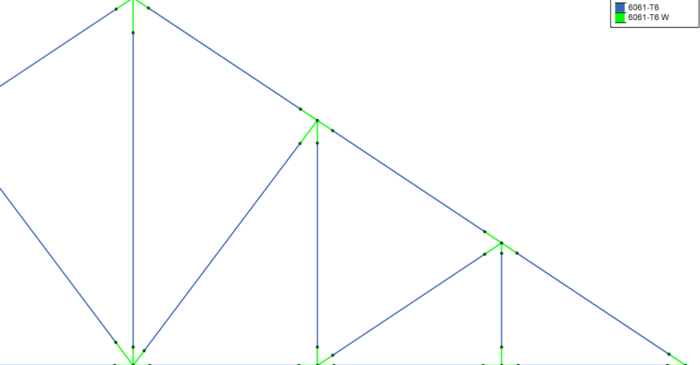
In Aluminum design, the welded areas have a decreased material strength and RISA-3D can assign any material strength to the members based on the Material spreadsheet.

In Aluminum design, the welded areas have a decreased material strength and RISA-3D can assign any material strength to the members based on the Material spreadsheet.
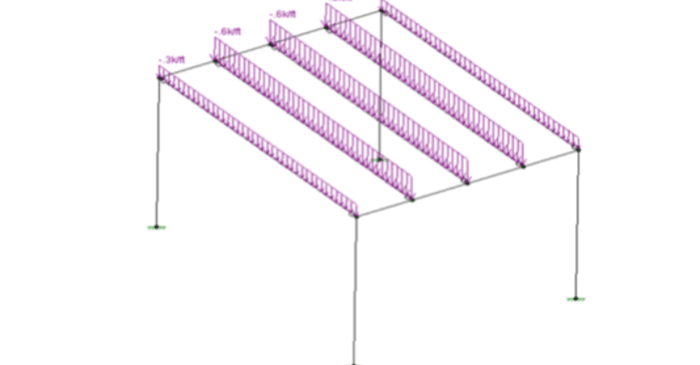
After solving a model with Member Area Loads, RISA-3D will automatically create Transient Basic Load Cases that allow the user to verify load distribution.
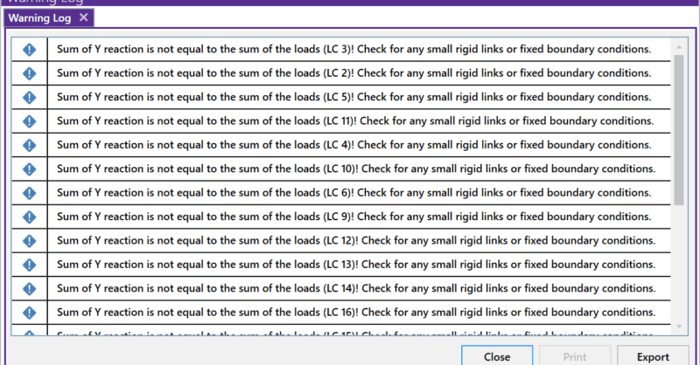
RISA-3D will now check your model for errors by summing the reactions in your model and comparing them to the applied loads. This occurs for the global X, Y, and Z directions. If RISA identifies that the reactions do not equal the applied loads then the software will show a warning message to the...
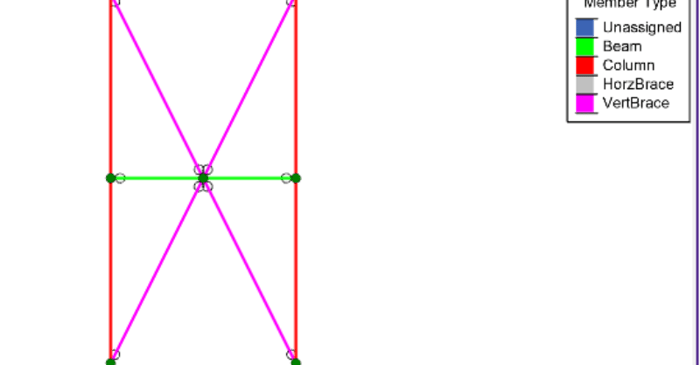
In RISA-3D, there are many different applications that require you to define Member Type in your model including AISC 15th Edition steel design, Seismic Design, Concrete design, and models that will be transferred to Autodesk Revit.
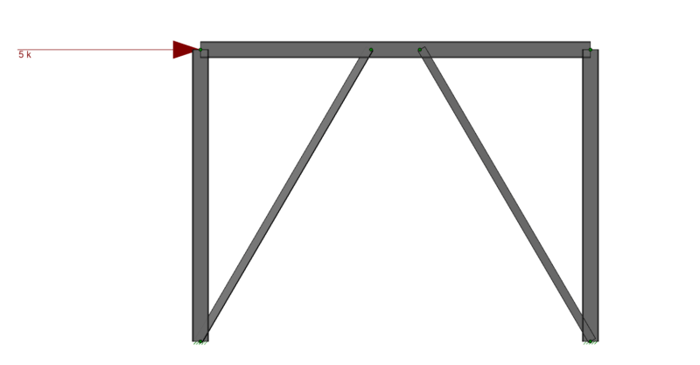
V-Brace frames in RISA-3D seismic design have unbalanced forces shown on both the beams and braces. As brace frames displace under lateral loads, one brace will buckle and its force decreases while the other brace in tension will have an increase of force until it reaches yield.
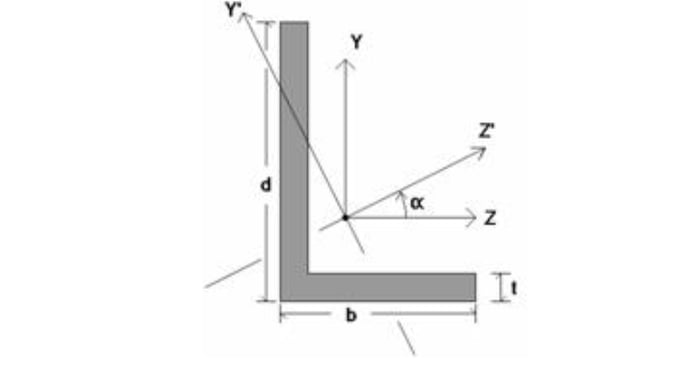
The bending and axial code checks for single angles differ somewhat from other shape types, because single angles behave quite differently in bending and compression depending on how they are braced along their length.
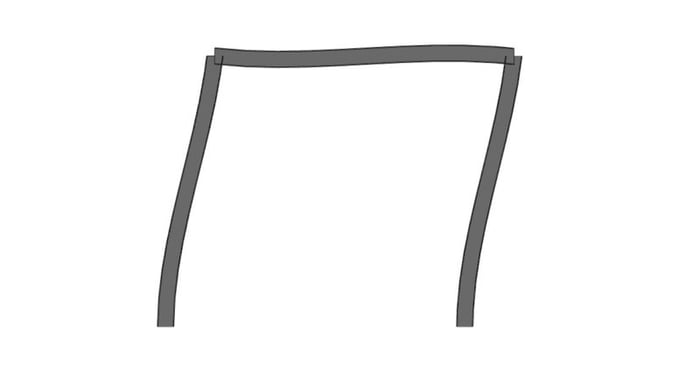
The Seismic Provisions in RISA-3D will check various design and code check requirements according to the AISC design provisions (AISC 360-2005, AISC 341-2005, AISC 358-2009). Seismic Design Rules can be applied to any member in the model, just follow the steps listed below.
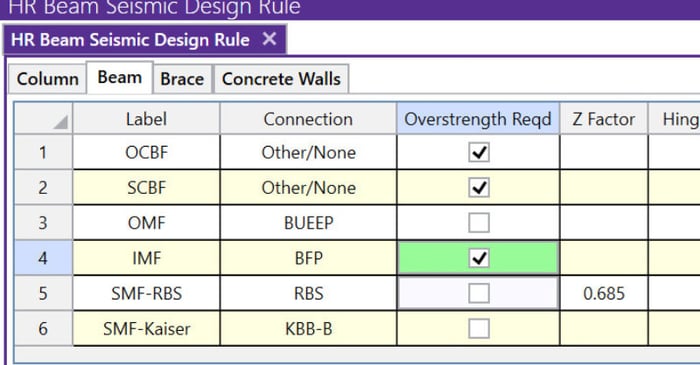
The Seismic Design rules can be found in RISA-3D on the Data Entry toolbar or in the Spreadsheets menu. Below is a quick-reference description of the entries required. For further information refer to the Online Help File > Seismic Detailing.
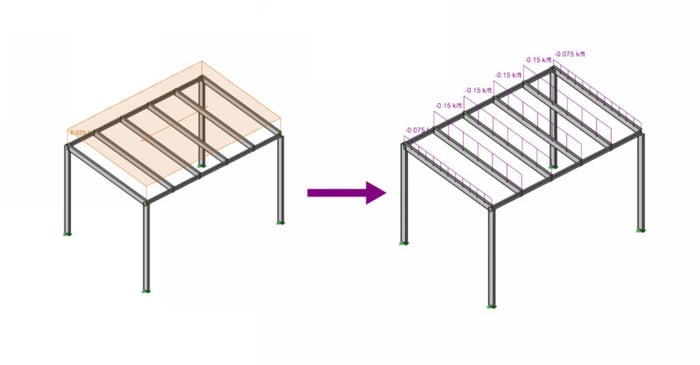
When a model is solved that contains Member Area Loads, the program automatically attributes them to the applicable members within the defined area of the applied load. The load is attributed to the members as distributed loads that RISA-3D defines as Transient Loads.