








June 28, 2011
Checking Soil Bearing in RISAFoundation
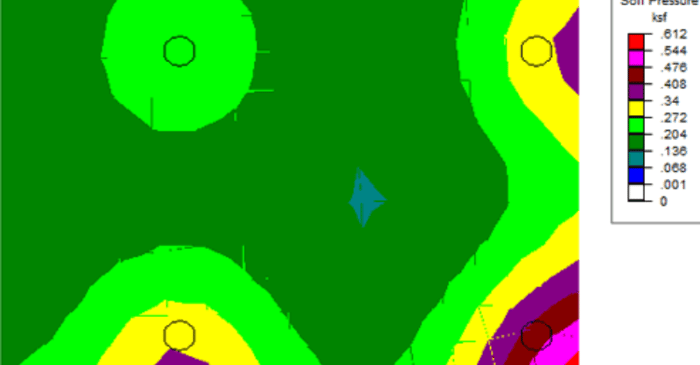
RISAFoundation has the capability to report soil bearing pressures, and check them against allowable pressures.

RISAFoundation has the capability to report soil bearing pressures, and check them against allowable pressures.
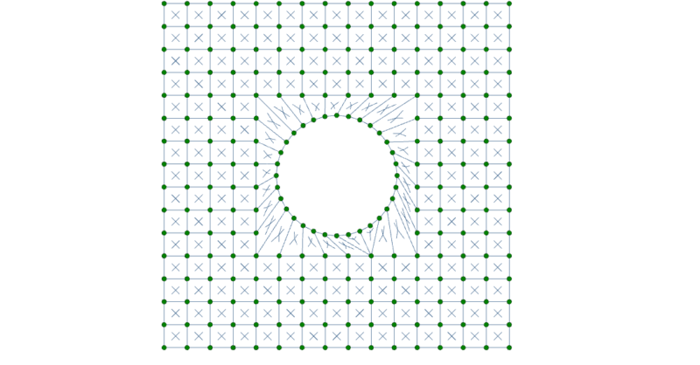
While RISA-3D (or RISA-2D) does not have an explicit tool to punch a hole in a plate, you can use the following steps to manually model them:
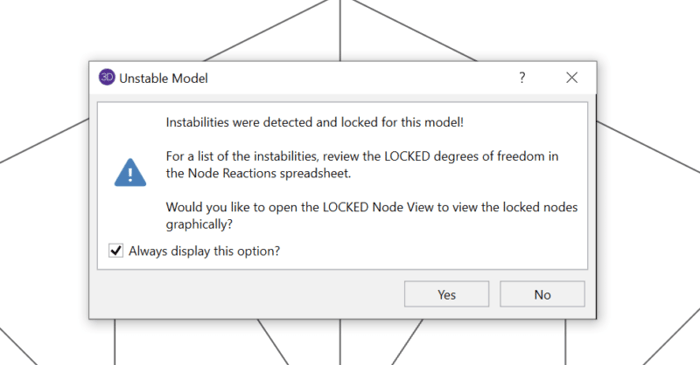
Have you ever received an instability warning when running a three dimensional RISA-3D model? This is because RISA-3D cannot build the stiffness matrix with the configuration you have modeled. In some cases, your model is truly unstable and in others it’s a matter of correctly modeling your...

In RISAFloor on the roof level, you layout only the top chords of the truss and create your slope. These top chords by themselves probably won’t be sufficient enough to get designed in RISAFloor, but, don’t worry, we’ll take care of that in RISA-3D when we model the rest of truss.
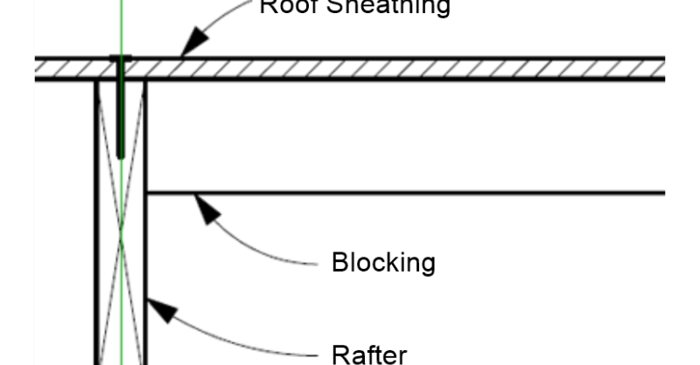
In RISAFloor, the beams are susceptible to two forms of buckling; Euler buckling and lateral-torsional buckling. The unbraced length is determined in RISAFloor using the deck properties and framing.
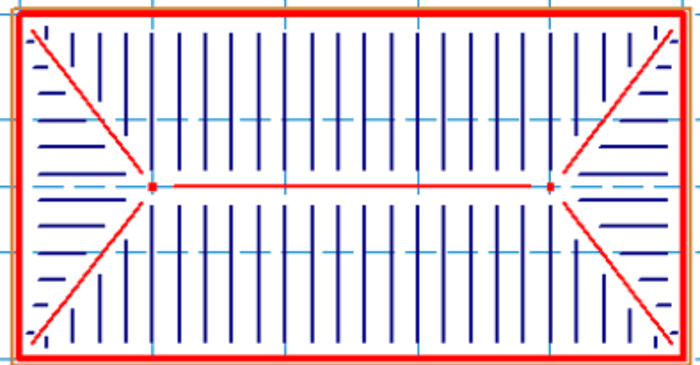
Using this method in RISAFloor, we are not actually designing the trusses, but just adding “dummy” bottom and top chords to correctly calculate the loading and help distribute the loads to the walls.
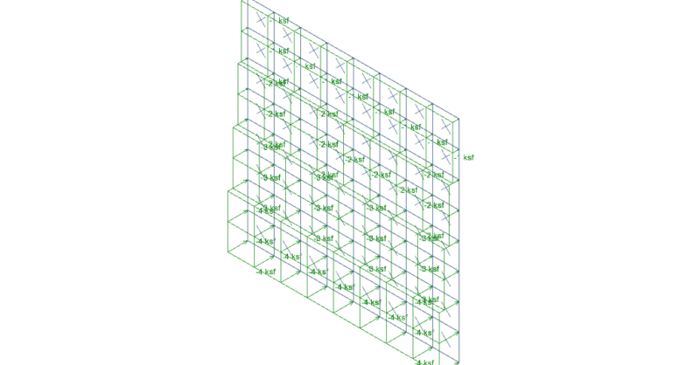
It’s easy to apply tapered surface loads to plates in RISA-3D by stepping up the loads from one level to the next.
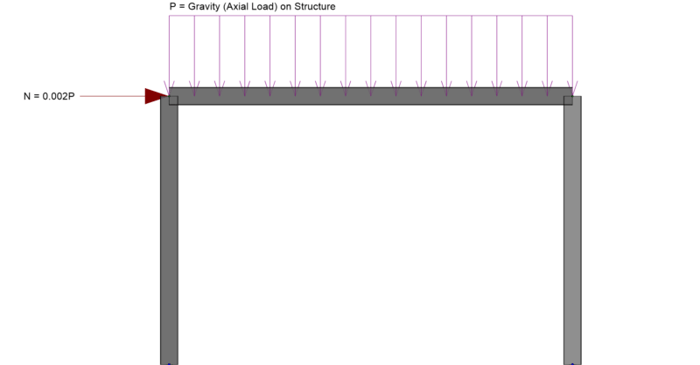
In RISA-3D you can automatically apply notional loads to your structure to comply with your steel code (such as AISC 360). Notional loads take into account a building’s actual out-of-plumbness by adding de-stabilizing lateral loads. The AISC 360 recommends either 0.2% or 0.3% of the vertical loads...
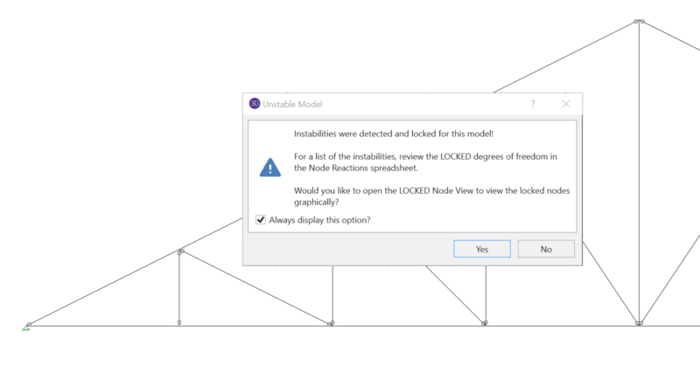
When running a truss model in RISA-3D or RISA-2D, it’s quite common to receive an instability warning, but these can be easily resolved by following a few simple rules.