

October 26, 2010
How to Use Spreadsheets More Effectively in RISA
RISA includes various advanced spreadsheet operations that make reviewing input and results easy.
Year-End Is One of the Few Times Engineers Can Actually Rethink Tools Most engineers don’t change core analysis software in the middle of a deadline-driven project. End of year is different. Budgets are closing out, project schedules tend to soften slightly, and teams finally have a moment to evaluate what worked — and what slowed them down. That combination creates a rare window to reassess tools without the pressure of an active permit submission. For many firms, it’s also when leadership asks bigger operational questions: Are we spending too much time reworking models? Are our engineers relying too heavily on spreadsheets? Are we confident scaling into slightly larger or more complex jobs next year? Budget Resets and Training Calendars Create Natural Momentum Year-end decisions often align with practical realities. Software budgets reset in January, making it easier to justify a purchase that didn’t fit earlier in the year. Training calendars are also easier to plan before the new project backlog fills up. Engineers can start the year productive instead of learning a new workflow mid-project. This timing matters. Firms that switch tools before the new year often avoid the “we’ll deal with it later” trap — and later rarely comes…
Read More
RISA includes various advanced spreadsheet operations that make reviewing input and results easy.
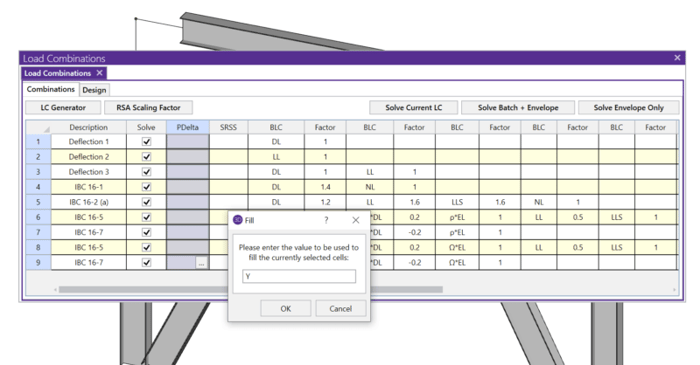
RISA-3D automatically considers the complex wind combinations required by ASCE 7 using the wind load generator and the load combination generator.
When you model your building in RISAFloor, make sure that you define your slab edge as flexible. That will ensure that the entire contents of the diaphragm will use flexible behavior.
When dealing with a sloping site, it is often necessary to step-down the bases of columns and walls along the length of a building. The example below illustrates how to model this in RISAFloor.
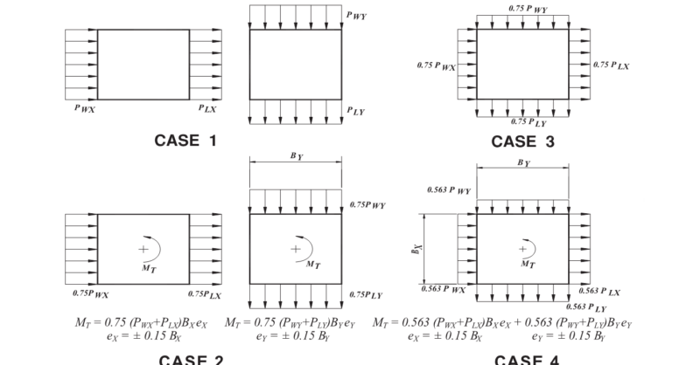
RISAFloor is capable of automatically generating the wind loads on sloped roofs. Let’s look at an example of this with the model below:
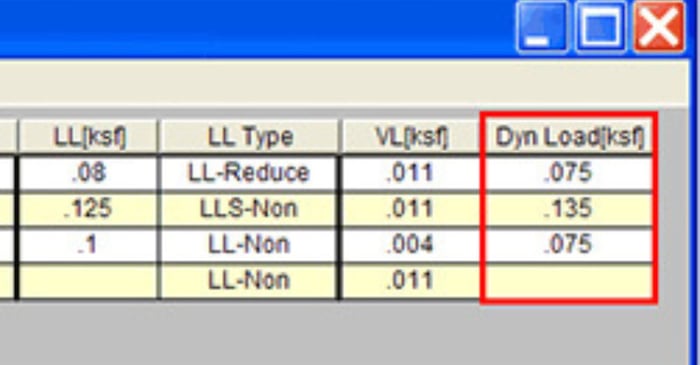
The Dyn Load represents the additional load that must be included in the calculation of the total seismic weight.
RISAFloor has the capability to design wood I-Joists based on tables provided by the manufacturer, or provided by you. When modeling beams in RISAFloor, choose the Wood Product material, and choose a joist manufacturer from the shape group.
RISAFoundation now has the ability to automatically generate a circular slab with just a few easy clicks. Using the generator the program will create the mat slab and tank loading all in one easy step. Go to the Insert menu and select "Circular Foundation".
In standalone RISA-3D models (those not integrated from RISAFloor), Semi-Rigid diaphragms cannot be directly defined. Only the Rigid diaphragm type is available by default. To create a semi-rigid diaphragm in a standalone RISA-3D model, users must define plate elements manually. If you’re dealing...
Our monthly "Structural Moment" newsletter is the best way to keep up with RISA’s product updates, new releases, new features, training events, webinars and more...