Risa Tips & Tricks: How to Use Our Structural Analysis Software

April 28, 2026

RISA Cloud Licensing & Installation: Solving Common Access Issues

When RISA-3D will not launch, cannot see a cloud license, or suddenly stops working after an update, it usually comes down to installation, sign‑in, or permissions—not the model itself. Most of these issues follow a few common patterns you can check and fix without a full reinstall. This article walks through practical steps to troubleshoot RISA-3D cloud licensing and installation problems so you can get back into the software quickly. 1. Confirm Your RISA Customer Portal Account Because RISA now uses cloud / user‑based licensing, your access is tied to your login, not to a specific machine. Before troubleshooting anything else, confirm: You are signing into RISA-3D with the correct email address (the one your organization licensed). You haven’t recently changed companies or email domains without updating your license assignment. 2. RISA-3D Won’t Start or Crashes Immediately If RISA-3D will not open at all, or closes right after launch: Check installation and Windows permissions Make sure RISA-3D is installed under the Windows user profile you’re actually using. Avoid switching between Windows accounts after installation. Try running RISA-3D once as an administrator to see if it’s a permissions issue. Look for security or antivirus interference Some antivirus or endpoint protection tools…

Read More

RISA-3D (31)

September 20, 2010

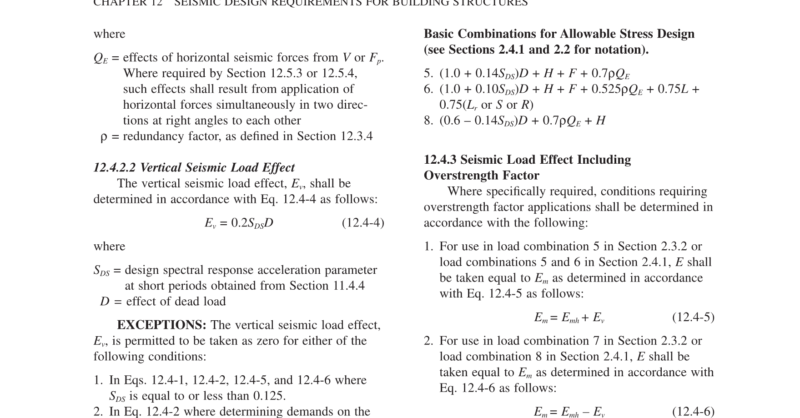
Use RISA to Consider Bi-Directional (Quartering) Wind Loading

RISA-3D automatically considers the complex wind combinations required by...

Read More
August 31, 2010

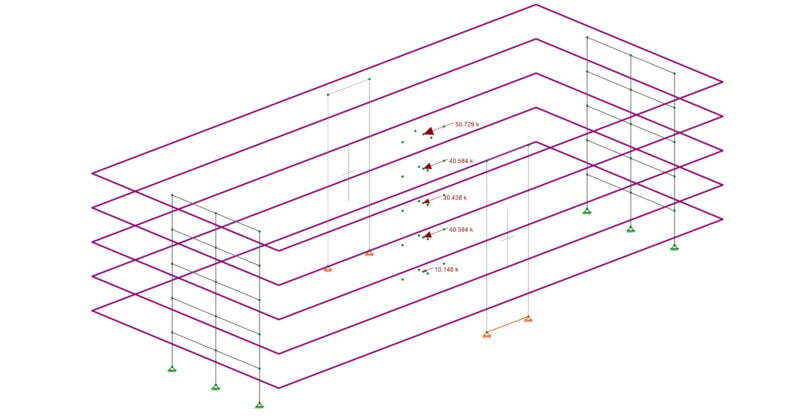
How Are Wind Loads Generated for Sloped Roofs?

RISAFloor is capable of automatically generating the wind loads on sloped...

Read More
July 29, 2010

How to Model a Semi-Rigid Diaphragm in Standalone RISA-3D

In standalone RISA-3D models (those not integrated from RISAFloor),...

Read More
July 28, 2010

How Do Plates Connect to Members?

In order to understand the interaction between plates and members it is...

Read More
June 22, 2010

How to Create an Engineered Wood Material

In RISA-3D and RISAFloor, the entire NDS species list is available as well...

Read More
June 14, 2010

How Do Plates Connect to Each Other?

To best understand how plates interact with each other you must first...

Read More
May 24, 2010

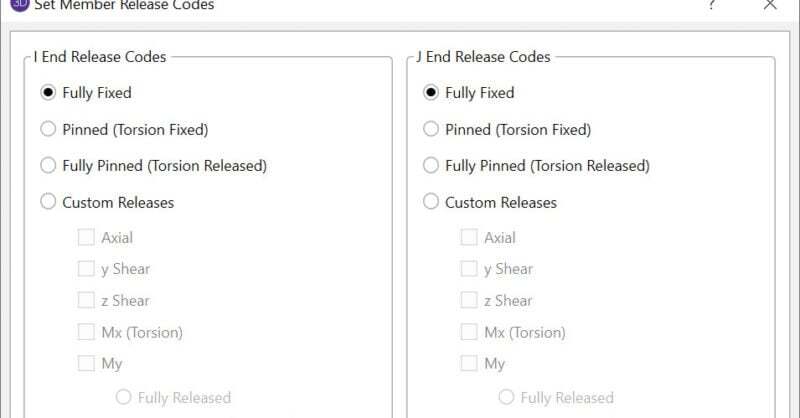
Define a Beam Eccentricity in RISA-3D

When you have a deep column, it is necessary to model the beam so that it...

Read More
April 20, 2010

How to Correctly Define Unbraced Lengths

There are four different values for Unbraced lengths in RISA-3D, RISA-2D...

Read More
March 26, 2010

What Are Physical Members?

Members (beams, columns, braces, etc.) are defined in RISA by an I-Node...

Read More

Subscribe to Our Newsletter

Our monthly "Structural Moment" newsletter is the best way to keep up with RISA’s product updates, new releases, new features, training events, webinars and more...