January 27, 2026

Structural Analysis Considerations for Industrial Steel Structures

Industrial steel structures—such as pipe racks, material handling systems, transfer structures, and equipment supports—present a distinct set of challenges compared to conventional building design. These systems are often governed by heavy equipment loads, irregular geometry, non-building load combinations, and serviceability or constructability constraints that demand careful analytical judgment. Unlike repetitive floor-framed buildings, industrial structures tend to be highly bespoke. Each project requires deliberate decisions around idealization, load application, boundary conditions, and analysis method to ensure the model reflects real structural behavior. Industrial Steel Starts With Load Behavior, Not Geometry Industrial structures are governed by: Concentrated equipment reactions Eccentric gravity loads Operational and thermal effects Wind and seismic loads applied to open frames, not diaphragms RISA-3D modeling tip: Model loads where they physically act Apply equipment loads at true attachment points, not “clean” nodes Use point loads, line loads, and plate surface loads instead of smeared tributary assumptions For wind on open frames, use Open Structure Wind Loads so projected area — not member count — controls demand If wind pressure varies around complex geometry, projected plate loads (PX, PY) allow RISA-3D to calculate realistic force reduction automatically — something that would be painful to do by hand. Torsion Is Often…

Read More

June 13, 2011

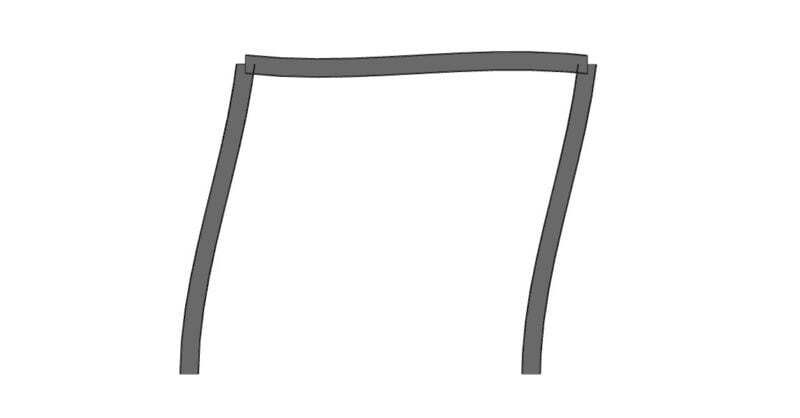
How Do I Avoid Instability Warnings in a RISA-3D Model?

Have you ever received an instability warning when running a three...

Read More
June 03, 2011

How to Model Trusses in RISAFloor

In RISAFloor on the roof level, you layout only the top chords of the...

Read More
June 01, 2011

How to Assign a Wood Roof Member’s Unbraced Length in RISAFloor

In RISAFloor, the beams are susceptible to two forms of buckling; Euler...

Read More
May 26, 2011

How to Represent Trusses in RISAFloor Model Without Modeling the…

Using this method in RISAFloor, we are not actually designing the trusses,...

Read More
May 24, 2011

How to Apply a Tapered Load to Plates in RISA-3D

It’s easy to apply tapered surface loads to plates in RISA-3D by stepping...

Read More
May 23, 2011

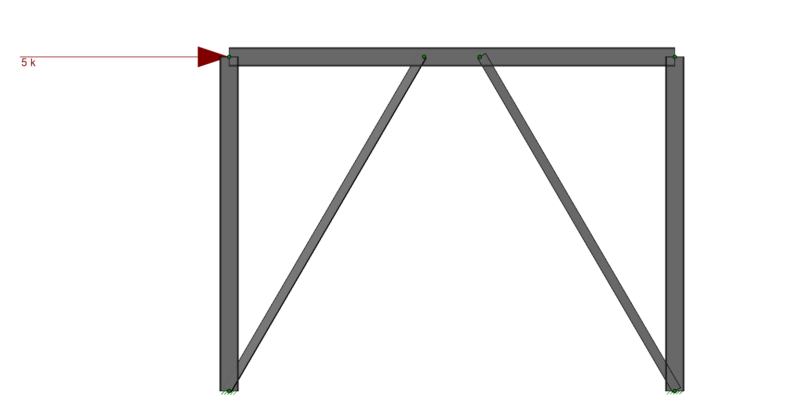
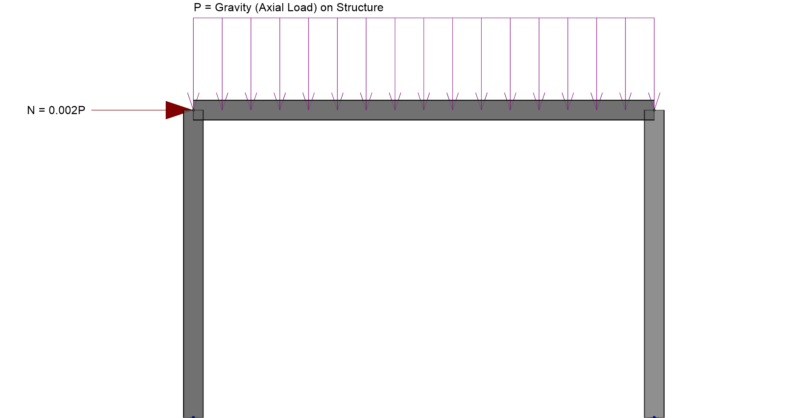
How to Apply Notional Loads in RISA-3D

In RISA-3D you can automatically apply notional loads to your structure to...
Read More
May 03, 2011

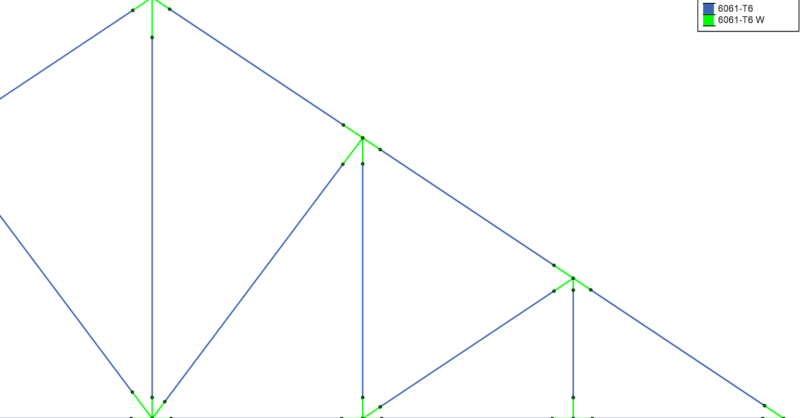
How Do I Consider Welded Aluminum Connections in RISA-3D?

In Aluminum design, the welded areas have a decreased material strength...
Read More
April 20, 2011

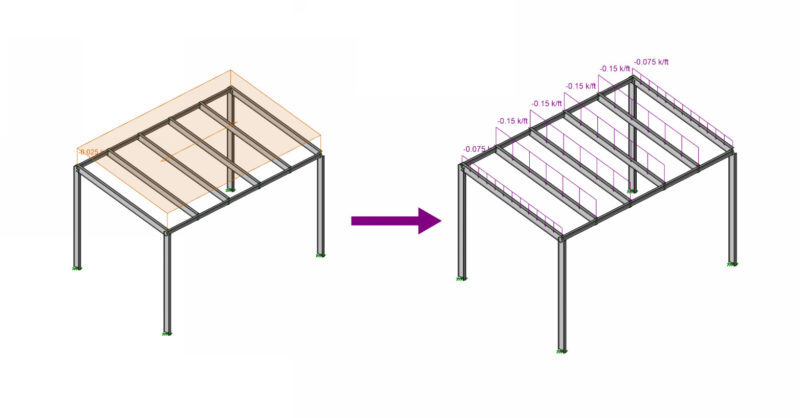
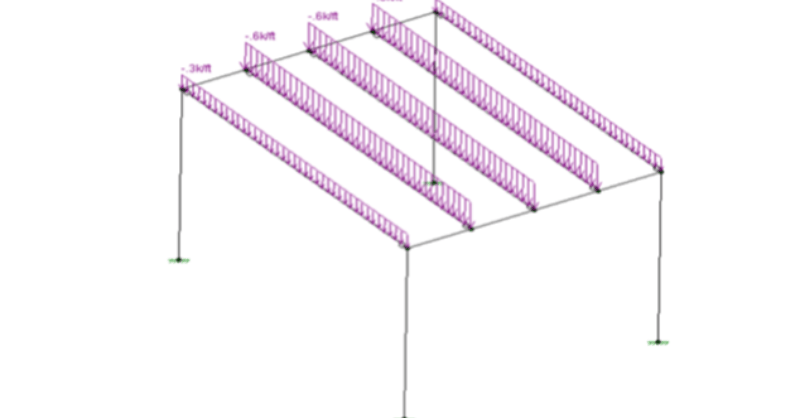
Refining Area Load Distribution in RISA-3D

After solving a model with Member Area Loads, RISA-3D will automatically...
Read More
April 18, 2011

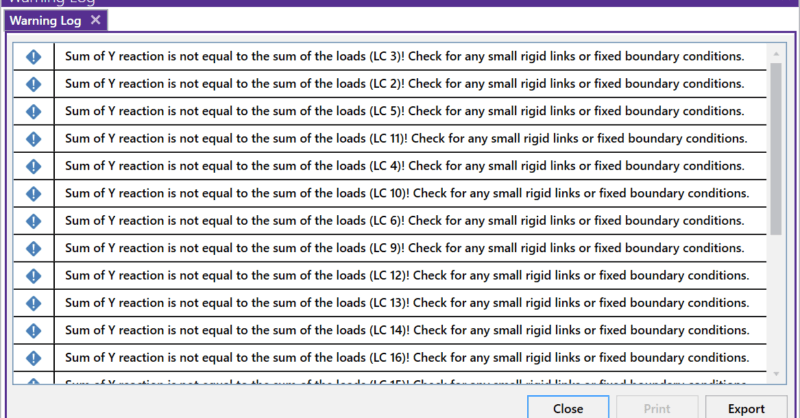
Using Sum of Reactions in RISA-3D

RISA-3D will now check your model for errors by summing the reactions in...
Read More

Subscribe to Our Newsletter

Our monthly "Structural Moment" newsletter is the best way to keep up with RISA’s product updates, new releases, new features, training events, webinars and more...