Risa Tips & Tricks: How to Use Our Structural Analysis Software
June 16, 2026
What is the Effective Length of a Column?
Key Highlights In the formula Le = K L, the K-factor is essentially a "penalty" or "bonus" based on end-restraint stiffness. As effective length increases, the critical buckling load decreases exponentially. A dimensionless coefficient that adjusts for end restraints. K=1.0 for a standard pinned-pinned column; K=0.65 for a rigid fixed-fixed column; and K=2.1 for a precarious cantilever (fixed-free). Effective length is the numerator in the slenderness ratio (KLr), which determines if a column is classified as "short," "intermediate," or "long." Structural engineers define the effective length (Le or KL) of a column as the equivalent length of a "perfect" pinned-pinned column that would have the same buckling capacity as the actual column being analyzed. It is calculated by multiplying the physical unbraced length (L) by an effective length factor (K). While the unbraced length is a purely geometric measurement, the distance between lateral supports, the effective length is a stability parameter that accounts for the column's boundary conditions (how the ends are attached) and whether the frame can sway laterally. Why Effective Length Matters and The Physics of Buckling The primary reason engineers calculate effective length is to predict Euler Buckling. Most columns in modern construction are not "short and…
Read More
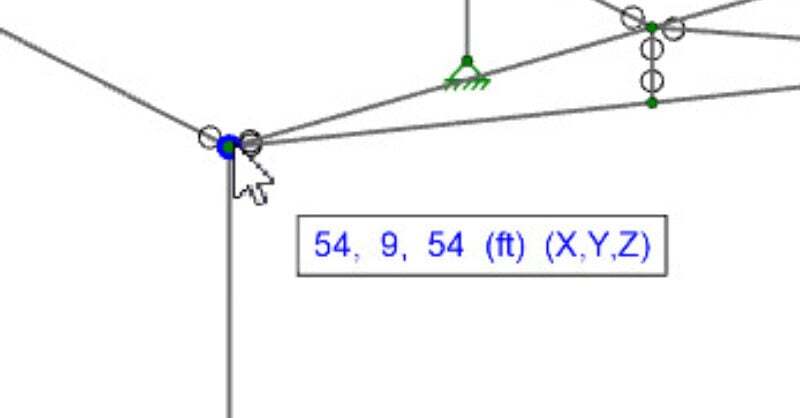
Viewing Coordinates in Cursor Display
In RISA-3D, RISAFloor, and RISAFoundation the cursor now provides...
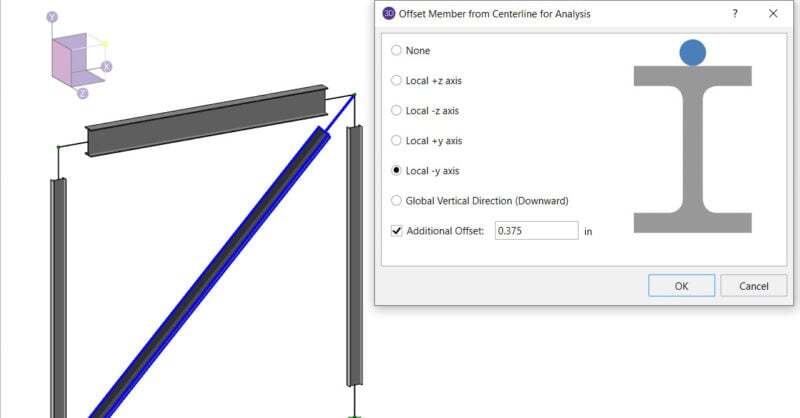
How the Analysis Offset feature can be used to design WT Braces
In the RISA-3D when you model a WT brace it exists at the member centroid,...
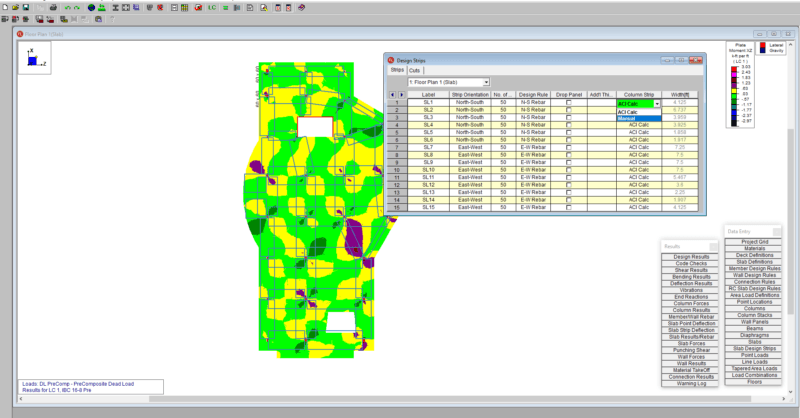
Custom Column Strip Widths
RISAFloor v11 now includes the ability to create custom column strip...
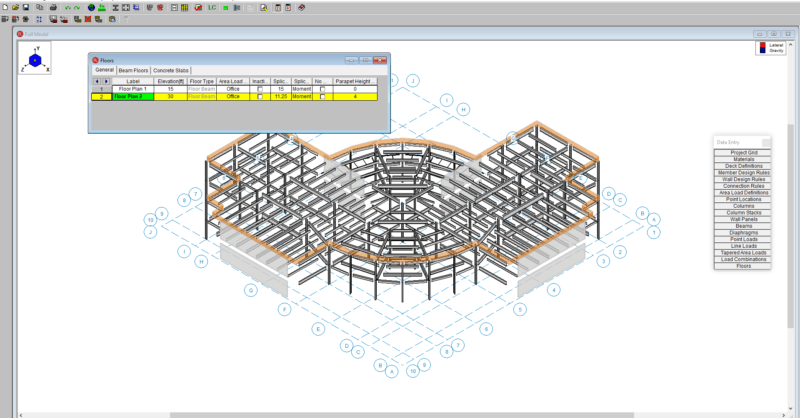
Adding Roof Parapets in RISAFloor
RISAFloor v11 now includes the option to add parapets and parapet loading...
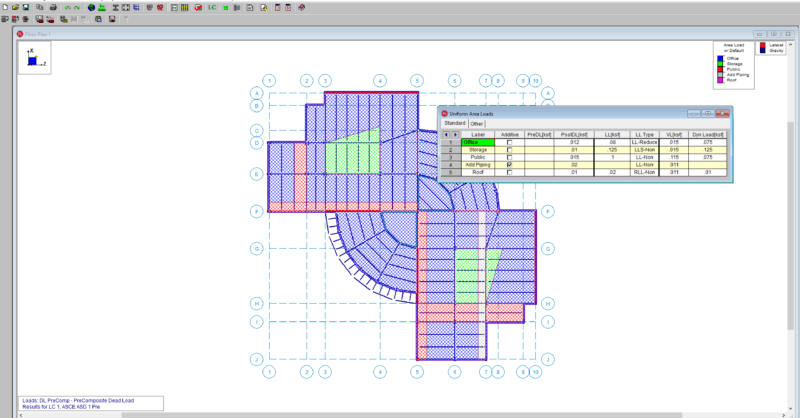
How to verify loads graphically in RISAFloor
RISAFloor does not record the applied area loads in a spreadsheet. To...
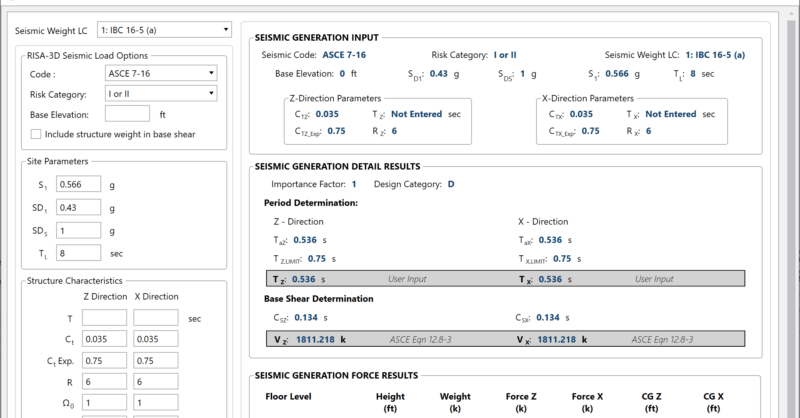
Basic Code Terms for Seismic Behavior and Why We Use Them
Seismic Forces are generated automatically using seismic parameters R,...
Subscribe to Our Newsletter
Our monthly "Structural Moment" newsletter is the best way to keep up with RISA’s product updates, new releases, new features, training events, webinars and more...