January 27, 2026

Structural Analysis Considerations for Industrial Steel Structures

Industrial steel structures—such as pipe racks, material handling systems, transfer structures, and equipment supports—present a distinct set of challenges compared to conventional building design. These systems are often governed by heavy equipment loads, irregular geometry, non-building load combinations, and serviceability or constructability constraints that demand careful analytical judgment. Unlike repetitive floor-framed buildings, industrial structures tend to be highly bespoke. Each project requires deliberate decisions around idealization, load application, boundary conditions, and analysis method to ensure the model reflects real structural behavior. Industrial Steel Starts With Load Behavior, Not Geometry Industrial structures are governed by: Concentrated equipment reactions Eccentric gravity loads Operational and thermal effects Wind and seismic loads applied to open frames, not diaphragms RISA-3D modeling tip: Model loads where they physically act Apply equipment loads at true attachment points, not “clean” nodes Use point loads, line loads, and plate surface loads instead of smeared tributary assumptions For wind on open frames, use Open Structure Wind Loads so projected area — not member count — controls demand If wind pressure varies around complex geometry, projected plate loads (PX, PY) allow RISA-3D to calculate realistic force reduction automatically — something that would be painful to do by hand. Torsion Is Often…

Read More

November 09, 2016

How to verify loads graphically in RISAFloor

RISAFloor does not record the applied area loads in a spreadsheet. To...

Read More
November 02, 2016

Basic Code Terms for Seismic Behavior and Why We Use Them

Seismic Forces are generated automatically using seismic parameters R,...

Read More
October 20, 2016

Shear Splices between Slabs

In RISAFoundation v8, you can add a shear splice between slabs so that it...

Read More
October 19, 2016

Instabilities in RISA-3D with Flexible Diaphragms

In a model that contains both RISAFloor and RISA-3D data it is possible to...

Read More
August 31, 2016

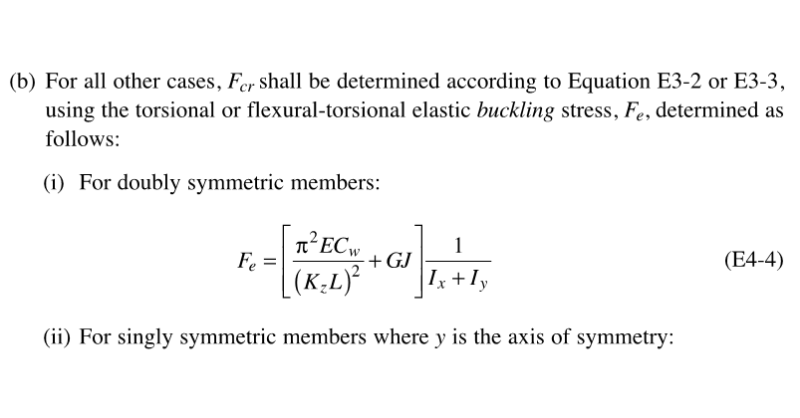
Why Do My Wide Flange Members Fail in the AISC 14th Edition Code?

In RISA-3D’s addition of the AISC 14th Edition code we added Section E4...
Read More
August 16, 2016

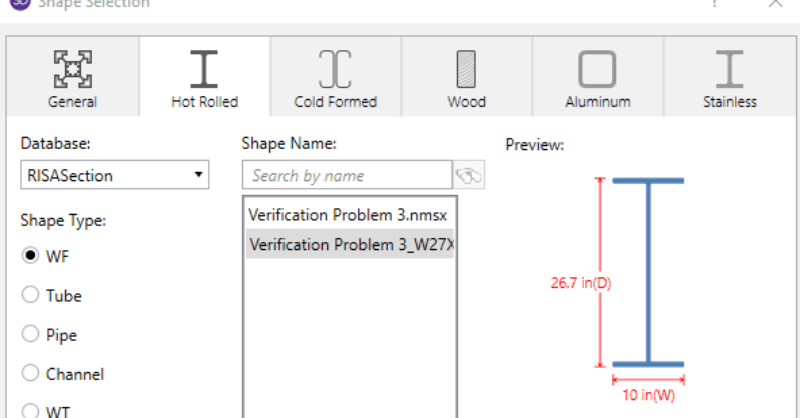
Why Can’t I See My RISASection Shapes in the Shape Database?

When using RISA Integration between RISASection and RISA-3D, RISA-2D...
Read More
August 10, 2016

Use Wide Flange Braces in Vertical Brace Connections

RISAConnection now offers the ability to use a wide flange brace member in...
Read More
August 03, 2016

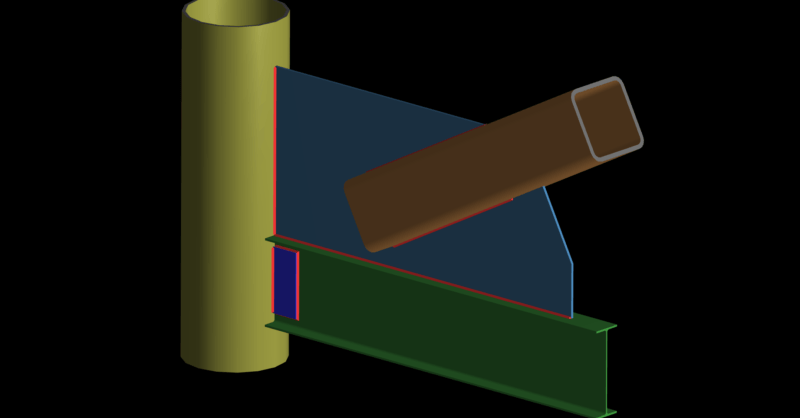
Use HSS Column & Beams in Brace Connections

RISAConnection v6 has added HSS tubes and pipes for Diagonal and Chevron...
Read More
July 27, 2016

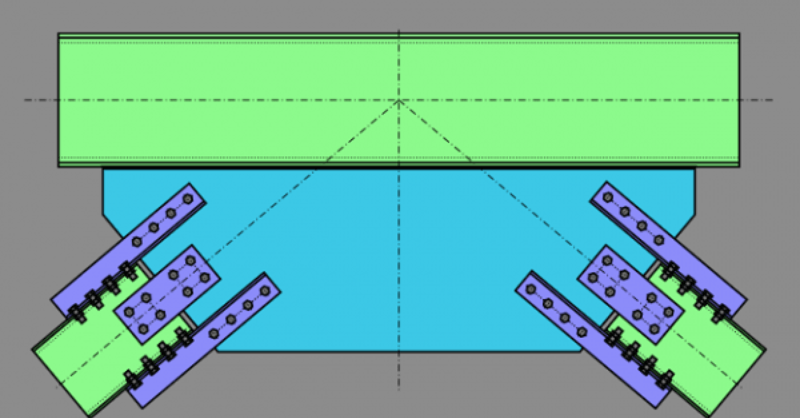
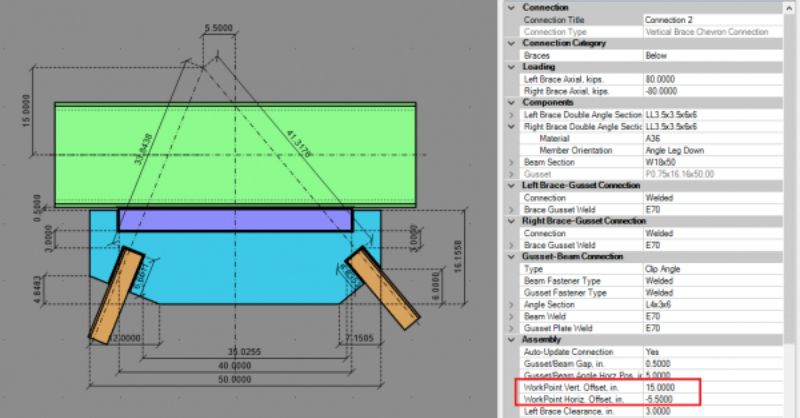
Using Eccentric Chevron Brace Workpoints

RISAConnection now offers the ability to enter an eccentric work point for...
Read More

Subscribe to Our Newsletter

Our monthly "Structural Moment" newsletter is the best way to keep up with RISA’s product updates, new releases, new features, training events, webinars and more...