Base Plate Connection Design now Available
This video tutorial will show you how to design a base plate in...
When RISA-3D will not launch, cannot see a cloud license, or suddenly stops working after an update, it usually comes down to installation, sign‑in, or permissions—not the model itself. Most of these issues follow a few common patterns you can check and fix without a full reinstall. This article walks through practical steps to troubleshoot RISA-3D cloud licensing and installation problems so you can get back into the software quickly. 1. Confirm Your RISA Customer Portal Account Because RISA now uses cloud / user‑based licensing, your access is tied to your login, not to a specific machine. Before troubleshooting anything else, confirm: You are signing into RISA-3D with the correct email address (the one your organization licensed). You haven’t recently changed companies or email domains without updating your license assignment. 2. RISA-3D Won’t Start or Crashes Immediately If RISA-3D will not open at all, or closes right after launch: Check installation and Windows permissions Make sure RISA-3D is installed under the Windows user profile you’re actually using. Avoid switching between Windows accounts after installation. Try running RISA-3D once as an administrator to see if it’s a permissions issue. Look for security or antivirus interference Some antivirus or endpoint protection tools…
Read More
This video tutorial will show you how to design a base plate in...
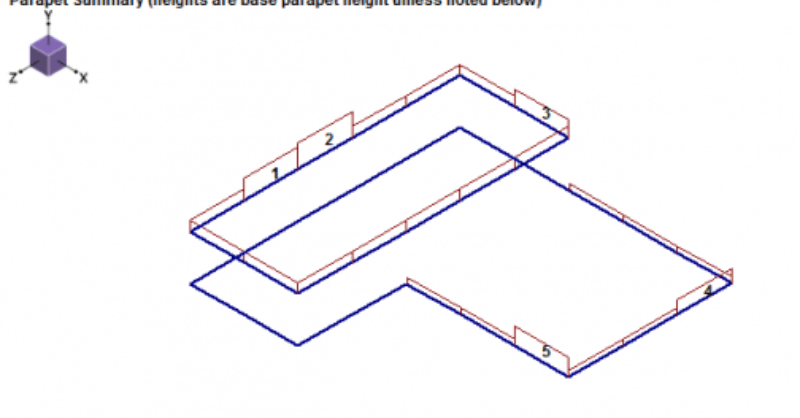
RISAFloor v11 allows users to add parapets while allowing the program to...
The new Aluminum ADM 2015 code has been added in RISA-3D v15.0. To select...
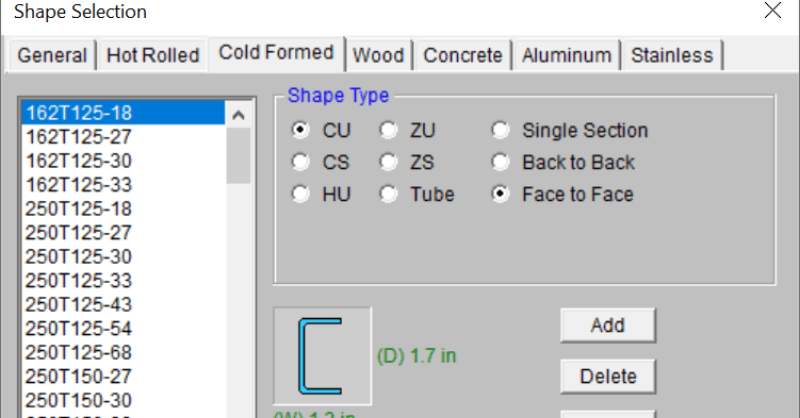
RISA-3D can design the Cold Formed Steel face-to-face channel and track...
The new CSA O86-14 code has been implemented in RISA-3D v15.0 and...
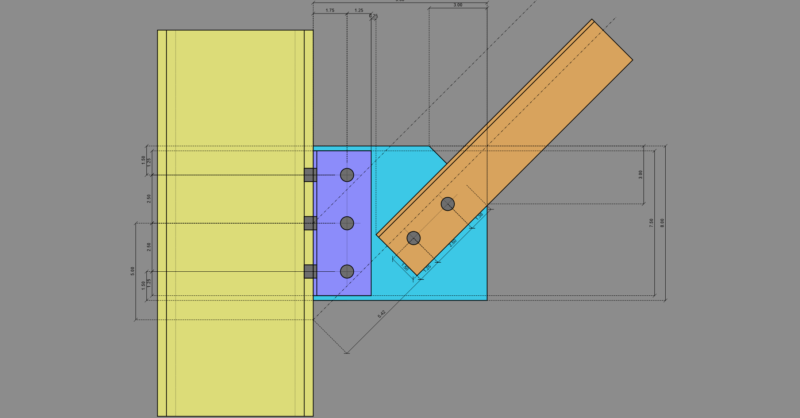
RISAConnection v7 recently added a new Knee Brace (Kicker Brace)...
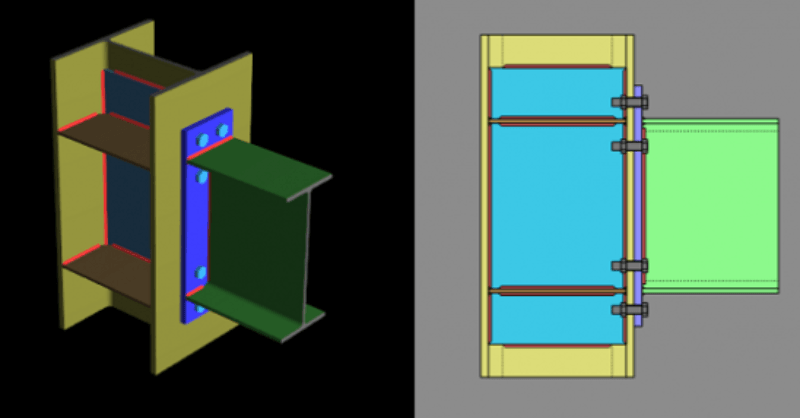
RISAConnection v7 now allows both Transverse Column Flange Stiffeners and...
RISA-3D now supports hot rolled steel design for the Canadian market...
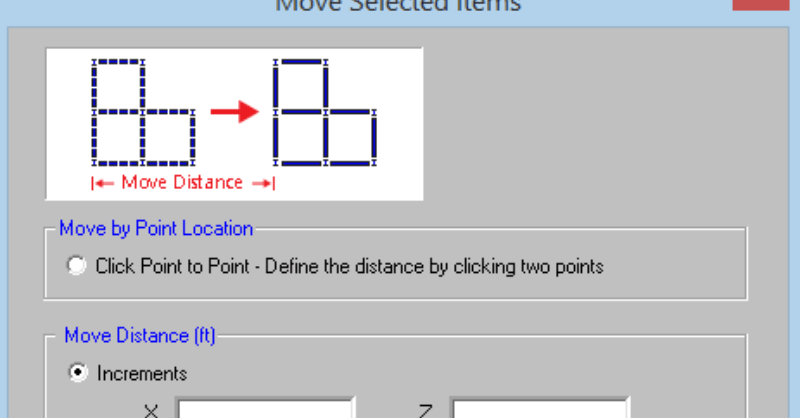
RISAFloor v11 includes the ability to re-position selected elements such...
Our monthly "Structural Moment" newsletter is the best way to keep up with RISA’s product updates, new releases, new features, training events, webinars and more...