Risa Tips & Tricks: How to Use Our Structural Analysis Software

August 19, 2026

The RISA License Difference: Built for How Engineering Teams Actually Work

RISA’s shared, cloud-based licensing model is designed to reduce software costs, eliminate administrative frustrations, and give engineers access to the tools they need when they need them. Unlike traditional named licenses, RISA licenses are shared across your team and not tied to a specific user. Shared licenses align with real world workflows and budgets. For firms evaluating different structural engineering software, shared vs. named software licenses directly impacts both cost and productivity. READY TO LEARN MORE? Explore RISA's Cloud Licensing Difference Reduce License Costs Without Limiting Access Most firms do not need a dedicated license for every engineer. With RISA’s shared license model, access is based on usage rather than user. Teams can operate efficiently with fewer shared licenses versus the named license alternative. For example, a senior engineer may only need periodic access to review another engineer’s model. With a named license system, they would require a full license despite the limited use. Over time, this leads to an underutilized tool and higher total costs. By contrast, shared licensing ensures that licenses aren’t sitting idle on one individual’s computer. Licenses can be accessed by multiple team members requiring fewer total licenses and lowering overall licensing costs. Eliminate Reassigning Delays…

Read More

New (52)

September 22, 2011

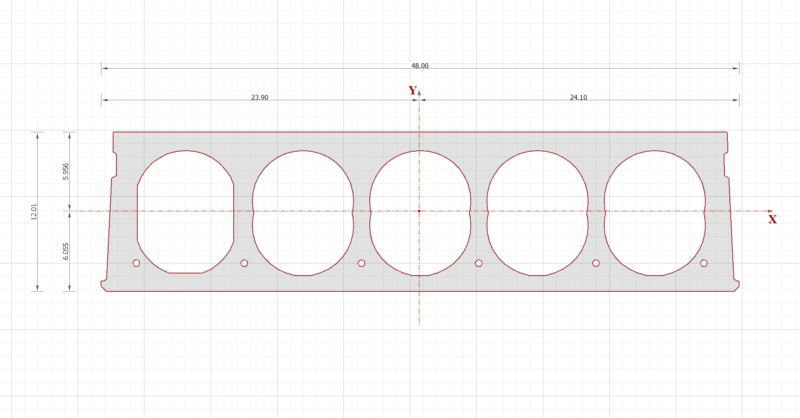
Building Cross Sections using DXF

The latest version of RISASection, includes a powerful new DXF import...

Read More
September 06, 2011

Methods to Integrate with RISAConnection

There are several ways to take your RISA-3D or RISAFloor model to...

Read More
August 22, 2011

How to Define Connections from within RISA-3D

Steel connections can be designed from within RISA-3D using the...

Read More
August 18, 2011

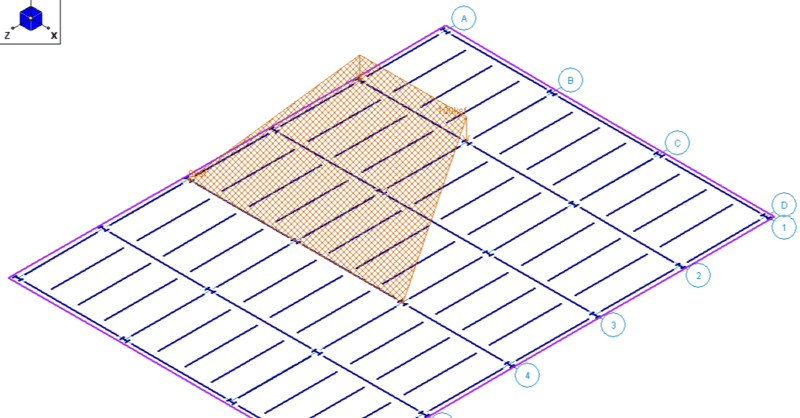
Using Projected Loads in RISA-3D

RISA-3D, RISA-2D and RISAFloor have the capability to project distributed...

Read More
August 02, 2011

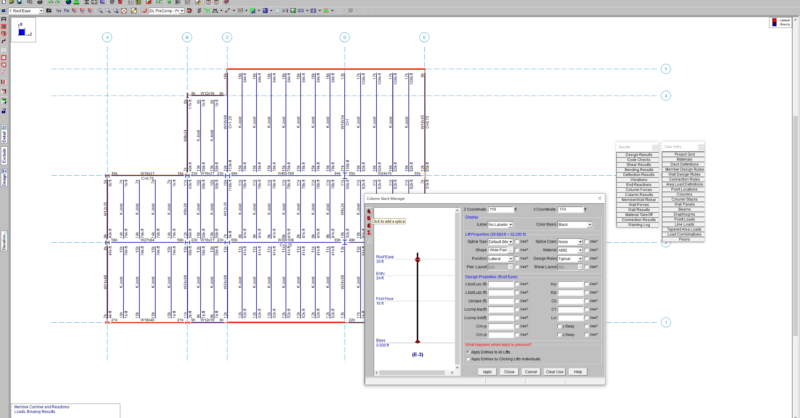
How to Assign Column Base Boundary Conditions in RISAFloor

Column boundary conditions are set in RISAFloor per the Splice Type that...

Read More
July 19, 2011

How to export a model to DXF

RISAFloor, RISA-3D, and RISAFoundation all allow the user to export a...

Read More
July 14, 2011

Varying Soil Properties in RISAFoundation

While RISAFoundation has a Default soil properties (Subgrade Modulus and...

Read More
July 05, 2011

How to Model Composite Sections in RISASection

Modeling built-up or composite sections can easily be done in RISASection....

Read More
June 30, 2011

How to Model a Void in a RISASection Shape

In order to model built-up or composite sections, RISASection includes the...

Read More

Subscribe to Our Newsletter

Our monthly "Structural Moment" newsletter is the best way to keep up with RISA’s product updates, new releases, new features, training events, webinars and more...