


 By: Admin
Guide To: Manually Applying Lateral Loads to a Rigid Diaphragm in RISA-3D
Rigid diaphragms in RISA-3D distribute lateral loads across a floor...
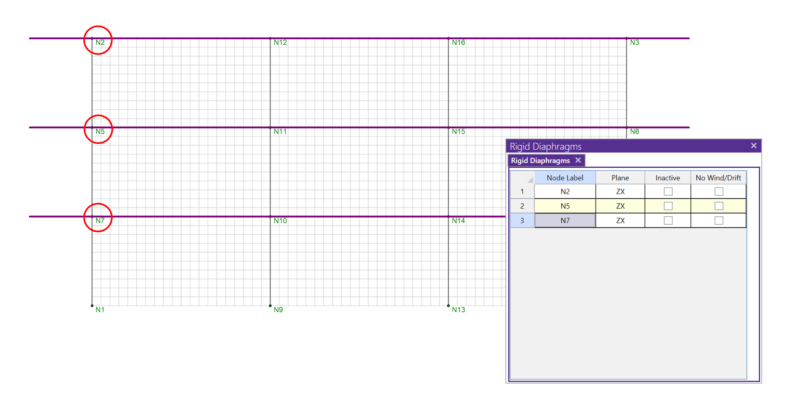
In RISA-3D, rigid diaphragms can be added using the Diaphragm spreadsheet. Just enter the node label and then choose the horizontal plane.

Internally, all rigid diaphragms are membrane diaphragms that tie all of the nodes within the diaphragm plane together for both translation and rotation, but only within the plane of the diaphragm. This is done internally using rigid links.

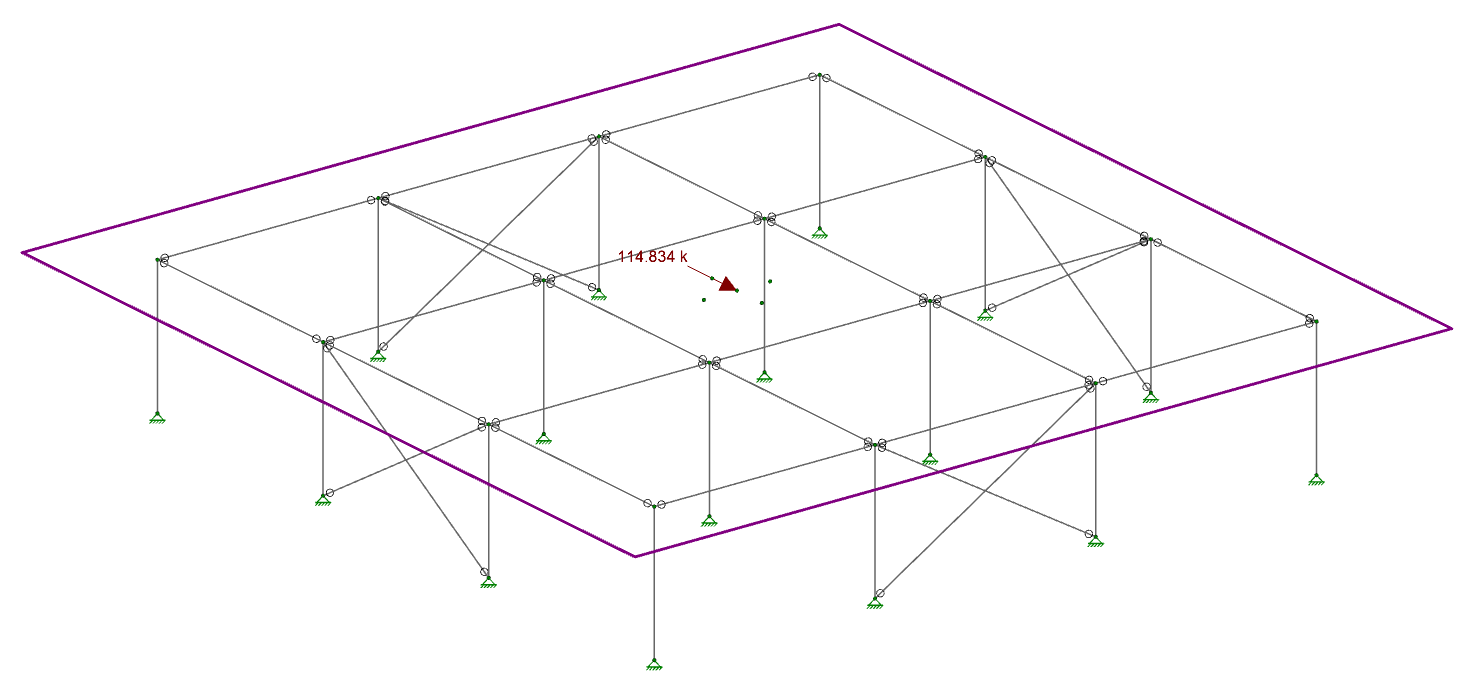
Rigid diaphragms in RISA-3D distribute lateral loads across a floor...
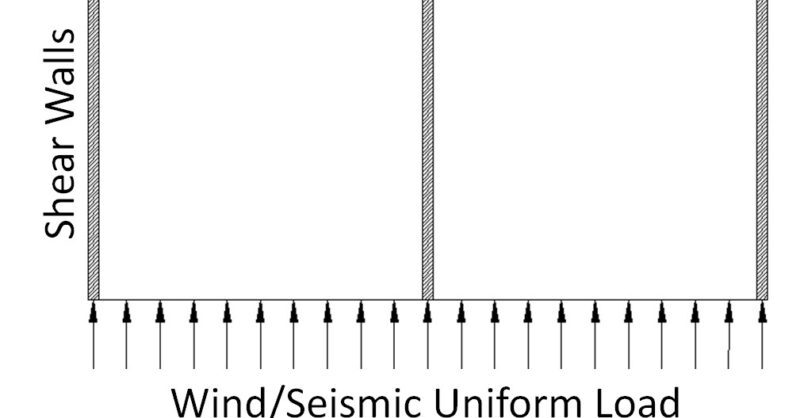
RISAFloor Concrete Floor Slabs can design be transferred into RISA-3D...
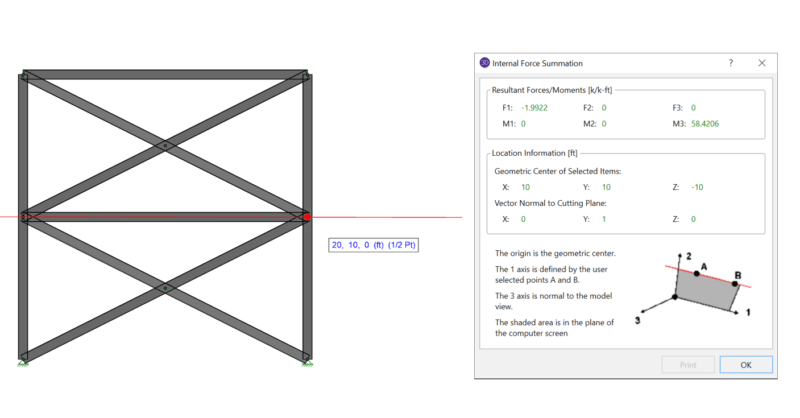
When using rigid diaphragm analysis in RISA-3D it can be useful to...