Risa Tips & Tricks: How to Use Our Structural Analysis Software

September 24, 2026

One Model, Many Materials: Understanding Multi-Material Structural Design with Integrated Design Tools

Modern building design is increasingly defined by hybrid systems. Engineers are combining multiple building materials within a single structure to meet demands for efficiency, constructability, and performance. This approach allows each material to be used where it performs best, but it also introduces a level of complexity. Coordinating different material behaviors within one structural system and load path is no longer a niche challenge. It is becoming standard practice. What is Multi-Material Structural Design Multi-material structural design is the practice of using different building materials in one coordinated structural system so that load paths, stiffness, and movement are all working together. In real projects, this shows up as: Mass timber framing on top of a concrete podium Steel transfer beams carrying concrete slabs above Masonry cores tied into wood gravity framing These systems are now common in commercial and residential projects, especially as teams look for more sustainable and efficient buildings. Why Multi-Material Design Matters Using multiple materials allows engineers to fine-tune structural systems and capitalize on the best attributes of each material. Multi-material structural systems help you: Provide stiffness where you need it, such as at a concrete core Allow for long spans and complex geometries by utilizing steel…

Read More

New (46)

February 17, 2015

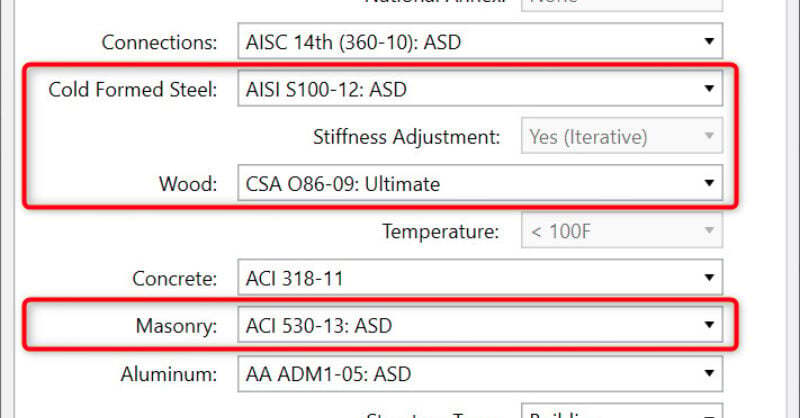
What's New for Code Updates in RISA

New codes have been added to RISA-3D v13 and RISAFloor v9, these include:...
Read More
January 15, 2015

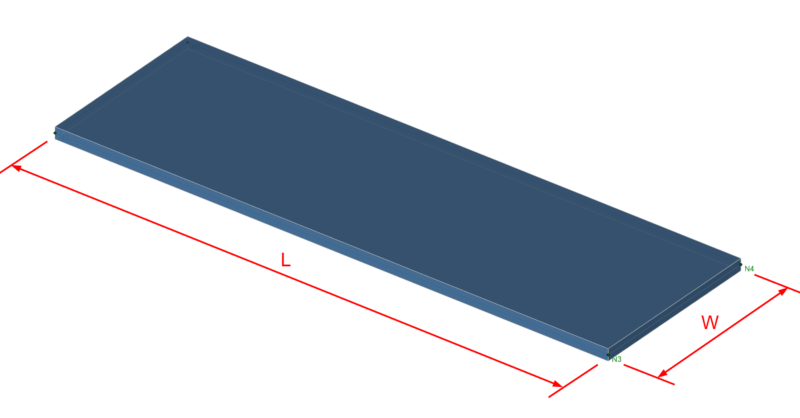
Approximate Guidelines for Plate Meshing

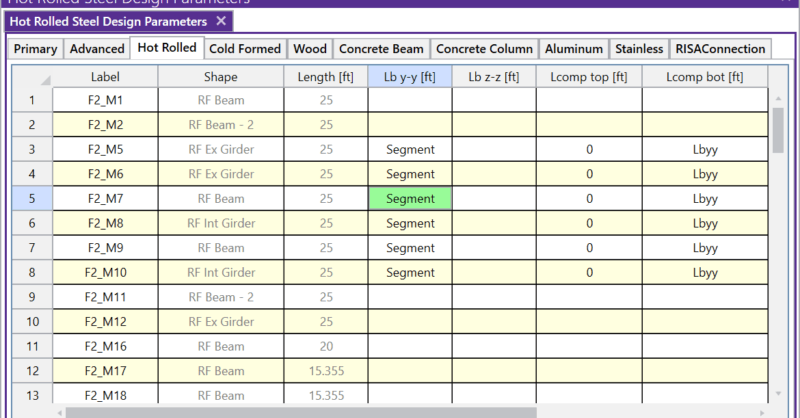
It is important to submesh plate elements in your model in order to obtain...
Read More
December 03, 2014

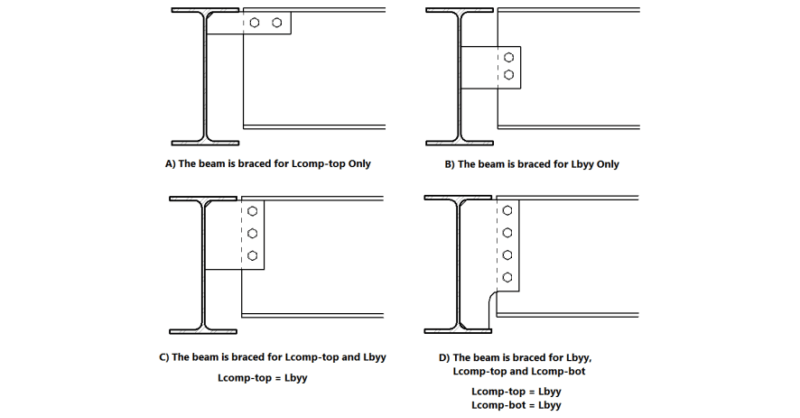
What do the Unbraced Length commands Segment and Lbyy mean?

Aside from leaving an unbraced length blank or inputting a fixed distance,...
Read More
November 19, 2014

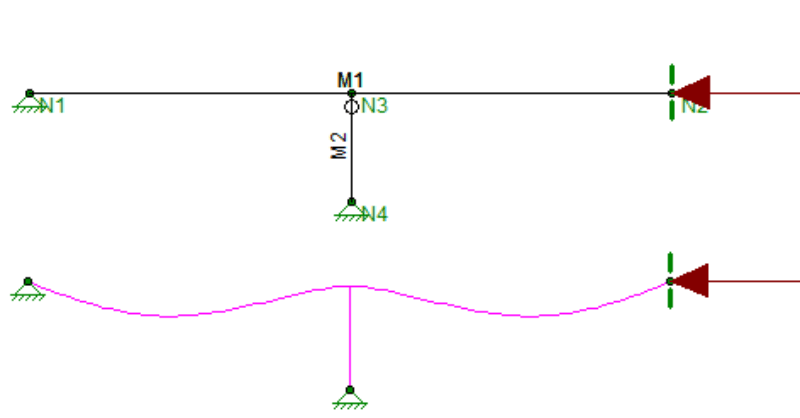
What do the Unbraced Lengths represent?

Understanding unbraced lengths and how RISA software accounts for them is...
Read More
November 12, 2014

How do Unbraced Lengths affect Analysis?

The axial compression and flexure strength of beams and columns is...

Read More
October 29, 2014

Code Requirements for Panel Zone Shear Deformation

Code requirements for consideration of panel zone shear deformation can be...
Read More
October 21, 2014

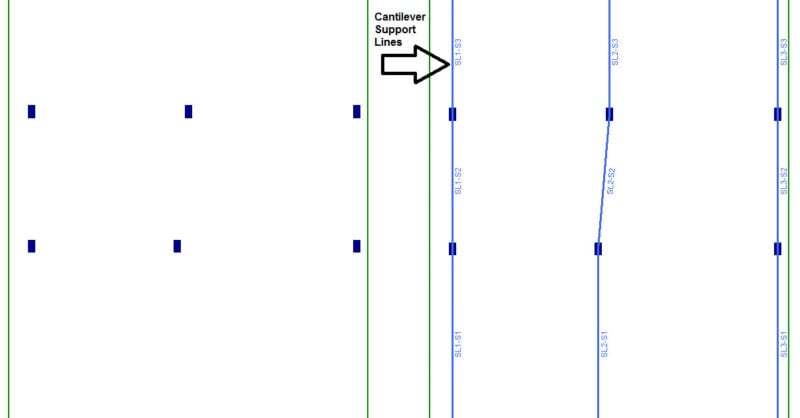
How are Cantilevered Slabs designed?

Concrete buildings often have large cantilevers. In RISAFloor ES, the...

Read More
October 03, 2014

How to Model Support Lines with Parallel Walls

In RISAFloor ES, you draw a support line from support point to support...

Read More
September 11, 2014

How Do I Create Offset Connections in RISA-3D?

By default RISA-3D draws all members as line elements located at the...

Read More

Subscribe to Our Newsletter

Our monthly "Structural Moment" newsletter is the best way to keep up with RISA’s product updates, new releases, new features, training events, webinars and more...