Risa Tips & Tricks: How to Use Our Structural Analysis Software

November 3, 2026

Technical Support Team: Frequently Asked Questions

RISA technical support provides engineering focused help for users of RISA structural design software. Users with an active license can contact the team by email at support@risa.com or by phone at 800-332-RISA. Find answers to common questions about contacting RISA technical support, submitting a support request, and accessing additional learning resources below. What is RISA technical support? RISA technical support connects you with knowledgeable support professionals who can help you use RISA structural design software effectively. The team can help you find answers, troubleshoot issues, and model with confidence. How can I contact RISA technical support? The best way to contact RISA technical support is by email at support@risa.com. Email makes it easy to share model files, screenshots, error messages, outputs, and other project information. This gives the support team the context needed to review the specific model conditions, investigate the question efficiently, and provide a more accurate answer. You can also call RISA technical support at 800-332-RISA. Phone support is helpful for quick, general questions that do not require the team to review a model or specific design condition. Who can use RISA technical support? RISA technical support is available to users with an active RISA license including subscription,…

Read More

New (47)

October 29, 2014

Code Requirements for Panel Zone Shear Deformation

Code requirements for consideration of panel zone shear deformation can be...

Read More
October 21, 2014

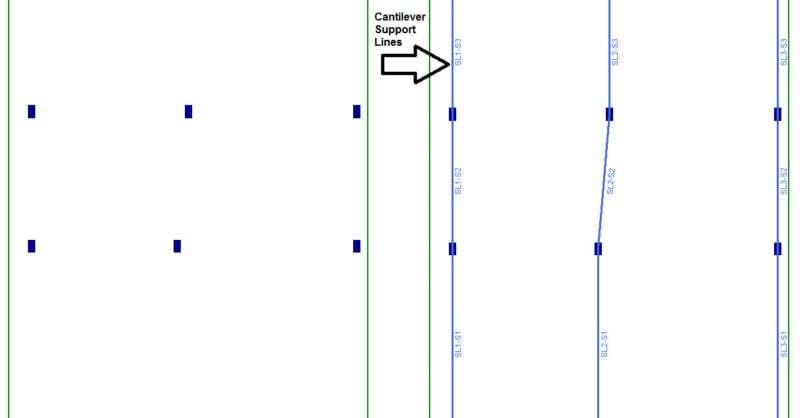
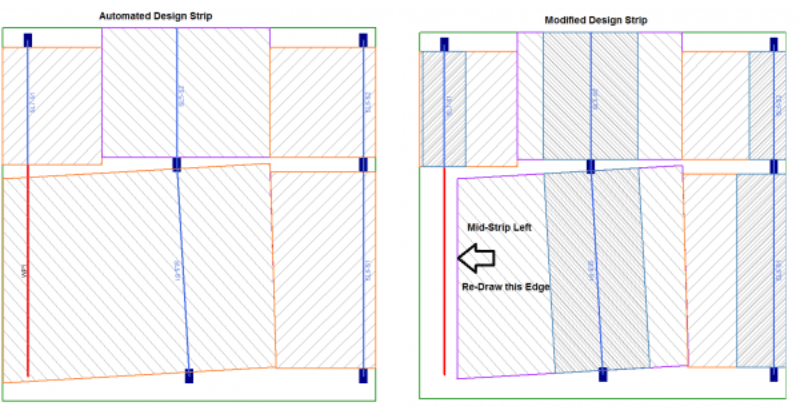
How are Cantilevered Slabs designed?

Concrete buildings often have large cantilevers. In RISAFloor ES, the...
Read More
October 03, 2014

How to Model Support Lines with Parallel Walls

In RISAFloor ES, you draw a support line from support point to support...
Read More
September 11, 2014

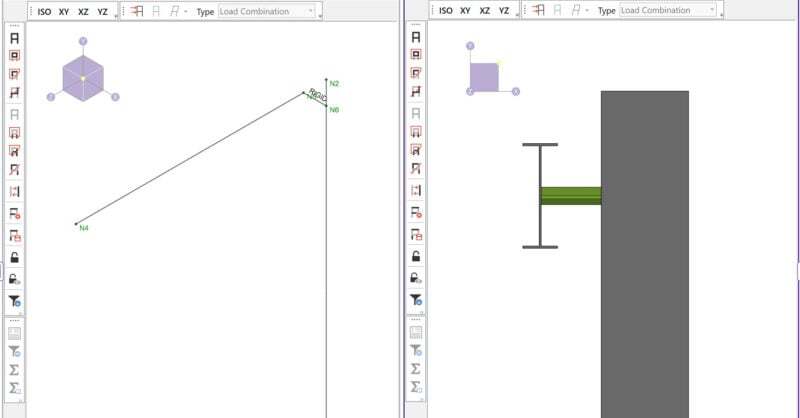
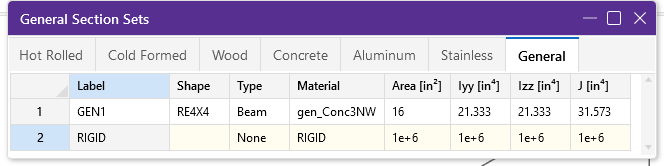
How Do I Create Offset Connections in RISA-3D?

By default RISA-3D draws all members as line elements located at the...
Read More
August 27, 2014

What is a Rigid Link in RISA-3D?

A rigid link is a member element in RISA-3D that can be used for many...
Read More
July 01, 2014

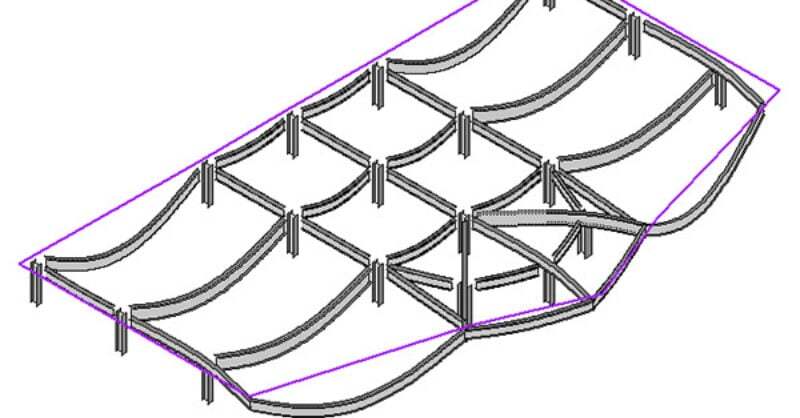
Viewing the Deflected Shape in RISAFloor

The deflected shape is really helpful to understanding your model’s...
Read More
June 19, 2014

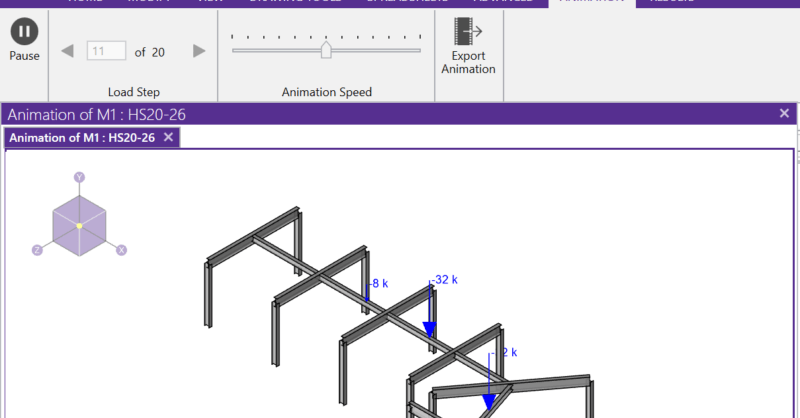
How to Use Moving Loads

RISA-3D and RISA-2D will allow you to add a moving load pattern to your...
Read More
June 10, 2014

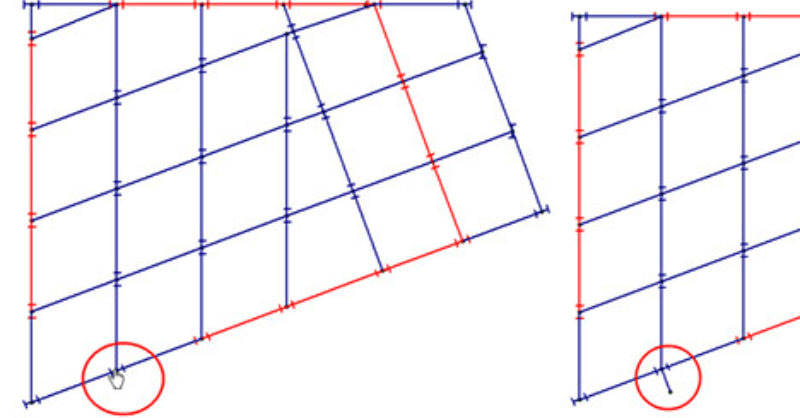
How to Model Column Outriggers in RISAFloor

RISAFloor now has the capability to model column outriggers. This feature...
Read More

Subscribe to Our Newsletter

Our monthly "Structural Moment" newsletter is the best way to keep up with RISA’s product updates, new releases, new features, training events, webinars and more...