June 19, 2014
How to Use Moving Loads
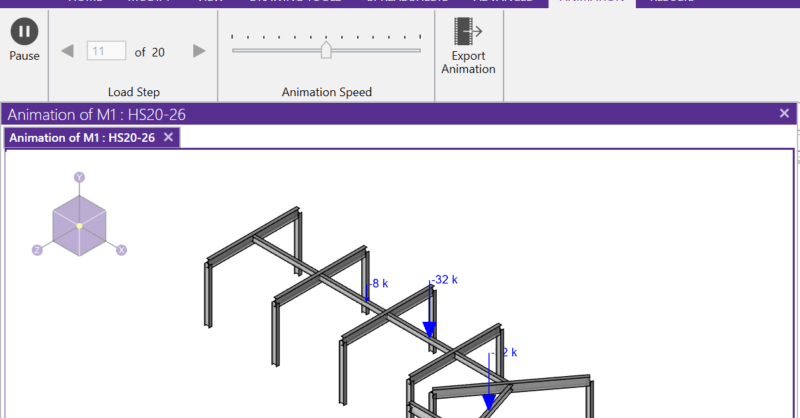
RISA-3D and RISA-2D will allow you to add a moving load pattern to your model and include it in your envelope solution.
Powerful Tools Don’t Help If They’re Left Unused Many engineers evaluate analysis software based on core modeling and design checks. But once a demo is over, some of the most impactful features are the ones that quietly save time on real projects — especially mid-size jobs where efficiency matters most. These aren’t advanced edge-case tools. They’re everyday features that often go underused. Diaphragm Forces: See Load Paths Instead of Guessing Diaphragm force output is one of the most valuable — and least leveraged — parts of a full building model. Instead of relying on manual distribution or conservative assumptions, engineers can directly see how loads are flowing to vertical elements. For mid-size structures, this clarity can mean: Fewer overdesigned collectors More confidence in lateral load paths Faster review and revisions when layouts change Batch Results: Review Smarter, Not Longer Batch results allow engineers to review multiple load cases, members, or design checks in a single pass. Instead of hunting through individual reports, patterns become obvious quickly. On mid-size jobs, this speeds up: QA/QC reviews Iterative design changes Comparing “before and after” scenarios It’s not about skipping checks — it’s about seeing the full picture sooner. Design Iteration Speed Is the…
Read More
RISA-3D and RISA-2D will allow you to add a moving load pattern to your model and include it in your envelope solution.
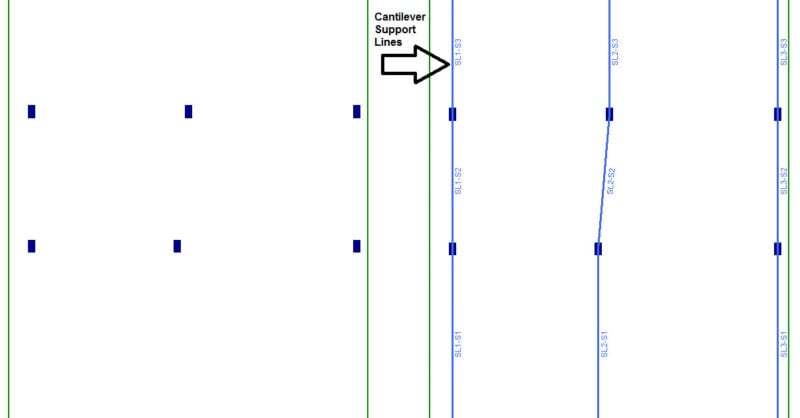
RISAFloor now has the capability to model column outriggers. This feature can be found on the Cantilevers tab within the Draw Beams dialog.
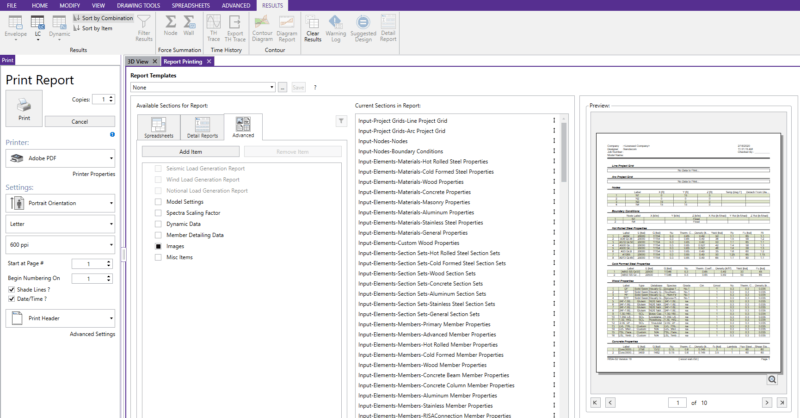
Print reports can contain spreadsheet information, graphic views, detail reports for specific members and load combinations, and external images such as hand calculations, title pages, etc. When in a model view, you will notice a button with an image of a camera on it in the toolbar:
Need to first know how to model a slab on grade? See our Slabs on Grade article to learn how to model slabs on grade:
RISAFoundation was originally created as mat slab design software, but with some tweaks in the latest version (v6.0) it is now useful for slab on grade design as well. To get a design for slab on grade simply draw a slab element which has the appropriate thickness:
Now you have the ability to add in your customized company logo to a report.
RISA-3D and RISA-2D come with a default list of existing moving load patterns. These are listed in the Moving Loads Library which can be viewed by clicking on the Moving Load Patterns button in the Advanced tab.
In modeling what would be a rather difficult geometric structure, by using the Templates database in RISA-3D, a geodesic dome can be constructed rather quickly and easily.
Our monthly "Structural Moment" newsletter is the best way to keep up with RISA’s product updates, new releases, new features, training events, webinars and more...