Risa Tips & Tricks: How to Use Our Structural Analysis Software

April 28, 2026

RISA Cloud Licensing & Installation: Solving Common Access Issues

When RISA-3D will not launch, cannot see a cloud license, or suddenly stops working after an update, it usually comes down to installation, sign‑in, or permissions—not the model itself. Most of these issues follow a few common patterns you can check and fix without a full reinstall. This article walks through practical steps to troubleshoot RISA-3D cloud licensing and installation problems so you can get back into the software quickly. 1. Confirm Your RISA Customer Portal Account Because RISA now uses cloud / user‑based licensing, your access is tied to your login, not to a specific machine. Before troubleshooting anything else, confirm: You are signing into RISA-3D with the correct email address (the one your organization licensed). You haven’t recently changed companies or email domains without updating your license assignment. 2. RISA-3D Won’t Start or Crashes Immediately If RISA-3D will not open at all, or closes right after launch: Check installation and Windows permissions Make sure RISA-3D is installed under the Windows user profile you’re actually using. Avoid switching between Windows accounts after installation. Try running RISA-3D once as an administrator to see if it’s a permissions issue. Look for security or antivirus interference Some antivirus or endpoint protection tools…

Read More

RISAFoundation (6)

December 08, 2017

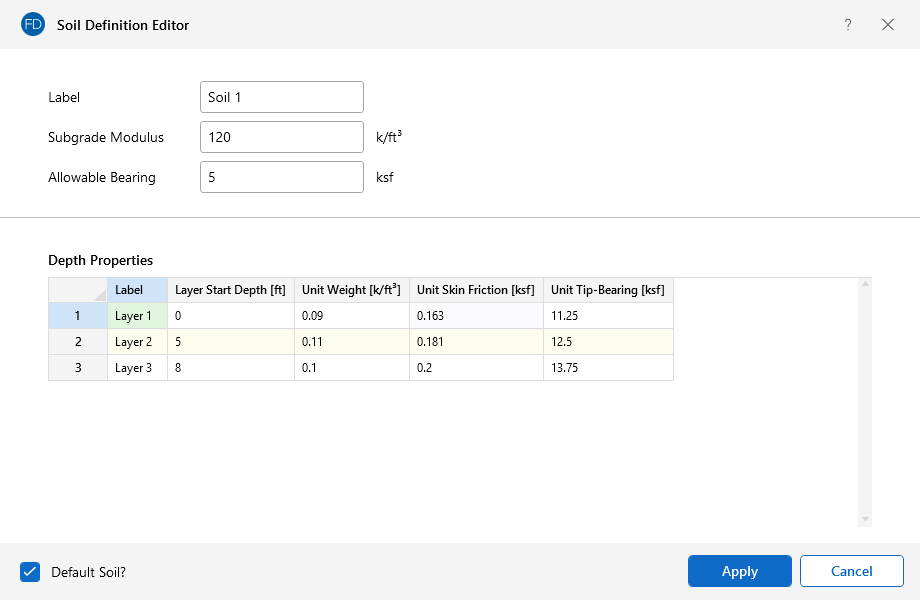
Soil Properties in RISAFoundation

With Pile Design in RISAFoundation, you have the ability to define the...
Read More
December 08, 2017

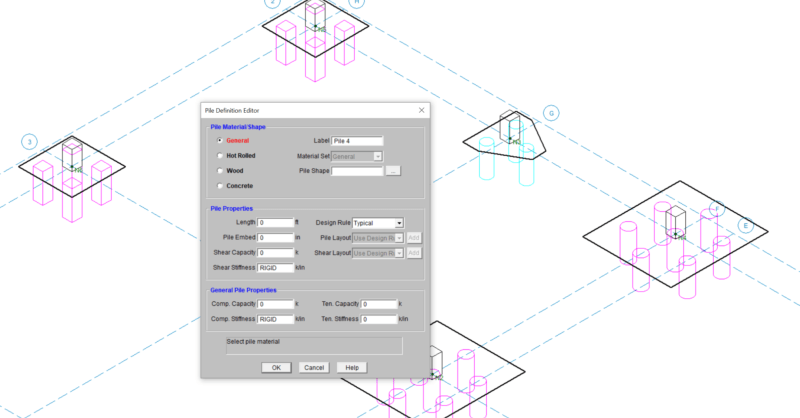
Pile Design now Available

Hot rolled steel, wood, and concrete piles are now available in...

Read More
November 08, 2017

2018 IBC Coming Soon!

The International Code Council just released the 2018 International...
Read More
September 14, 2017

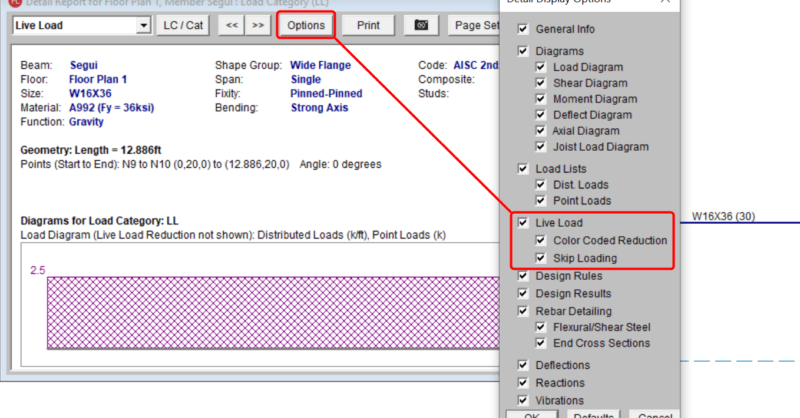
Enhanced Live Load Reduction

The consideration of Live Load reduction is a feature that has been in...
Read More
September 13, 2017

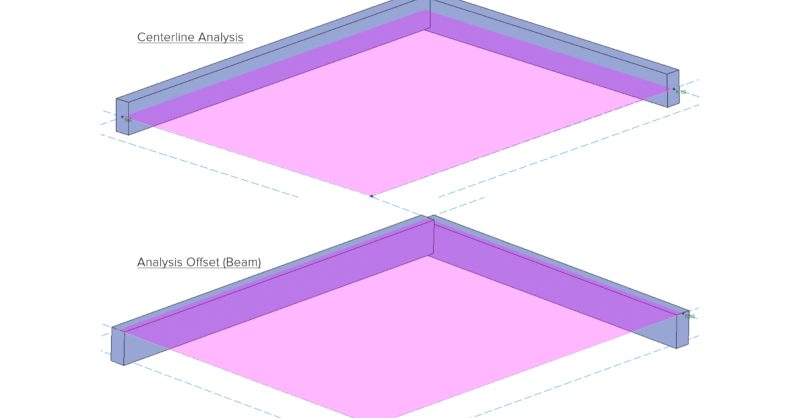
Vertical Slab and Beam Offsets

In RISAFoundation, you can add a vertical offset for slabs or beams....

Read More
September 08, 2017

CSA A23.3-14 Canadian Concrete Code now Available

The CSA A23.3-14 code has been implemented in RISA-3D v15.0, RISAFloor...

Read More
January 18, 2017

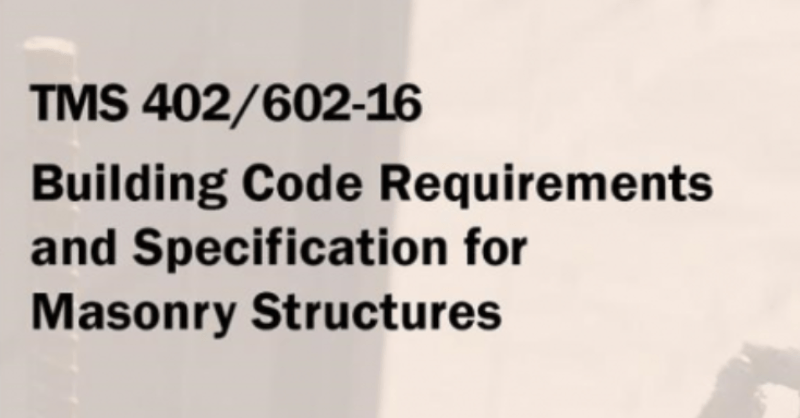
Masonry Retaining Walls now Available

Now available in RISAFoundation v9 is the ability to design masonry...

Read More
January 11, 2017

What's New in IBC 2015?

These include:

Read More
December 16, 2016

Viewing Coordinates in Cursor Display

In RISA-3D, RISAFloor, and RISAFoundation the cursor now provides...

Read More

Subscribe to Our Newsletter

Our monthly "Structural Moment" newsletter is the best way to keep up with RISA’s product updates, new releases, new features, training events, webinars and more...