Risa Tips & Tricks: How to Use Our Structural Analysis Software

October 8, 2026

RISA-Revit 2027 Link Now Available

RISA is pleased to announce the release of the updated RISA-Revit Link which includes compatibility with Revit 2027 allowing for seamless integration between RISAFloor, RISA-3D, and Autodesk Revit. Explore all the features and benefits of the RISA-Revit link at the product page below. This release also offers improved coordination between the programs through enhancements including an added warning message when exporting to RISAConnection for unsupported connection types. For a complete list of the enhancements and corrections, review the release notes for version 27 of the RISA-Revit link below. Ready to start? Use the link below to download the latest version of the RISA-Revit link through the RISA Customer Portal…

Read More

RISAFloor ES (3)

October 03, 2014

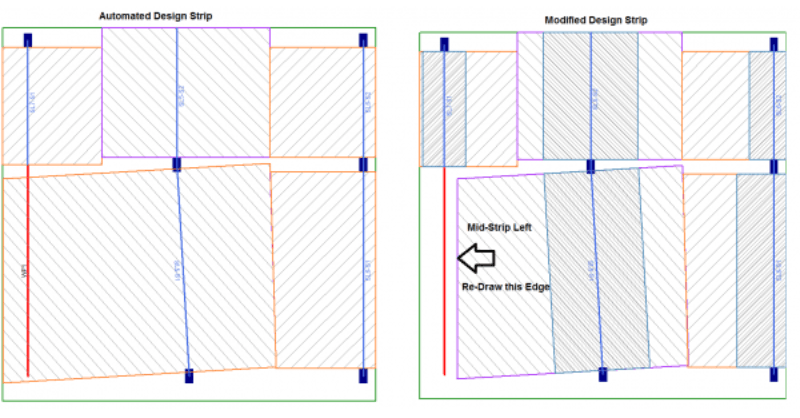
How to Model Support Lines with Parallel Walls

In RISAFloor ES, you draw a support line from support point to support...
Read More
July 01, 2014

Viewing the Deflected Shape in RISAFloor

The deflected shape is really helpful to understanding your model’s...
Read More
January 07, 2013

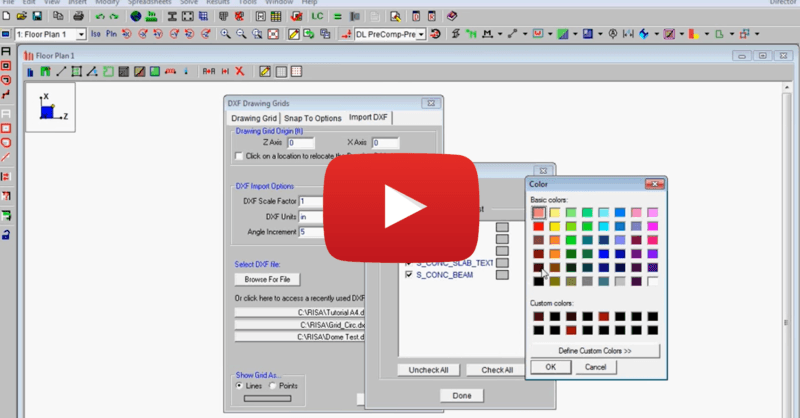
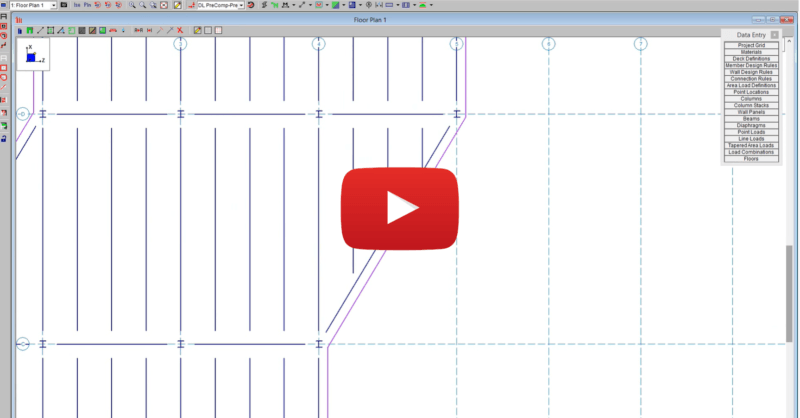
Import DXF Drawing Grid in RISAFloor

This video shows how to import a DXF as a drawing grid in RISAFloor. To do...
Read More

Subscribe to Our Newsletter

Our monthly "Structural Moment" newsletter is the best way to keep up with RISA’s product updates, new releases, new features, training events, webinars and more...