Import DXF Drawing Grid in RISAFloor

Import DXF Drawing Grid in RISAFloor

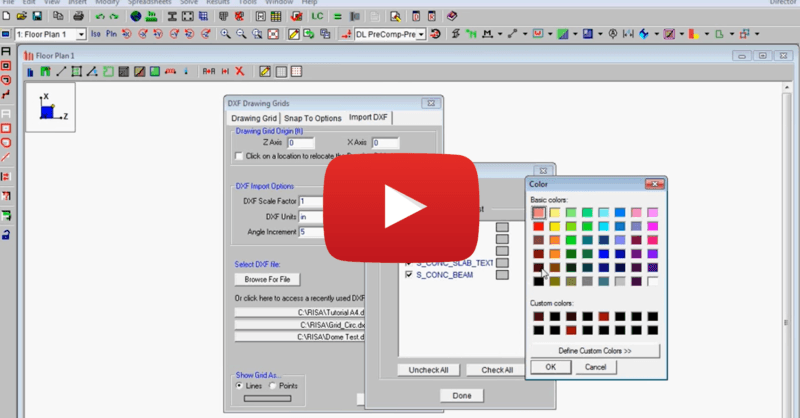
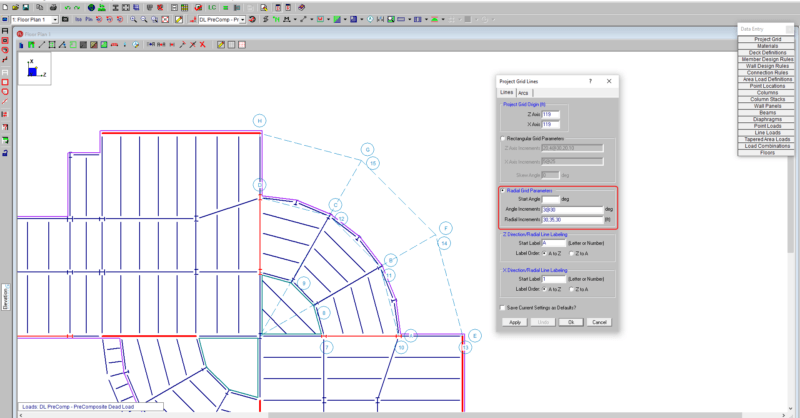
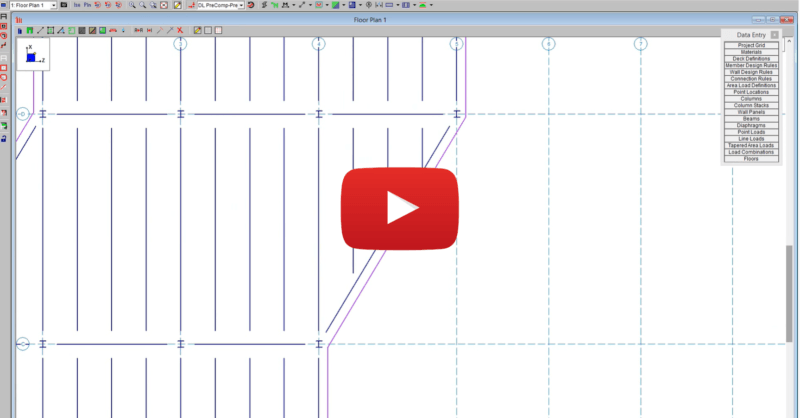
This video shows how to import a DXF as a drawing grid in RISAFloor. To do this, you can save any drawing file as a DXF file format and import points, lines, polylines, arcs and circles into RISAFloor. This gives you the ability to create your own drawing grids with complex geometries and use this drawing grid to create your RISAFloor model.

You may also be interested in

 
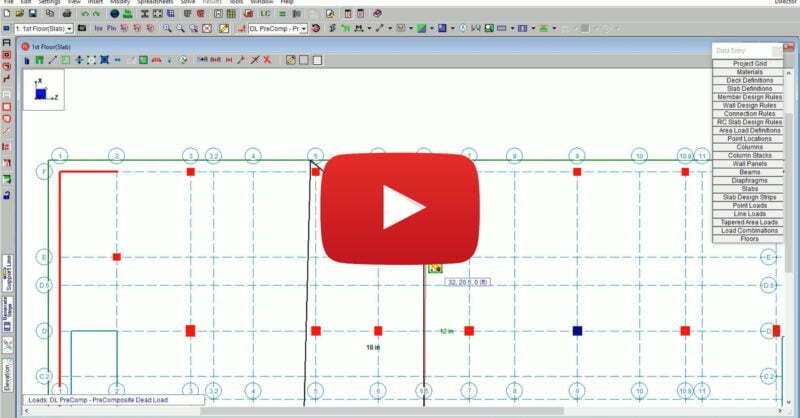
New Tools for Modification of Elevated Slabs in RISAFloor ES
FEBRUARY 15, 2022

New Tools for Modification of Elevated Slabs in RISAFloor ES

RISAFloor Version 16 includes new and improved tools for the...

Read More