








June 22, 2010
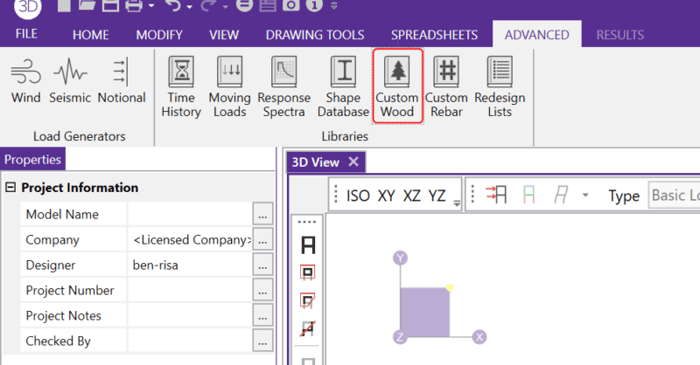
How to Create an Engineered Wood Material
In RISA-3D and RISAFloor, the entire NDS species list is available as well as glulam materials but you may need to design a wood product that is not available in the program.

In RISA-3D and RISAFloor, the entire NDS species list is available as well as glulam materials but you may need to design a wood product that is not available in the program.
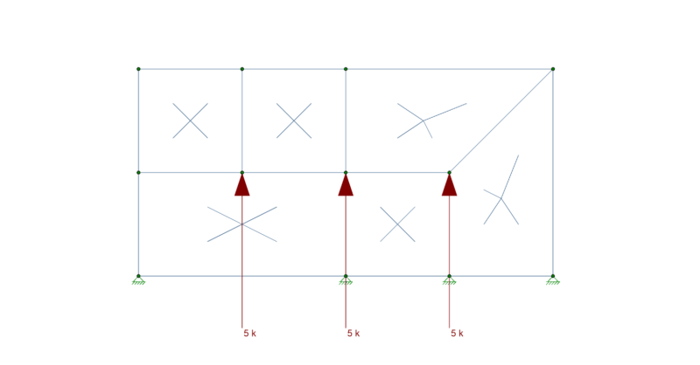
To best understand how plates interact with each other you must first understand the concept of Physical Members. The important thing to keep in mind is that plates are not physical members. A plate is defined using either three or four joints, and it only connects to other plates at those joints....
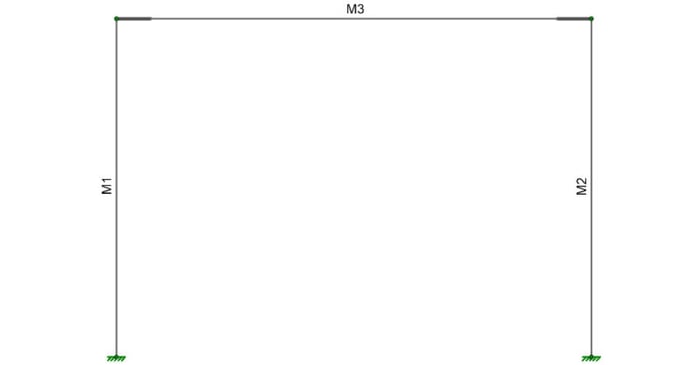
When you have a deep column, it is necessary to model the beam so that it connects to the face of the column. This results in an eccentricity at the joint. RISA-3D offers two ways to model this eccentricity.
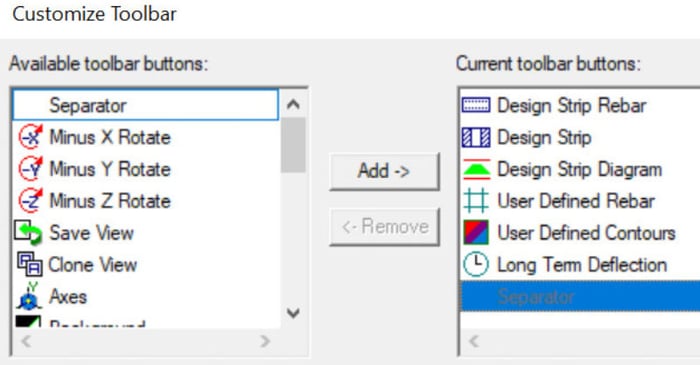
The customizable toolbar is a new feature in RISAFloor. It’s really useful and you may have overlooked it. You’ll find all of your familiar buttons as well some new buttons which make reviewing your model and results easier.
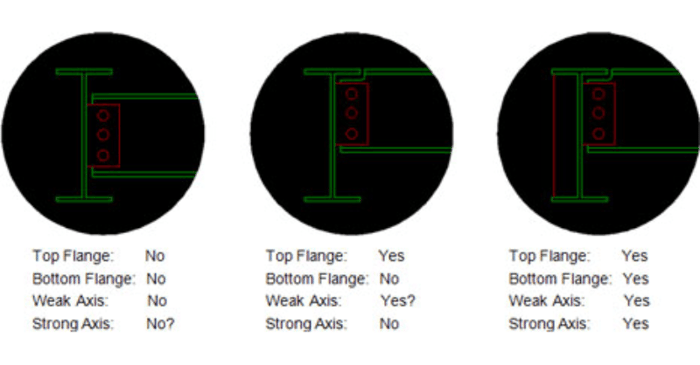
There are four different values for Unbraced lengths in RISA-3D, RISA-2D and RISAFloor. Two are for axial calculations and two are for bending calculations.
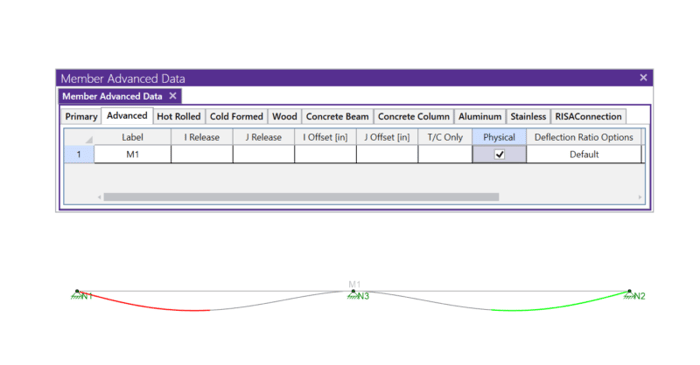
Members (beams, columns, braces, etc.) are defined in RISA by an I-Node and a J-Node. While you and I see a beam occupying physical space between two columns, most programs see a line between Point I and Point J. This is known as a non-physical member. See the image below:
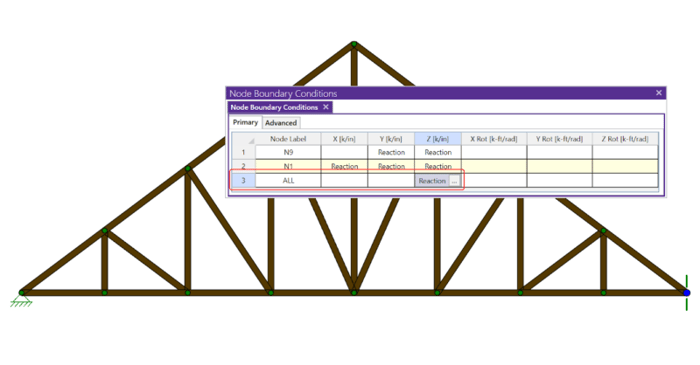
If you have ever tried to solve a two-dimensional model in RISA-3D, you have ultimately run into instabilities in your model because your model has no out of plane restraint.
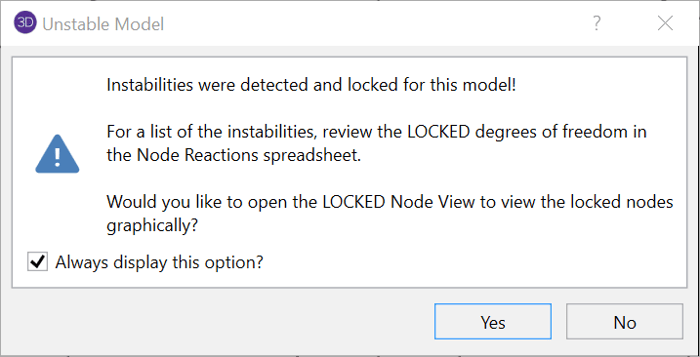
Do you get an instabilities warning when you’re trying to do a simple 2D model in RISA-3D?