Risa Tips & Tricks: How to Use Our Structural Analysis Software

June 16, 2026

What is the Effective Length of a Column?

Key Highlights In the formula Le = K L, the K-factor is essentially a "penalty" or "bonus" based on end-restraint stiffness. As effective length increases, the critical buckling load decreases exponentially. A dimensionless coefficient that adjusts for end restraints. K=1.0 for a standard pinned-pinned column; K=0.65 for a rigid fixed-fixed column; and K=2.1 for a precarious cantilever (fixed-free). Effective length is the numerator in the slenderness ratio (KLr), which determines if a column is classified as "short," "intermediate," or "long." Structural engineers define the effective length (Le or KL) of a column as the equivalent length of a "perfect" pinned-pinned column that would have the same buckling capacity as the actual column being analyzed. It is calculated by multiplying the physical unbraced length (L) by an effective length factor (K). While the unbraced length is a purely geometric measurement, the distance between lateral supports, the effective length is a stability parameter that accounts for the column's boundary conditions (how the ends are attached) and whether the frame can sway laterally. Why Effective Length Matters and The Physics of Buckling The primary reason engineers calculate effective length is to predict Euler Buckling. Most columns in modern construction are not "short and…

Read More

Loads (2)

June 07, 2017

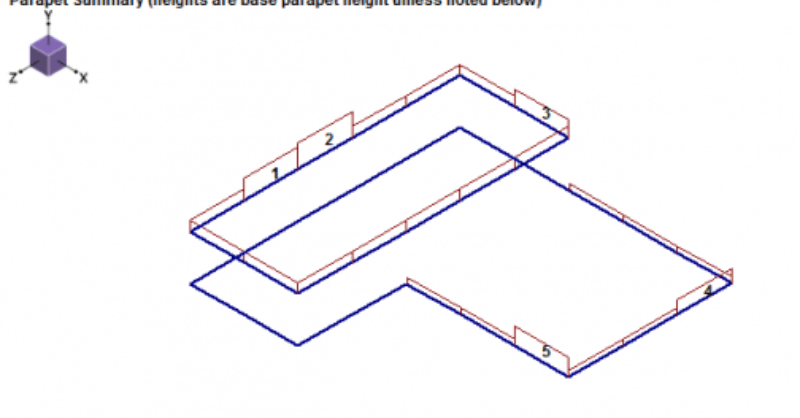
Parapet Wind Loading

RISAFloor v11 allows users to add parapets while allowing the program to...
Read More
November 11, 2016

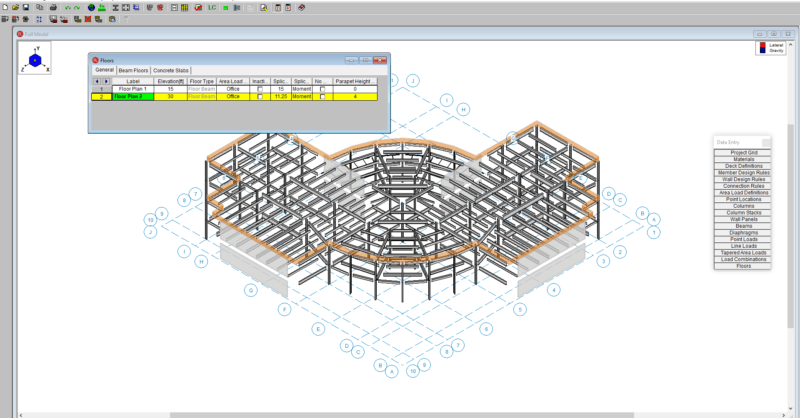
Adding Roof Parapets in RISAFloor

RISAFloor v11 now includes the option to add parapets and parapet loading...
Read More
November 09, 2016

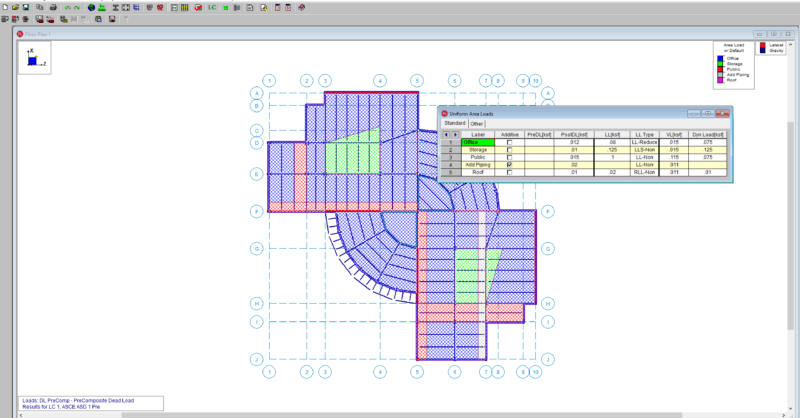
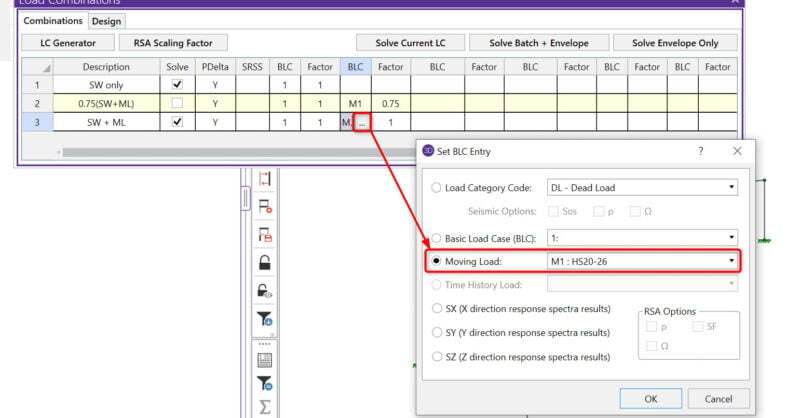
How to verify loads graphically in RISAFloor

RISAFloor does not record the applied area loads in a spreadsheet. To...
Read More
May 27, 2015

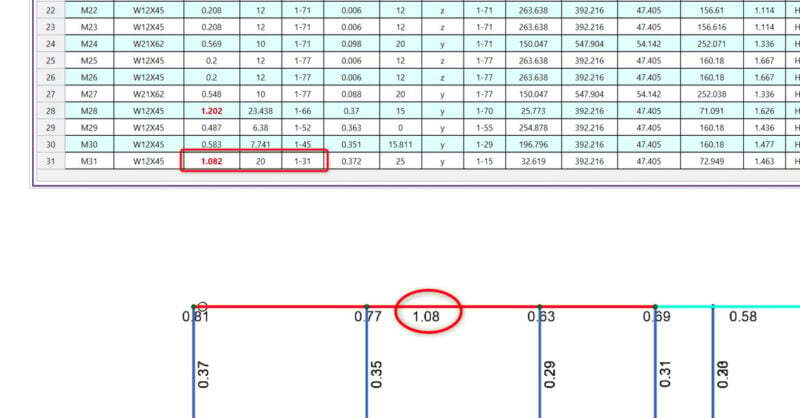
Include Moving Load in Batch Solution

With the new release of RISA-3D v13.0, you now have the ability to include...
Read More
March 20, 2015

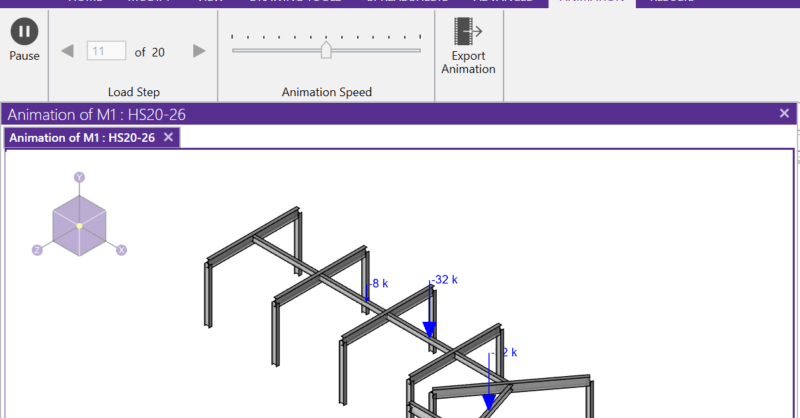
Moving Load Point Load Generator now Available

A common question we get in tech support is “how can I verify my moving...
Read More
June 19, 2014

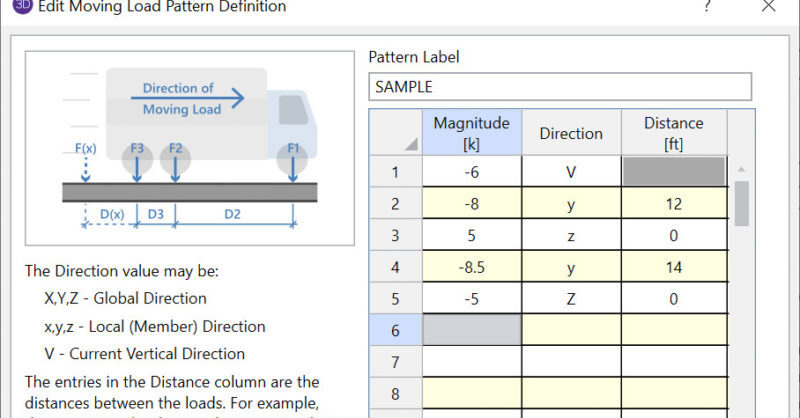
How to Use Moving Loads

RISA-3D and RISA-2D will allow you to add a moving load pattern to your...
Read More
February 18, 2014

How to Add a New Pattern to the Moving Load Database

RISA-3D and RISA-2D come with a default list of existing moving load...
Read More
July 02, 2013

How to use Live Load Special

In RISAFloor, there are several different Load Categories that define Live...

Read More
March 27, 2013

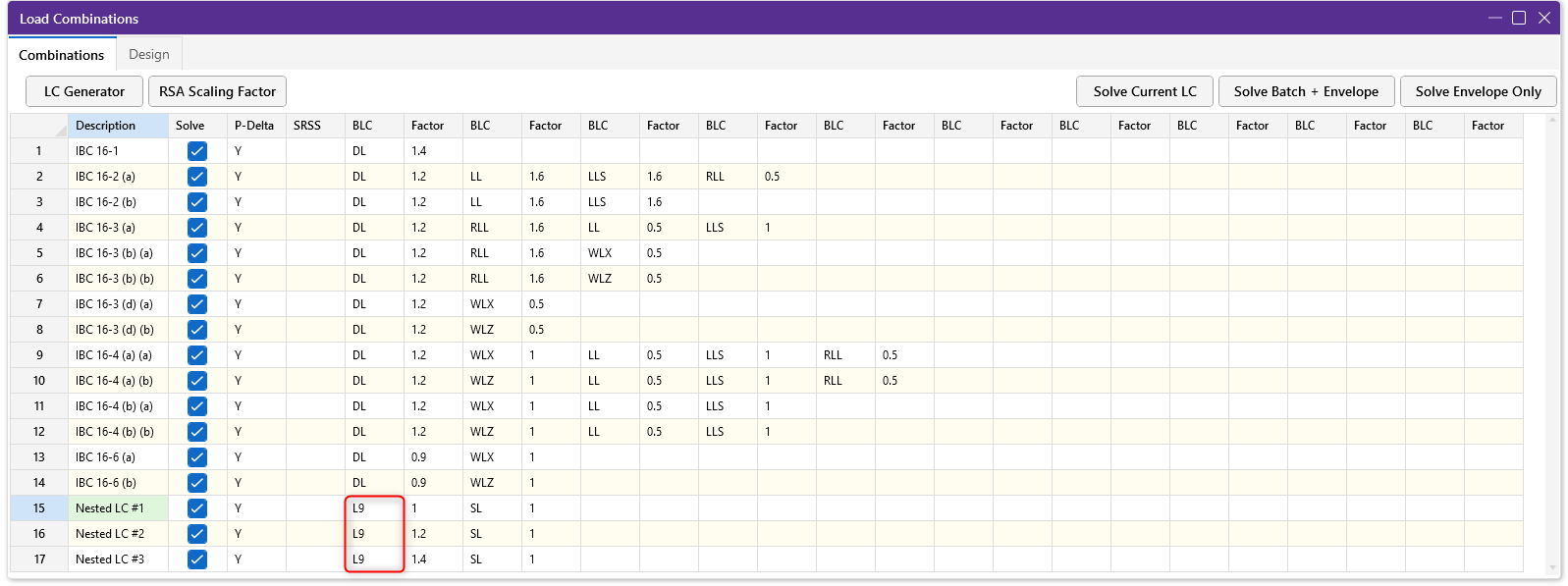
Nesting Load Combinations

The Load Combinations spreadsheet in RISA-3D is limited to ten columns of...

Read More

Subscribe to Our Newsletter

Our monthly "Structural Moment" newsletter is the best way to keep up with RISA’s product updates, new releases, new features, training events, webinars and more...