Risa Tips & Tricks: How to Use Our Structural Analysis Software

April 22, 2026

RISA-3D to RISAConnection: Making the Link Work

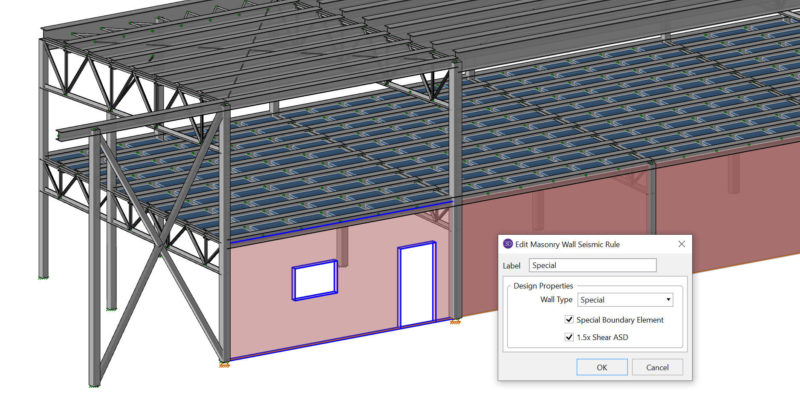
RISAConnection is designed to work directly with your RISAFloor and RISA-3D models, not as a separate “export‑and‑forget” tool. When the integration is set up correctly, RISAConnection can read your geometry, member sizes, connection rules, design method, and load combinations, then send connection results back into RISAFloor and RISA-3D for review. This article walks through how the integration behaves, what you can and cannot change in RISAConnection, and how to work with grouped connections efficiently. 1. What Actually Comes into RISAConnection When you integrate from RISAFloor or RISA-3D, RISAConnection creates a .rcn file with the same file name as your model in the same folder. You’ll see that the project is populated with all valid connections—only connection types that RISAConnection can design will be brought in. Data that is integrated: Geometry and member sizes Connection Rules from RISAFloor / RISA-3D (including bolted vs. welded settings) Design Method (ASD or LRFD) Applicable Seismic Design Rules from RISA-3D (for seismic connection types) Load combinations that have the “Connection” check‑box enabled in the RISAFloor / RISA-3D Load Combinations spreadsheet If a connection type or configuration is not supported by RISAConnection, it will not be added to the .rcn project and a warning will be…

Read More

March 10, 2021

Composite Steel Beam Design in RISACalc

Composite steel beam design is now available in RISACalc per the AISC and...

Read More
March 05, 2021

Display Enveloped Contour Diagrams for Soil Pressure

RISAFoundation has the ability to display the enveloped contour diagram...

Read More
March 04, 2021

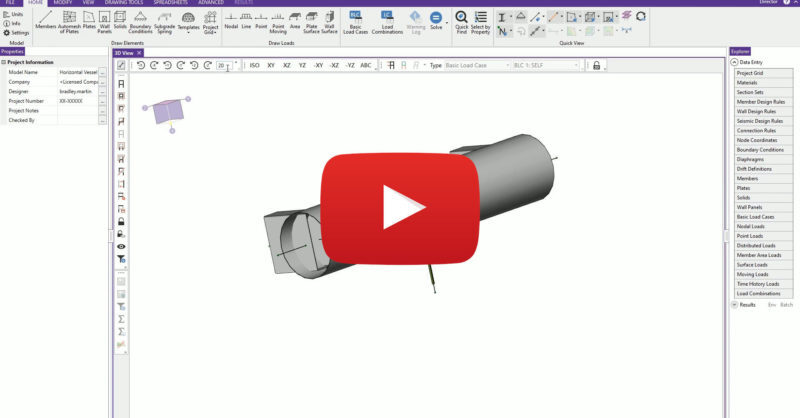
Video: Composite Steel Beam Design in RISACalc

Learn how to load and design individual composite beams according to AISC...

Read More
March 04, 2021

WEBINAR: Web Based Component Design with RISACalc

The new RISACalc allows users to analyze single members (beams, columns &...

Read More
March 03, 2021

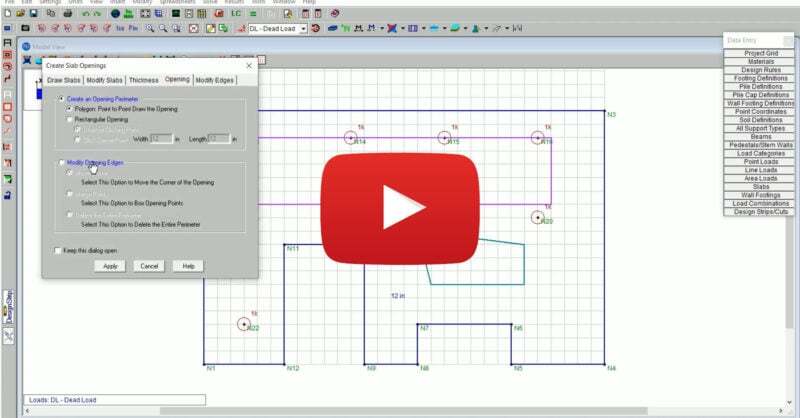
Video: Using a DXF Underlay to Create Geometry in RISAFloor

Oftentimes the architecture of a building does not follow a simple...

Read More
February 26, 2021

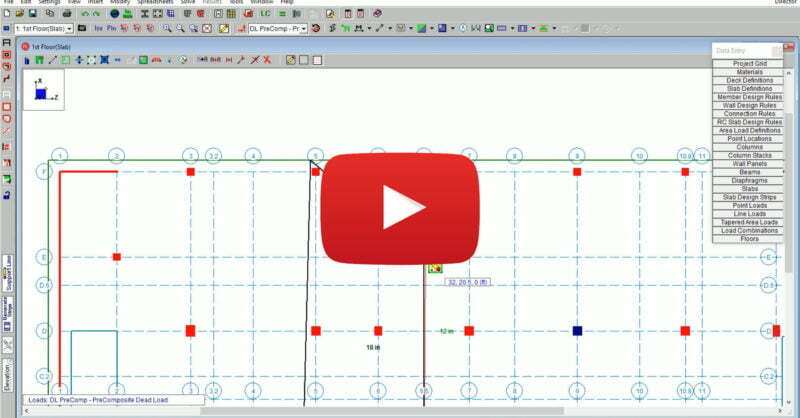
Video: Using Various Diaphragm Types in RISAFloor

RISAFloor supports the three fundamental types of diaphragms used in...

Read More
February 24, 2021

Video: Applying Tapered Area Loads in RISAFloor

RISAFloor enables you to consider the loads imposed on your structure due...

Read More
February 14, 2021

Case Study: Riviera Stage At Riverview Park

Learn how Raker Rhodes Engineering utilized RISA to model and analyze both...

Read More
February 04, 2021

WEBINAR: ACI 318-19 Code Updates in RISA & ADAPT

RISA-3D v19, ADAPT-Builder v20, RISAFloor v15 and RISAFoundation v13 have...

Read More

Subscribe to Our Newsletter

Our monthly "Structural Moment" newsletter is the best way to keep up with RISA’s product updates, new releases, new features, training events, webinars and more...