Risa Tips & Tricks: How to Use Our Structural Analysis Software

August 24, 2026

LL vs. LLS in RISA: What's the Difference?

When defining loads in RISA, you’ll see two live load categories: LL and LLS. Both are live loads, but the preset load combinations incorporate them differently. Understanding this difference helps you assign loads correctly and get accurate results. Quick Definitions: LL = Live Load typical live load that qualifies for lower load factor in code 0.5 factor applied in applicable LRFD load combinations from ASCE 7 Standard factor applied in applicable load combinations from NBC LLS = Live Load Special higher or special use live load that does not qualify for lower load factor such as loading over 100psf, garages, and assembly areas. 1.0 factor applied in applicable LRFD load combinations from ASCE 7 Increased load factor applied in applicable NBC load combinations Why There are Two Live Load Categories The two categories exist to incorporate the different load factors required for the live load as prescribed in both ASCE 7 and NBC. In ASCE 7, an exception is allowed for the load factor applied to the live load in strength design (LRFD) load combinations. “The load factor on L in combinations 3a and 4a is permitted to equal 0.5 for all occupancies in which L0 in Chapter 4, Table…

Read More

May 24, 2022

Integration between RISA-3D & ADAPT-Builder for Podium Buildings

ADAPT-Builder v21.0.1 includes the option to import reactions from a...

Read More
May 24, 2022

User Defined Maximum DCR in ADAPT-Builder

ADAPT-Builder has historically been hard coded to design reinforcement for...

Read More
May 24, 2022

Ability to Colorize Loads in ADAPT-Builder

In ADAPT-Builder v21.0.1 the Colorize Grid has been improved to allow for...

Read More
May 16, 2022

Retaining Wall Design in RISACalc

Learn how to load and design individual masonry and concrete retaining...

Read More
May 11, 2022

Case Study: BRCC Patton Hall Addition

Learn how Kloesel Engineering, P.A. used RISAFloor for a multi-story...

Read More
March 14, 2022

Viewing Connection Details and Defaults in RISAConnection

The new connection details view, and defaults viewer in RISAConnection...

Read More
March 14, 2022

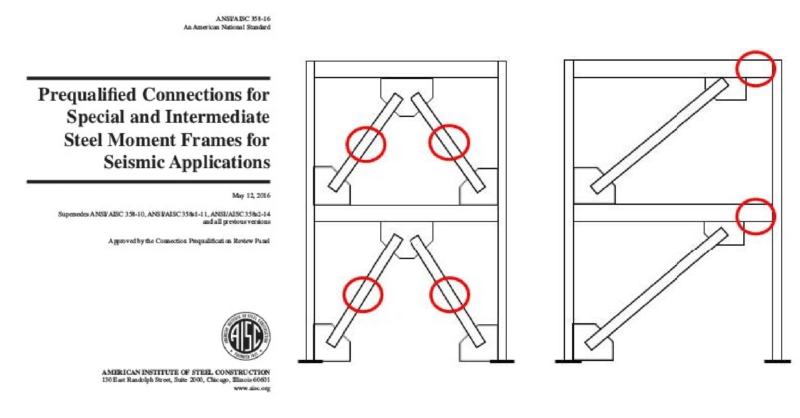
Vertical Diagonal Brace Extended Shear Tab Connections in…

RISAConnection Version 13 now includes the ability to define vertical...

Read More
February 15, 2022

Easily view specific data using Viewer Mode in RISA-3D

RISA-3D is a robust tool for the analysis and design of a variety of...

Read More
February 15, 2022

Canadian Concrete (CSA A23) Wall Panel Design in RISA

The CSA A23.3-14 Concrete Design Code has been implemented into RISA-3D...

Read More

Subscribe to Our Newsletter

Our monthly "Structural Moment" newsletter is the best way to keep up with RISA’s product updates, new releases, new features, training events, webinars and more...