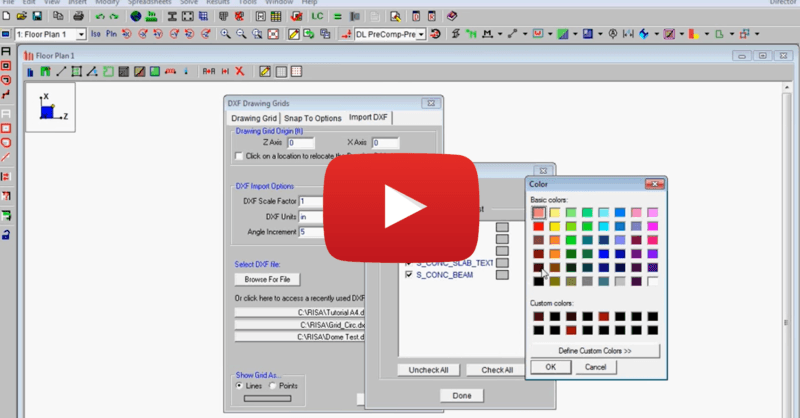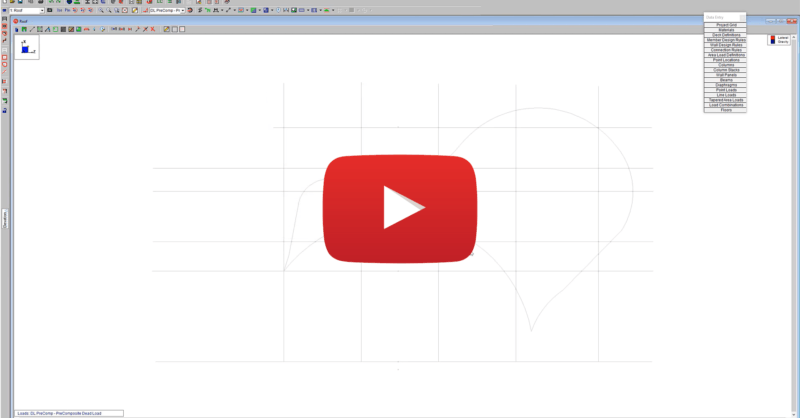
Video: Using a DXF Underlay to Create Geometry in RISAFloor

Video: Using a DXF Underlay to Create Geometry in RISAFloor

Oftentimes the architecture of a building does not follow a simple rectangular nor radial grid. A quick and easy way to handle these scenarios within RISAFloor is to import the building geometry or grid system as a DXF underlay.

You may also be interested in

 
Video: Using Various Diaphragm Types in RISAFloor
FEBRUARY 26, 2021

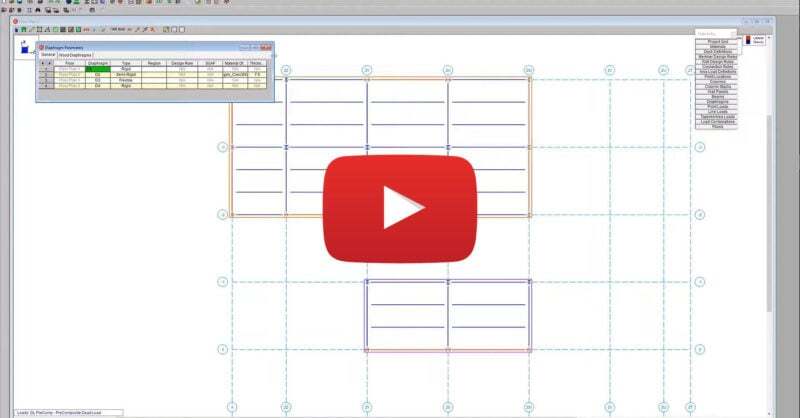
Video: Using Various Diaphragm Types in RISAFloor

RISAFloor supports the three fundamental types of diaphragms used in...
Read More
Import DXF Drawing Grid in RISAFloor
JANUARY 07, 2013

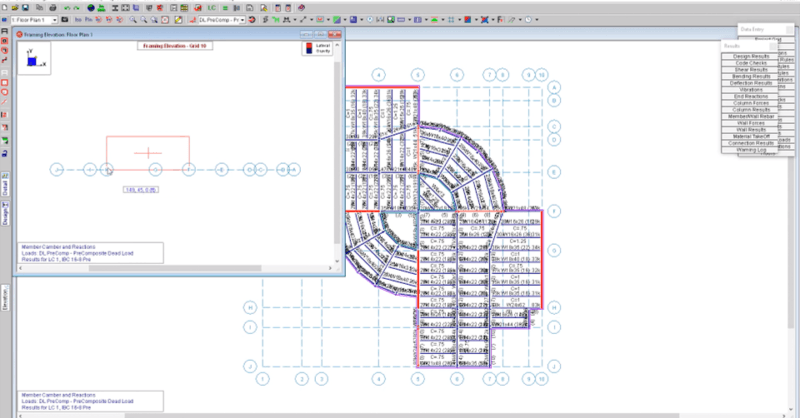
Import DXF Drawing Grid in RISAFloor

This video shows how to import a DXF as a drawing grid in RISAFloor. To...
Read More