








March 31, 2016
OCBF & SCBF Seismic Brace Connections now Available
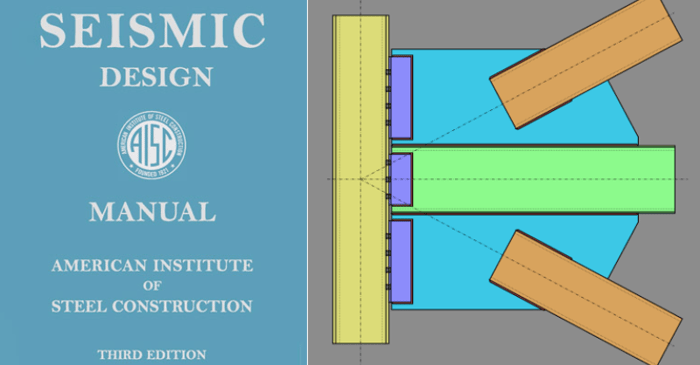
RISAConnection v6 has introduced the ability to design vertical brace connections per the seismic design provisions of the AISC 341-10 Seismic Design Manual.

RISAConnection v6 has introduced the ability to design vertical brace connections per the seismic design provisions of the AISC 341-10 Seismic Design Manual.
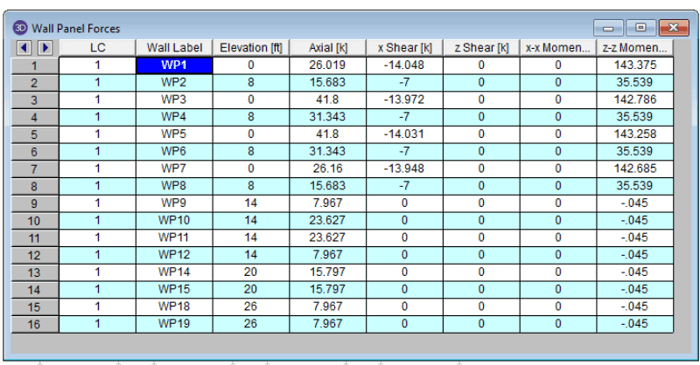
Wall Panel Forces Spreadsheet The power of RISA is the easy to access output. The Wall Panels have all the calculations and forces displayed in the Detail Report and now the new Wall Panel Forces gives you a quick way to get all the forces across the base of the wall. This new spreadsheet can be...
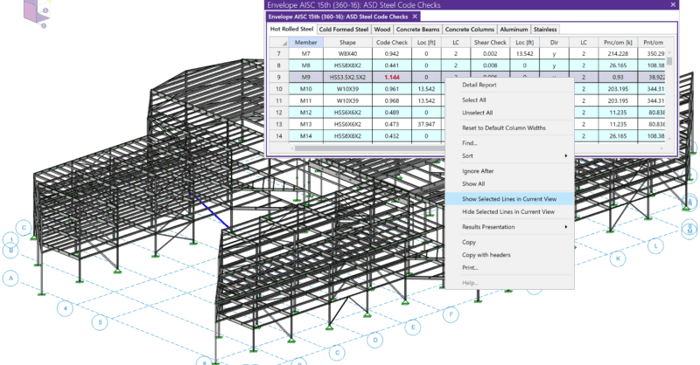
You may find that when looking at the Code Check spreadsheet that a given member is failing in design. Here is an example where a steel brace is failing in bending.
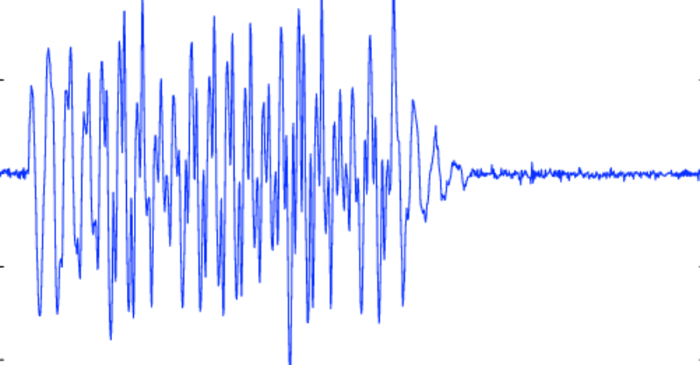
The Pacific Earthquake Engineering Research center (PEER) has a large library of measured earthquake records. Below is an example of how to quickly convert one of these records into a format that can be imported into RISA.
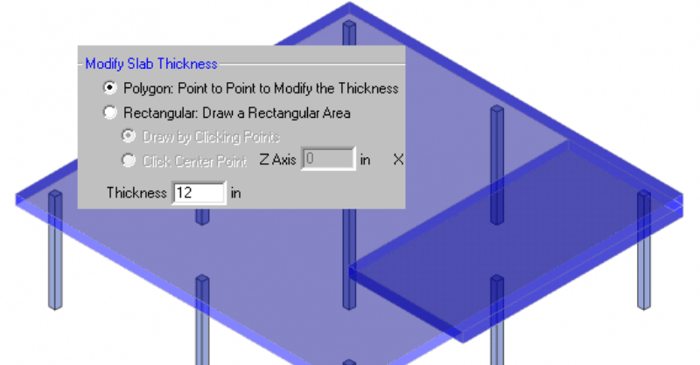
RISAFloor ES allows you to model concrete slabs of any thickness. However, there might be sections of the building that require a thicker slab. The icon is shown below and it will allow you to draw a Polygon or Rectangular shape.
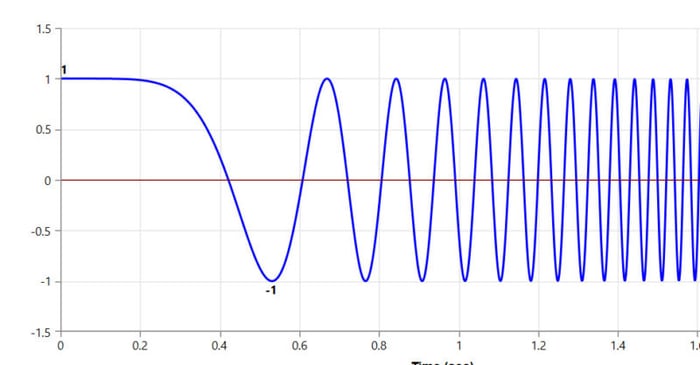
Ramp Up Function RISA allows you to define “Ramp Up Functions” to control how the force and frequency vary during this initial startup time. Typically cyclic equipment loading is applied as a reduced force or frequency when it is initially starting up. It would be overly conservative if it were...
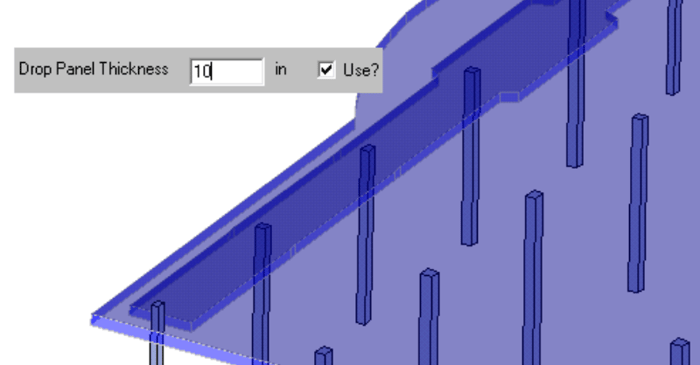
In RISAFloor ES, you can quickly thicken the slab in the column strip area with the Drop Panel tool. The column strip is typically the area of highest demand so increasing the thickness may help optimize the concrete usage.
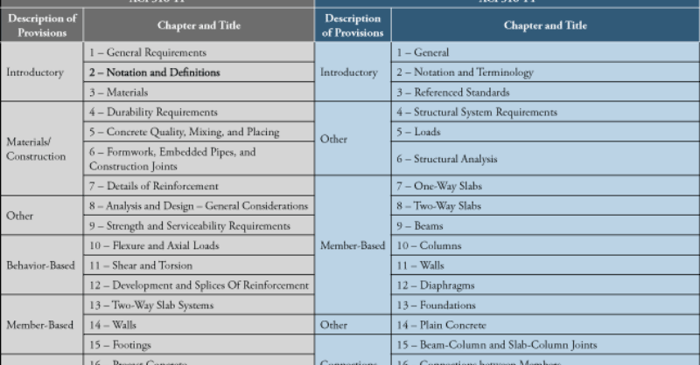
The new ACI 318-14 code has been implemented into RISA-3D V14, RISAFloor V10, and RISAFoundation V8. One of the big changes between the ACI 318-11 and the ACI 318-14 was to minimum flexural reinforcement for one-way and two-way slabs, as well as foundation elements.
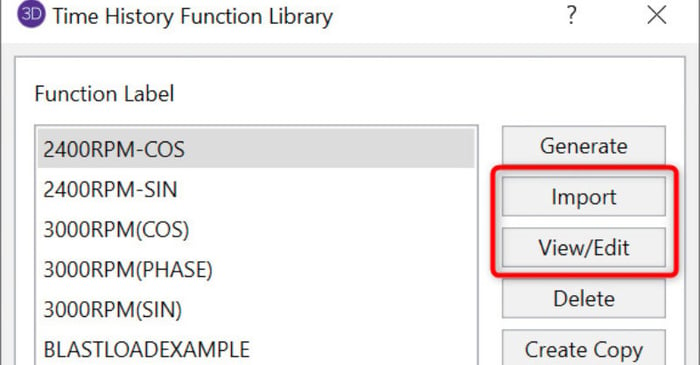
New in RISA-3D v14 is the introduction of a Time History analysis feature. Time history functions may be generated directly in the program based on simple sinusoidal functions. More complex functions, however, can be imported from a text file.