Risa Tips & Tricks: How to Use Our Structural Analysis Software

April 28, 2026

RISA Cloud Licensing & Installation: Solving Common Access Issues

When RISA-3D will not launch, cannot see a cloud license, or suddenly stops working after an update, it usually comes down to installation, sign‑in, or permissions—not the model itself. Most of these issues follow a few common patterns you can check and fix without a full reinstall. This article walks through practical steps to troubleshoot RISA-3D cloud licensing and installation problems so you can get back into the software quickly. 1. Confirm Your RISA Customer Portal Account Because RISA now uses cloud / user‑based licensing, your access is tied to your login, not to a specific machine. Before troubleshooting anything else, confirm: You are signing into RISA-3D with the correct email address (the one your organization licensed). You haven’t recently changed companies or email domains without updating your license assignment. 2. RISA-3D Won’t Start or Crashes Immediately If RISA-3D will not open at all, or closes right after launch: Check installation and Windows permissions Make sure RISA-3D is installed under the Windows user profile you’re actually using. Avoid switching between Windows accounts after installation. Try running RISA-3D once as an administrator to see if it’s a permissions issue. Look for security or antivirus interference Some antivirus or endpoint protection tools…

Read More

March 10, 2021

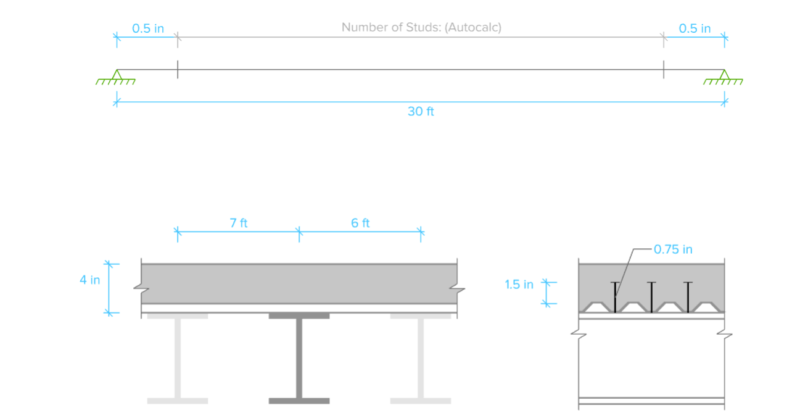
Composite Steel Beam Design in RISACalc

Composite steel beam design is now available in RISACalc per the AISC and...
Read More
March 04, 2021

Video: Composite Steel Beam Design in RISACalc

Learn how to load and design individual composite beams according to AISC...
Read More
March 03, 2021

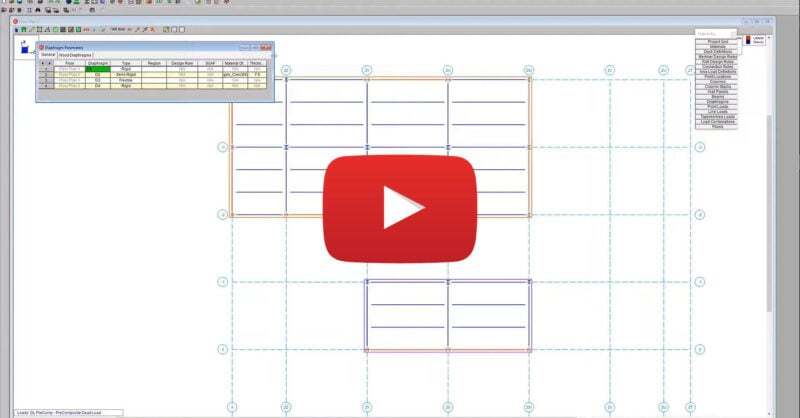
Video: Using a DXF Underlay to Create Geometry in RISAFloor

Oftentimes the architecture of a building does not follow a simple...
Read More
February 26, 2021

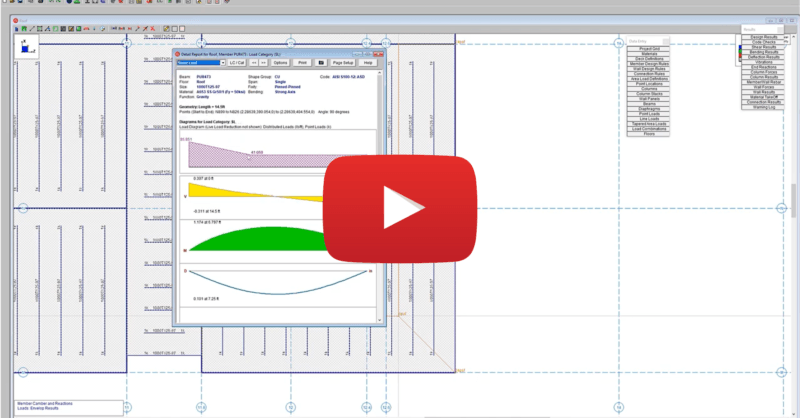
Video: Using Various Diaphragm Types in RISAFloor

RISAFloor supports the three fundamental types of diaphragms used in...
Read More
February 24, 2021

Video: Applying Tapered Area Loads in RISAFloor

RISAFloor enables you to consider the loads imposed on your structure due...
Read More
February 14, 2021

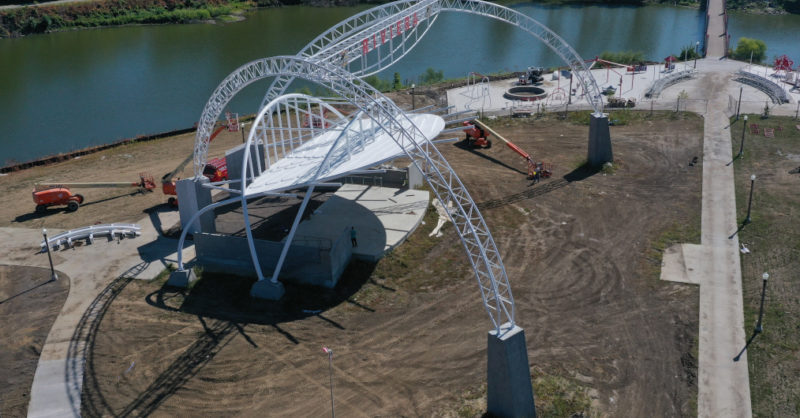
Case Study: Riviera Stage At Riverview Park

Learn how Raker Rhodes Engineering utilized RISA to model and analyze both...
Read More
January 01, 2021

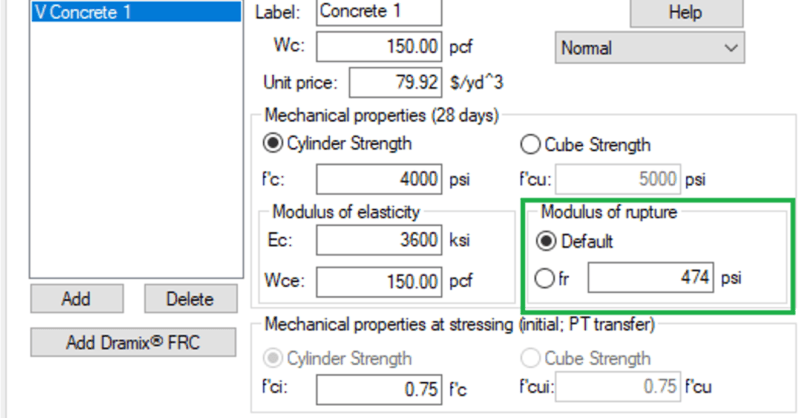
User Defined Modulus of Rupture in ADAPT-Builder

For reinforced concrete and post-tensioned concrete beams and slabs,...
Read More
January 01, 2021

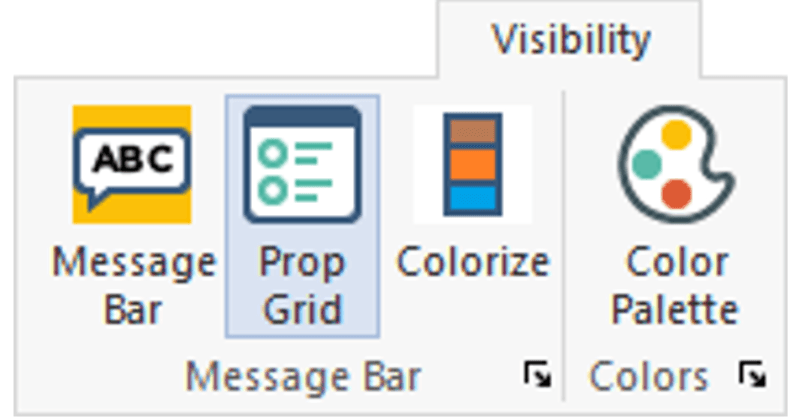
Increased Efficiency of Selection with Property Grid in ADAPT-Builder

The Properties Grid is a new improvement to the user-interface for...
Read More
January 01, 2021

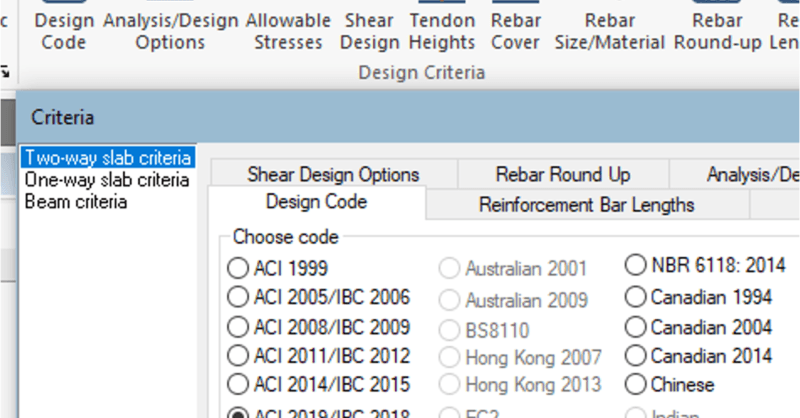
Updates to ACI Concrete Code in ADAPT-Builder

ADAPT-Builder v20 has been updated to ensure that users can take advantage...

Read More

Subscribe to Our Newsletter

Our monthly "Structural Moment" newsletter is the best way to keep up with RISA’s product updates, new releases, new features, training events, webinars and more...