New Tools for Modification of Elevated Slabs in RISAFloor ES
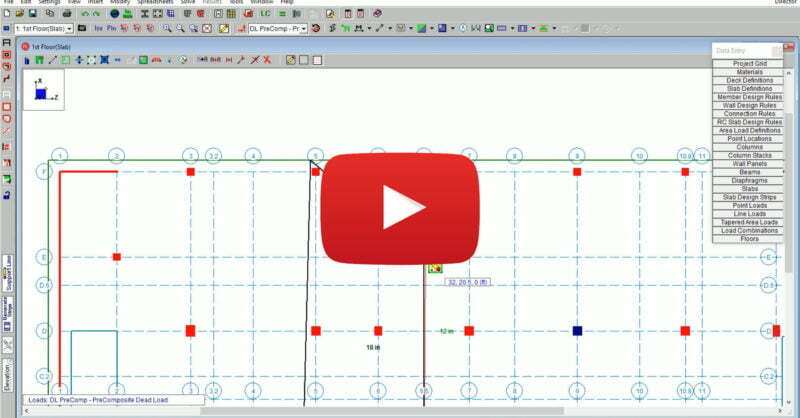
RISAFloor Version 16 includes new and improved tools for the modification...
When RISA-3D will not launch, cannot see a cloud license, or suddenly stops working after an update, it usually comes down to installation, sign‑in, or permissions—not the model itself. Most of these issues follow a few common patterns you can check and fix without a full reinstall. This article walks through practical steps to troubleshoot RISA-3D cloud licensing and installation problems so you can get back into the software quickly. 1. Confirm Your RISA Customer Portal Account Because RISA now uses cloud / user‑based licensing, your access is tied to your login, not to a specific machine. Before troubleshooting anything else, confirm: You are signing into RISA-3D with the correct email address (the one your organization licensed). You haven’t recently changed companies or email domains without updating your license assignment. 2. RISA-3D Won’t Start or Crashes Immediately If RISA-3D will not open at all, or closes right after launch: Check installation and Windows permissions Make sure RISA-3D is installed under the Windows user profile you’re actually using. Avoid switching between Windows accounts after installation. Try running RISA-3D once as an administrator to see if it’s a permissions issue. Look for security or antivirus interference Some antivirus or endpoint protection tools…
Read More
RISAFloor Version 16 includes new and improved tools for the modification...
As a floor-by-floor design software, RISAFloor includes robust features...
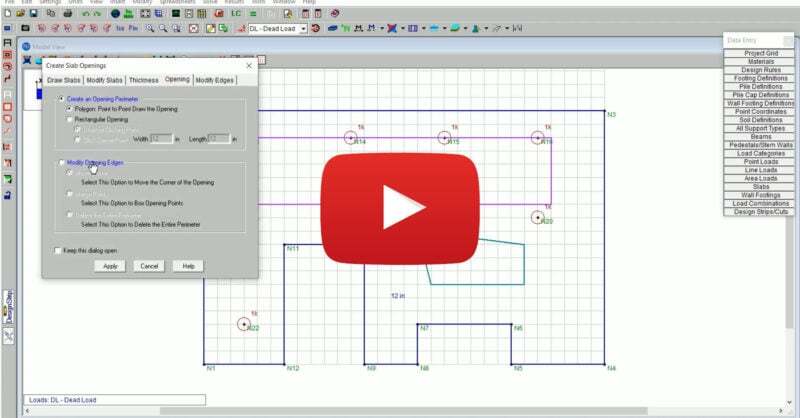
RISAFoundation Version 14 includes new and improved tools for the...
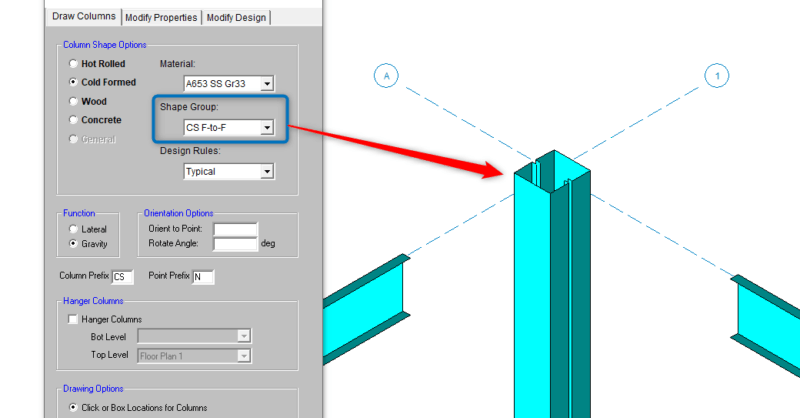
RISAFloor Version 16 now includes the analysis and design of CFS...

A look back at some of the ways RISA had the opportunity to give back and...
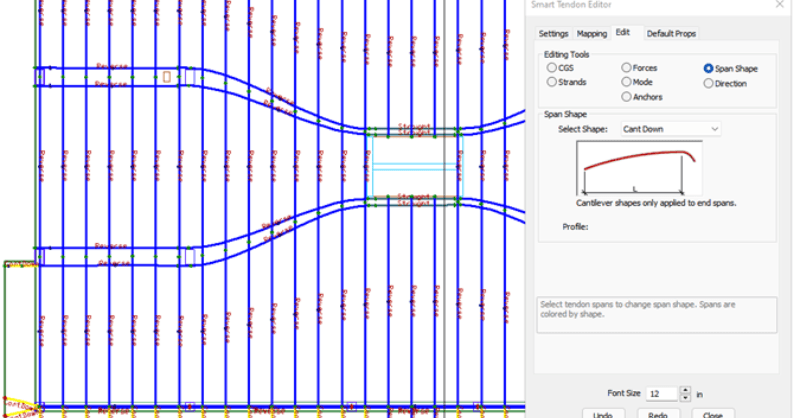
ADAPT-Builder v21 now includes a new set of Smart Tools that assist the...
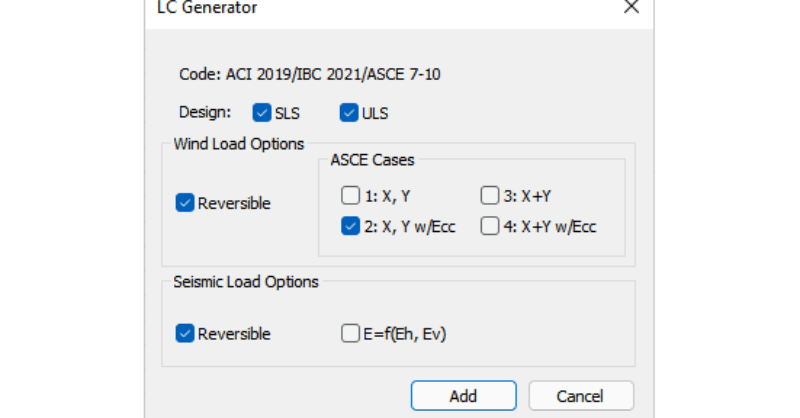
With the release of ADAPT-Builder v21, a new load combination generator...
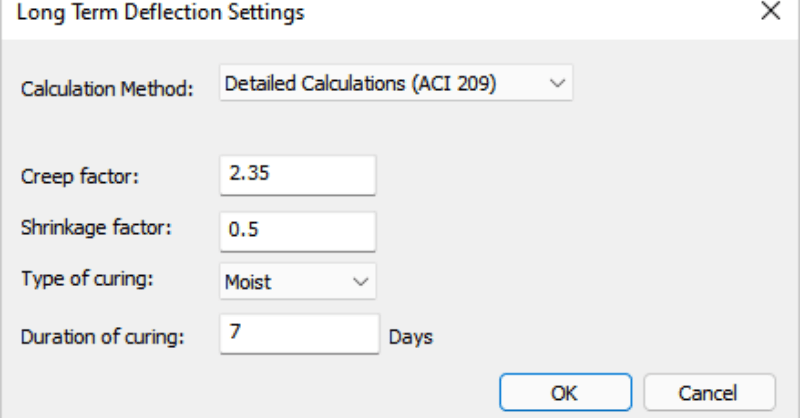
With the release of ADAPT-Builder v21, users now has the option to have...
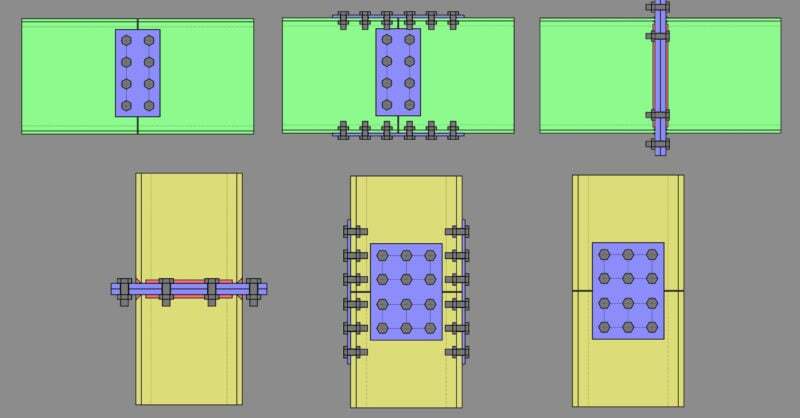
Member Configuration The connection rule must be applied to both sides of...
Our monthly "Structural Moment" newsletter is the best way to keep up with RISA’s product updates, new releases, new features, training events, webinars and more...