Tips & Tricks

January 1, 2026

Top RISA-3D Features Engineers Underuse

Powerful Tools Don’t Help If They’re Left Unused Many engineers evaluate analysis software based on core modeling and design checks. But once a demo is over, some of the most impactful features are the ones that quietly save time on real projects — especially mid-size jobs where efficiency matters most. These aren’t advanced edge-case tools. They’re everyday features that often go underused. Diaphragm Forces: See Load Paths Instead of Guessing Diaphragm force output is one of the most valuable — and least leveraged — parts of a full building model. Instead of relying on manual distribution or conservative assumptions, engineers can directly see how loads are flowing to vertical elements. For mid-size structures, this clarity can mean: Fewer overdesigned collectors More confidence in lateral load paths Faster review and revisions when layouts change Batch Results: Review Smarter, Not Longer Batch results allow engineers to review multiple load cases, members, or design checks in a single pass. Instead of hunting through individual reports, patterns become obvious quickly. On mid-size jobs, this speeds up: QA/QC reviews Iterative design changes Comparing “before and after” scenarios It’s not about skipping checks — it’s about seeing the full picture sooner. Design Iteration Speed Is the…

Read More

🎃 Trick or Treat… It’s RISA-Jeopardy! 👻
October 30, 2025

🎃 Trick or Treat… It’s RISA-Jeopardy! 👻

Halloween isn’t just for candy and costumes—it’s the perfect time to test your spooky engineering skills! We’ve brewed up a Halloween-themed RISA Jeopardy game, packed with fun, easy questions about our software. Tip for readers: Try to answer before revealing the “treat” below each question!

Read More
Understanding Sign Conventions for Wall Panels & Plates in RISA
September 4, 2025

Understanding Sign Conventions for Wall Panels & Plates in RISA

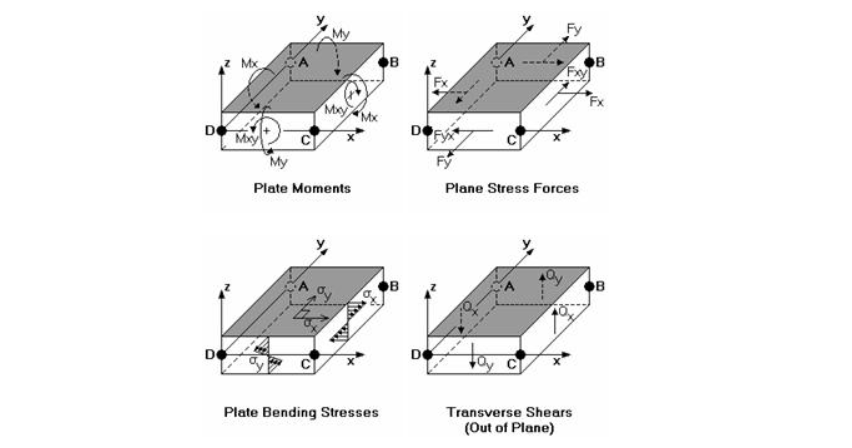
While members (beams and columns) follow conventions tied to their local axes, interpreting results for wall panels, plate elements, and design strips requires a slightly different perspective. These elements deal with both in-plane and out-of-plane behavior, and the sign conventions can change...

Read More
Understanding Sign Conventions for Members Across RISA Software
September 4, 2025

Understanding Sign Conventions for Members Across RISA Software

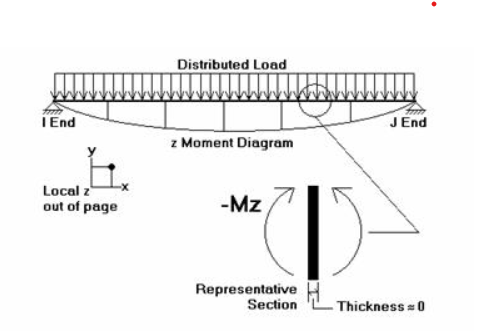
RISA software products use different sign conventions depending on the product’s purpose and typical use case. While the conventions are logical within each program, they may appear inconsistent when moving between tools like RISA-3D, RISAFloor, RISAFoundation, and RISAConnection. This article...

Read More
What Happens During a RISA Software Tour?
August 13, 2025

What Happens During a RISA Software Tour?

Exploring a new structural design software purchase? If you’ve ever wondered how RISA’s software could fit into your structural design workflow, a RISA Software Tour is the fastest way to find out—no guesswork, no canned presentations. In this free, 1-hour session, you’ll meet 1-on-1 with a RISA...

Read More
RISA-Revit Link: Reviewing the Analytical Model
August 2, 2024

RISA-Revit Link: Reviewing the Analytical Model

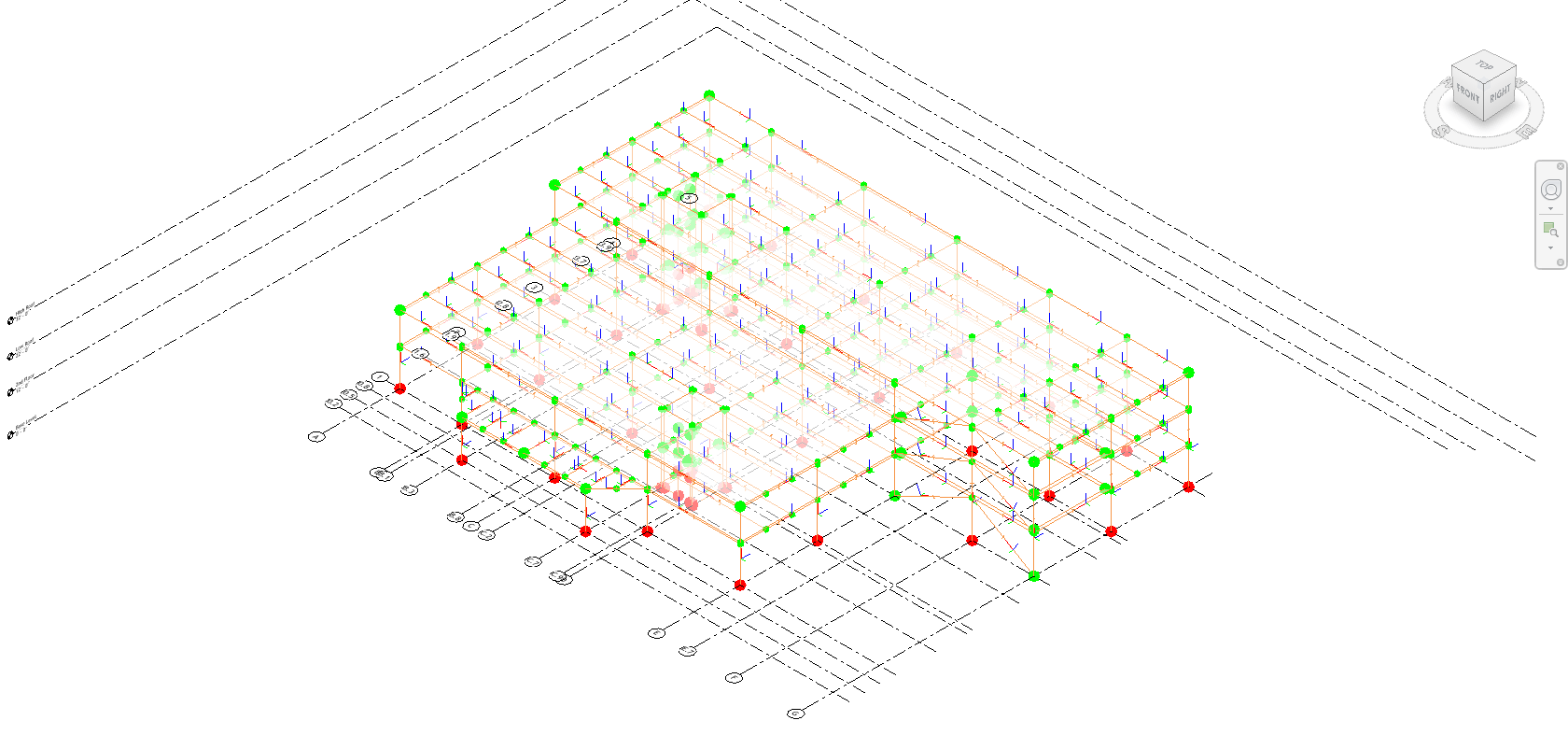
Integrating structural models from RISA to Revit seamlessly can sometimes present challenges, especially when it comes to creating and reviewing your Revit analytical model accurately. In this support article, we'll delve into the process of modifying you Revit's graphical view of your Analytical...

Read More
How to Add a Composite Deck to the RISAFloor Deck Database
May 6, 2024

How to Add a Composite Deck to the RISAFloor Deck Database

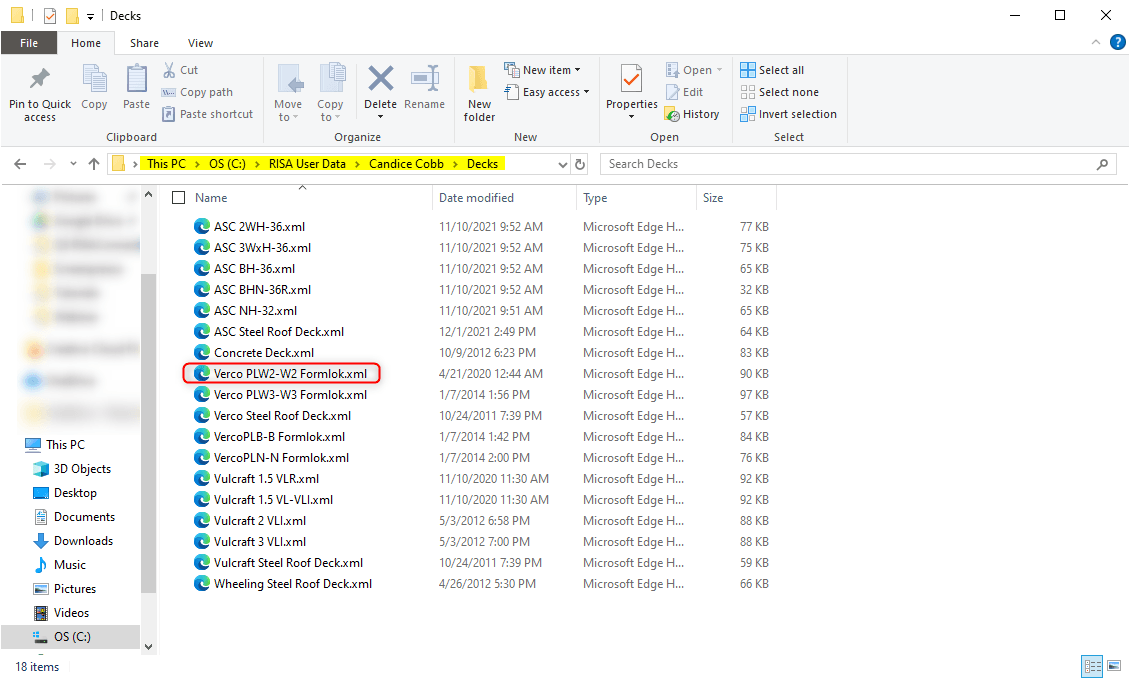
RISAFloor has four different deck types: concrete, composite, metal, and wood. When it comes to composite decks, there is a predefined Composite Deck definition already setup in the Deck Definitions spreadsheet. You can also specify a composite deck by (1) setting up your deck configuration using...

Read More
RISA-Revit Link: Adding Shapes
May 6, 2024

RISA-Revit Link: Adding Shapes

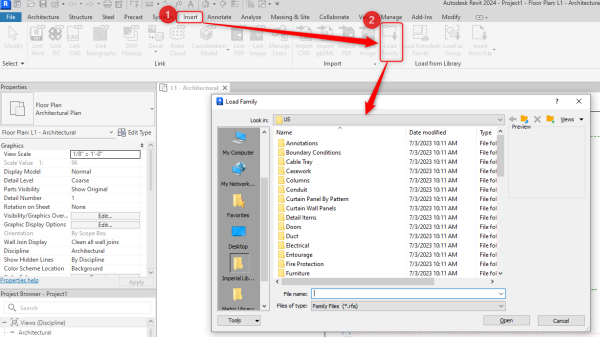
Integrating structural models from RISA to Revit seamlessly can sometimes present challenges, especially when it comes to importing shapes accurately. Unlike RISA, Revit operates on a different system, requiring users to preload family shapes for drawing or importing purposes. In this support...

Read More
What’s New with the RISA-Revit Link v24.0.2?
April 11, 2024

What’s New with the RISA-Revit Link v24.0.2?

We're thrilled to announce the release of the RISA-Revit Link v24.0.2, a game-changing update designed to streamline your engineering workflows like never before. To take full advantage of these capabilities, make sure you're running RISA-3D v22.0.0 or higher, RISAFloor v18.0.0 or higher,...

Read More
Wall Panel Opening Quick Add & Editor Tool in RISAFloor v18.0
February 20, 2024

Wall Panel Opening Quick Add & Editor Tool in RISAFloor v18.0

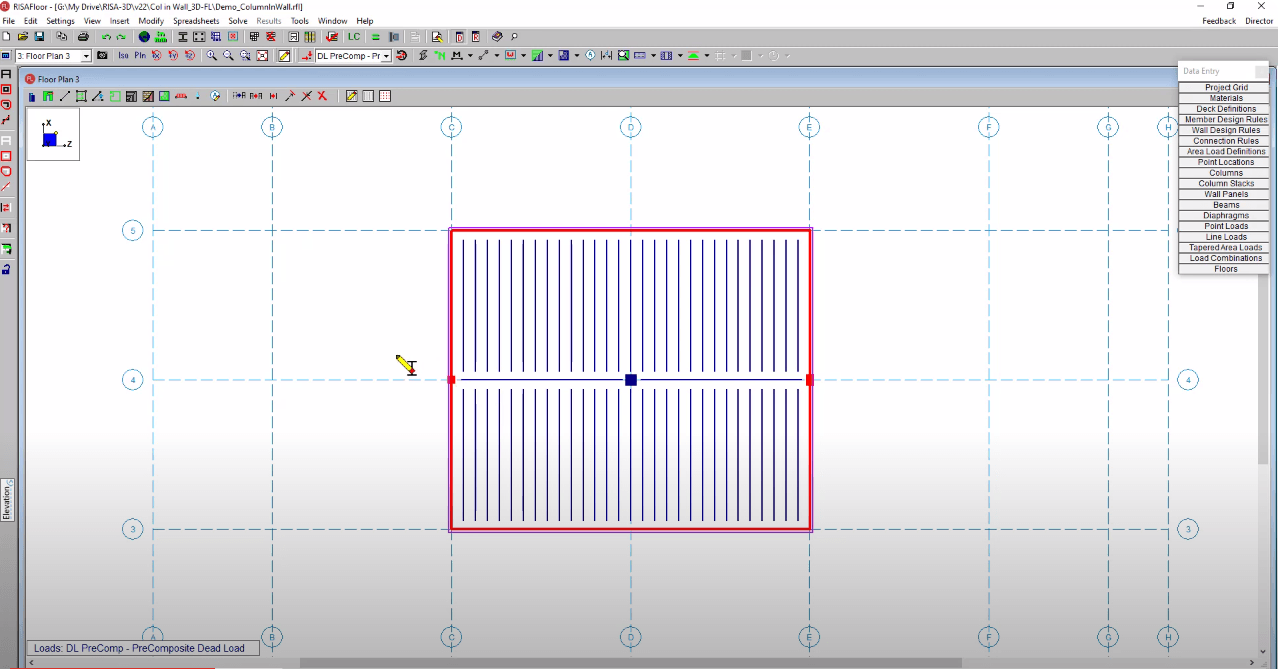
We're thrilled to announce the release of RISAFloor v18.0, packed with exciting new features to enhance your structural design experience. One standout addition is the Wall Panel Opening Quick Add & Editor Tool, designed to streamline your workflow like never before. With live dynamic dimensions...

Read More