January 23, 2026

A Day in the Life of a RISA-3D User

What does a typical day look like for an engineer using RISA-3D? From initial model setup to final analysis, RISA-3D simplifies complex structural design tasks, saving time and enhancing accuracy. This narrative follows an engineer tackling a mid-sized steel-framed warehouse project, showcasing how RISA-3D’s powerful features streamline every step of the process. 7:30 AM: Morning Coffee and Project Kickoff As the day begins, the first task is reviewing the new project’s scope. It’s a mid-sized steel-framed warehouse, and the architectural plans have just landed in the inbox. Armed with a fresh cup of coffee, the engineer opens RISA-3D, ready to create the initial model. One of RISA’s standout features becomes apparent immediately: its user-friendly interface. The engineer sets up grids and assigns materials in just minutes, appreciating the intuitive workflow that keeps everything organized from the start. 9:00 AM: Importing and Integration With the structural grid in place, it’s time to integrate the Revit model provided by the architects. The seamless RISA-Revit Link ensures a smooth import, saving hours of manual data entry. Columns, beams, and even structure geometry are automatically transferred, leaving the engineer free to focus on refinement. A quick visual review confirms that everything matches the architectural…

Read More

October 03, 2014

How to Model Support Lines with Parallel Walls

In RISAFloor ES, you draw a support line from support point to support...

Read More
September 11, 2014

How Do I Create Offset Connections in RISA-3D?

By default RISA-3D draws all members as line elements located at the...

Read More
July 01, 2014

Viewing the Deflected Shape in RISAFloor

The deflected shape is really helpful to understanding your model’s...

Read More
June 19, 2014

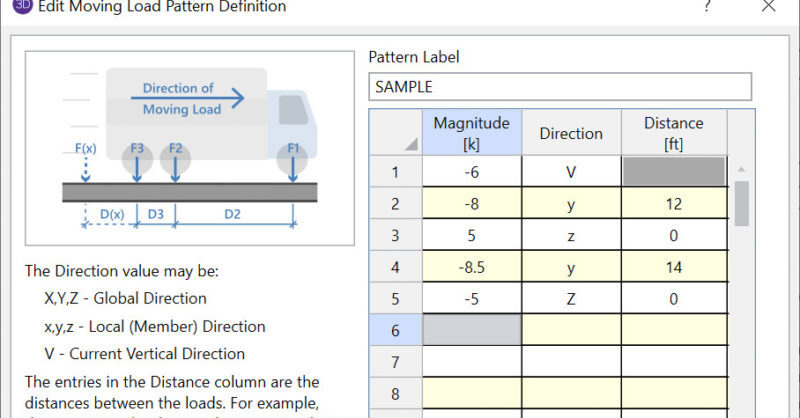
How to Use Moving Loads

RISA-3D and RISA-2D will allow you to add a moving load pattern to your...

Read More
June 10, 2014

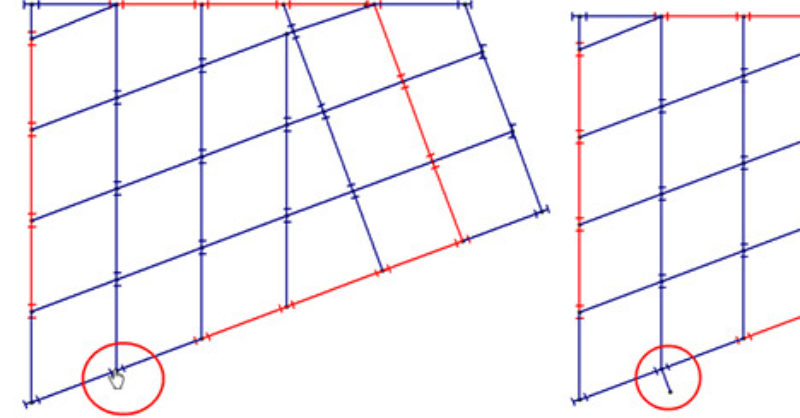
How to Model Column Outriggers in RISAFloor

RISAFloor now has the capability to model column outriggers. This feature...
Read More
May 07, 2014

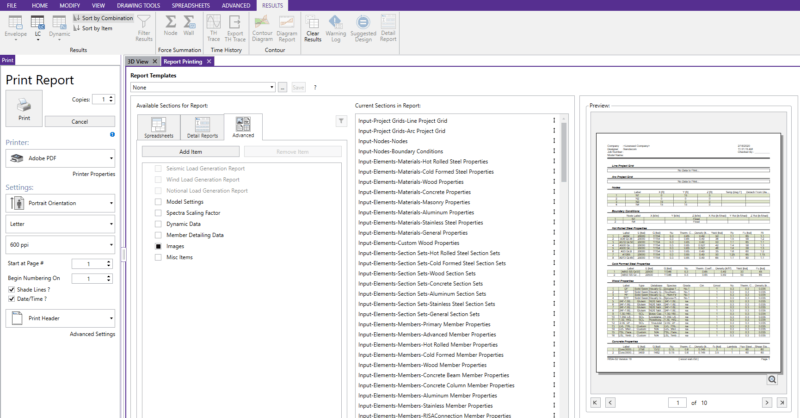
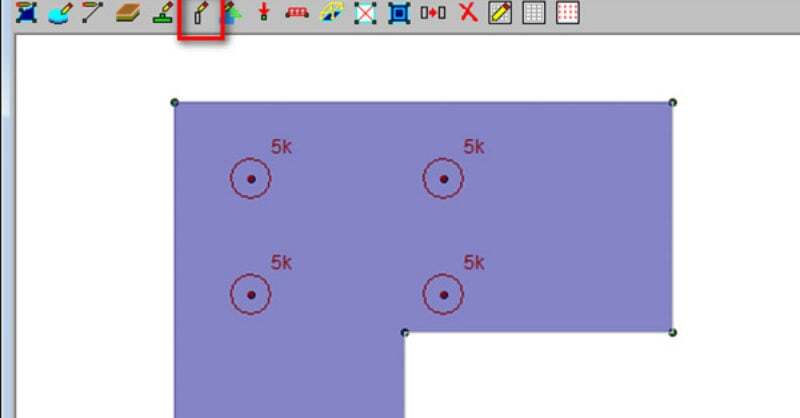
How to Build a Report with Spreadsheet Information, Graphic Images,…

Print reports can contain spreadsheet information, graphic views, detail...
Read More
April 22, 2014

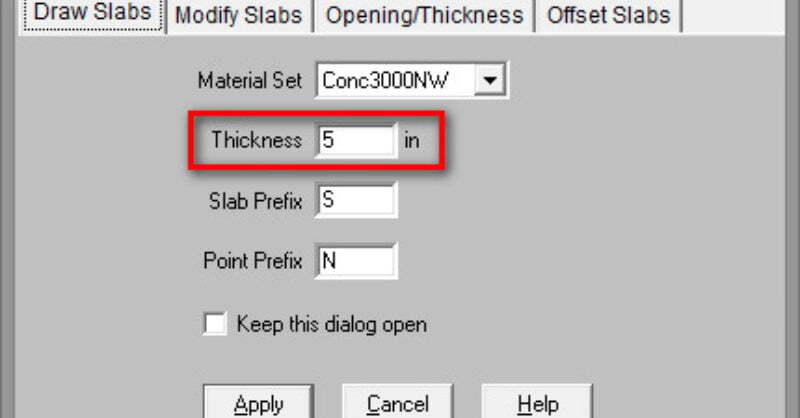
How can I check a Slab on Grade for Post Loads?

Need to first know how to model a slab on grade? See our Slabs on Grade...
Read More
April 15, 2014

Slab on Grade Design with RISAFoundation

RISAFoundation was originally created as mat slab design software, but...

Read More

Subscribe to Our Newsletter

Our monthly "Structural Moment" newsletter is the best way to keep up with RISA’s product updates, new releases, new features, training events, webinars and more...