


 By: RISA
Member Sign Conventions: Understanding It Across RISA Software
RISA software products use different moment sign conventions depending on...
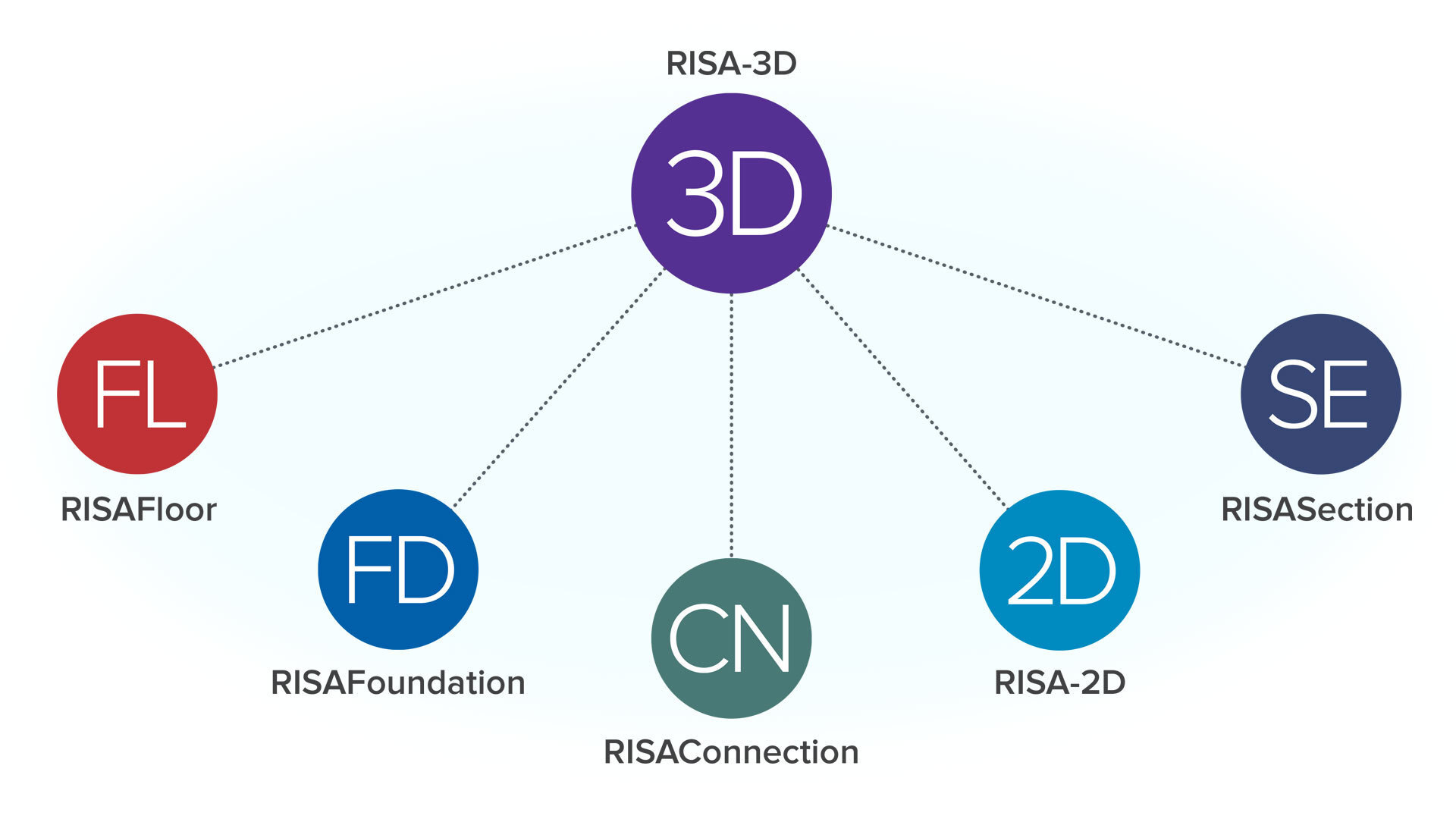
If your team relies on RAM Structural System for multi-story buildings, you’re used to a module-driven workflow that separates gravity, lateral, and foundation design. Moving to RISAFloor plus RISA-3D keeps the building-centric approach but offers a more integrated, transparent, and flexible experience.

In a typical RISA building workflow:
These two models are tightly linked so that gravity loads, framing, and diaphragms transfer automatically into the lateral model, helping you keep building behavior cohesive without switching interfaces.
When moving from RAM Structural System, plan to re-create your building layout while reusing as much existing information as possible.
A practical process is:
This approach lets you maintain a clear separation between gravity and lateral workflows while keeping the models synchronized.
For many firms, switching is about more than just replicating their previous workflow; it’s about taking advantage of broader capabilities.
With RISA you can:
This flexibility is especially valuable as more projects combine materials or require coordination across multiple disciplines.
As with any significant software change, incremental adoption helps your team adapt without disruption.
Start with:
These pilots let you refine your RISAFloor and RISA-3D templates, QA processes, and documentation standards before rolling out the workflow across your entire portfolio.
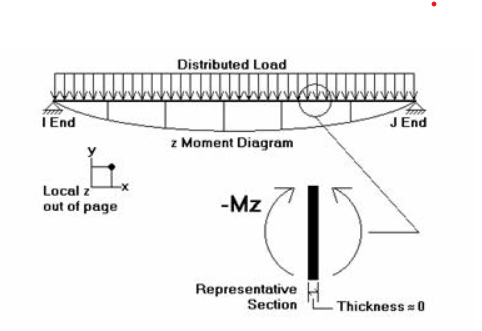
RISA software products use different moment sign conventions depending on...
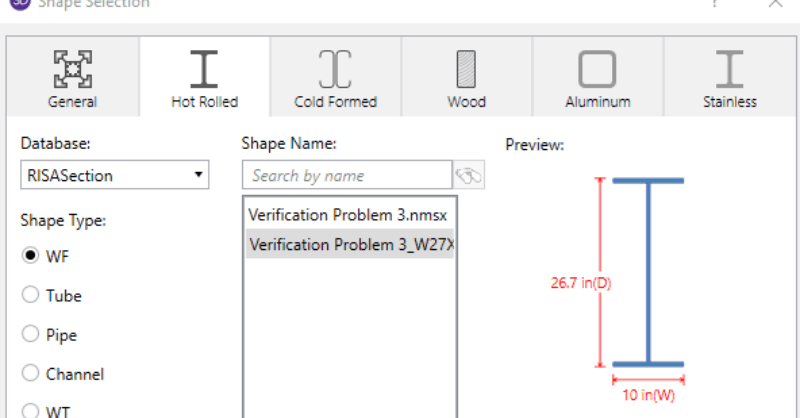
When using RISA Integration between RISASection and RISA-3D, RISA-2D...

Do you need to include your RISA results into your Excel spreadsheet?...