Tips & Tricks

January 1, 2026

Top RISA-3D Features Engineers Underuse

Powerful Tools Don’t Help If They’re Left Unused Many engineers evaluate analysis software based on core modeling and design checks. But once a demo is over, some of the most impactful features are the ones that quietly save time on real projects — especially mid-size jobs where efficiency matters most. These aren’t advanced edge-case tools. They’re everyday features that often go underused. Diaphragm Forces: See Load Paths Instead of Guessing Diaphragm force output is one of the most valuable — and least leveraged — parts of a full building model. Instead of relying on manual distribution or conservative assumptions, engineers can directly see how loads are flowing to vertical elements. For mid-size structures, this clarity can mean: Fewer overdesigned collectors More confidence in lateral load paths Faster review and revisions when layouts change Batch Results: Review Smarter, Not Longer Batch results allow engineers to review multiple load cases, members, or design checks in a single pass. Instead of hunting through individual reports, patterns become obvious quickly. On mid-size jobs, this speeds up: QA/QC reviews Iterative design changes Comparing “before and after” scenarios It’s not about skipping checks — it’s about seeing the full picture sooner. Design Iteration Speed Is the…

Read More

Automating Foundation Design with RISAFoundation
December 17, 2024

Automating Foundation Design with RISAFoundation

Why RISAFoundation is Essential for Today’s Engineers? Incorporating RISAFoundation into your foundation design process is more than just a time-saver—it’s a powerful tool for enhancing the accuracy and quality of engineering deliverables. By automating the most tedious and error-prone aspects of...

Read More
Enhanced
March 4, 2024

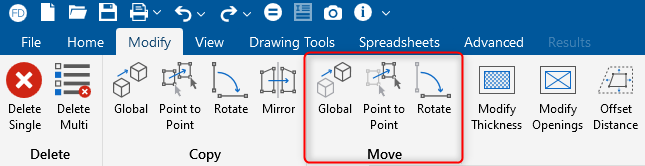
Enhanced "Move" Tools in RISAFoundation

RISAFoundation includes the added ability to move selected foundation elements. This includes beams, wall footings, piles, pedestals, slabs, etc. To access the move tools, click on the Modify tab in the toolbar.

Read More
New Tools for Modification of Slabs in RISAFoundation
February 15, 2022

New Tools for Modification of Slabs in RISAFoundation

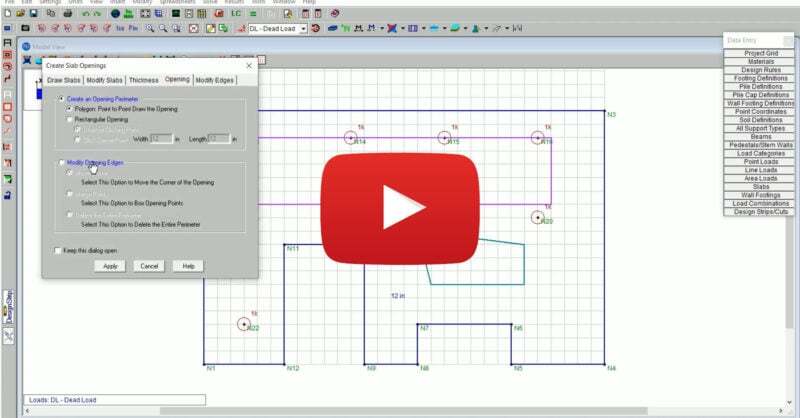
RISAFoundation Version 14 includes new and improved tools for the modification of slab edges, openings and thickness. The new version allows users to easily modify corner points of thickened regions or openings by first selecting the corner and then dragging it to a new location. Additionally,...

Read More
New Tools for Modification of Elevated Slabs in RISAFloor ES
February 15, 2022

New Tools for Modification of Elevated Slabs in RISAFloor ES

RISAFloor Version 16 includes new and improved tools for the modification of openings, slab regions and thickness. The new version allows users to easily modify corner points of thickened regions or openings by first selecting the corner and then dragging it to a new location. For more information...

Read More
Smart Tools for Tendon Entry and Modification in ADAPT-Builder
December 17, 2021

Smart Tools for Tendon Entry and Modification in ADAPT-Builder

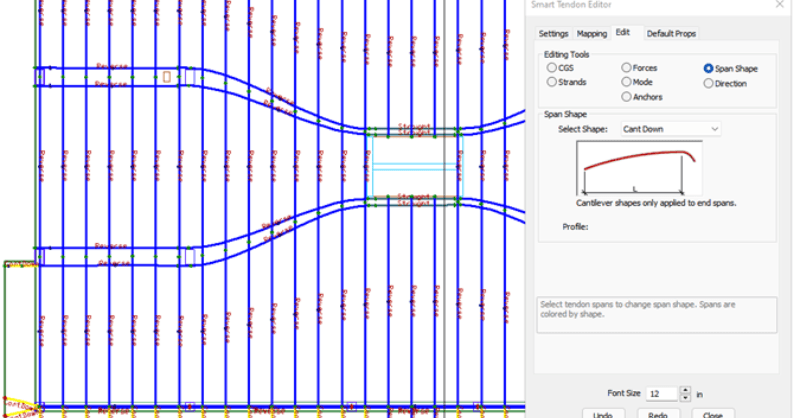
ADAPT-Builder v21 now includes a new set of Smart Tools that assist the user in efficient modeling and modification of tendons. These tools include smart creation of tendons where the tendon spans and shapes are determined by the program based on the location of support lines or banded tendons...

Read More
Tips & Tricks for Modeling in ADAPT-Builder
August 19, 2020

Tips & Tricks for Modeling in ADAPT-Builder

Modeling complex structures in any structural analysis and design software can be cumbersome. ADAPT-Builder provides users with straightforward modeling operations and functionality within an easy to navigate user interface which allows for efficient model creation. The resources below outline the...

Read More
Drawing Grid and Other Modeling Improvements
October 4, 2018

Drawing Grid and Other Modeling Improvements

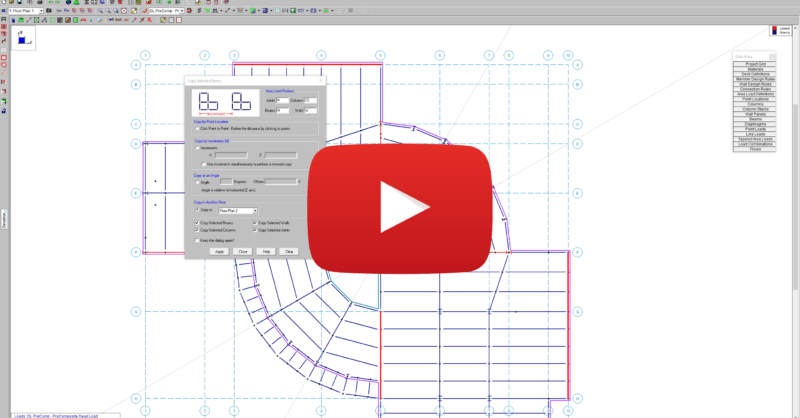
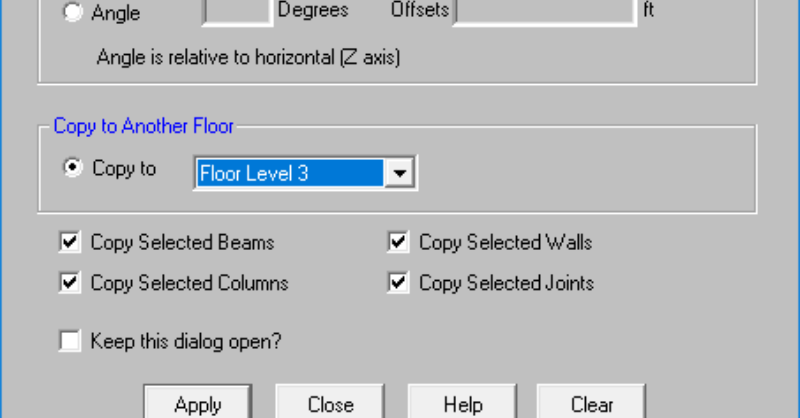
RISAFloor v13 includes a variety of modeling features which allows users to quickly create and manipulate geometry. These features include construction lines, saved selections and copy elements from floor to floor. Overall, these features can be used to help engineers streamline their modeling...

Read More