How to View Step Results for Moving Loads in RISA-3D?
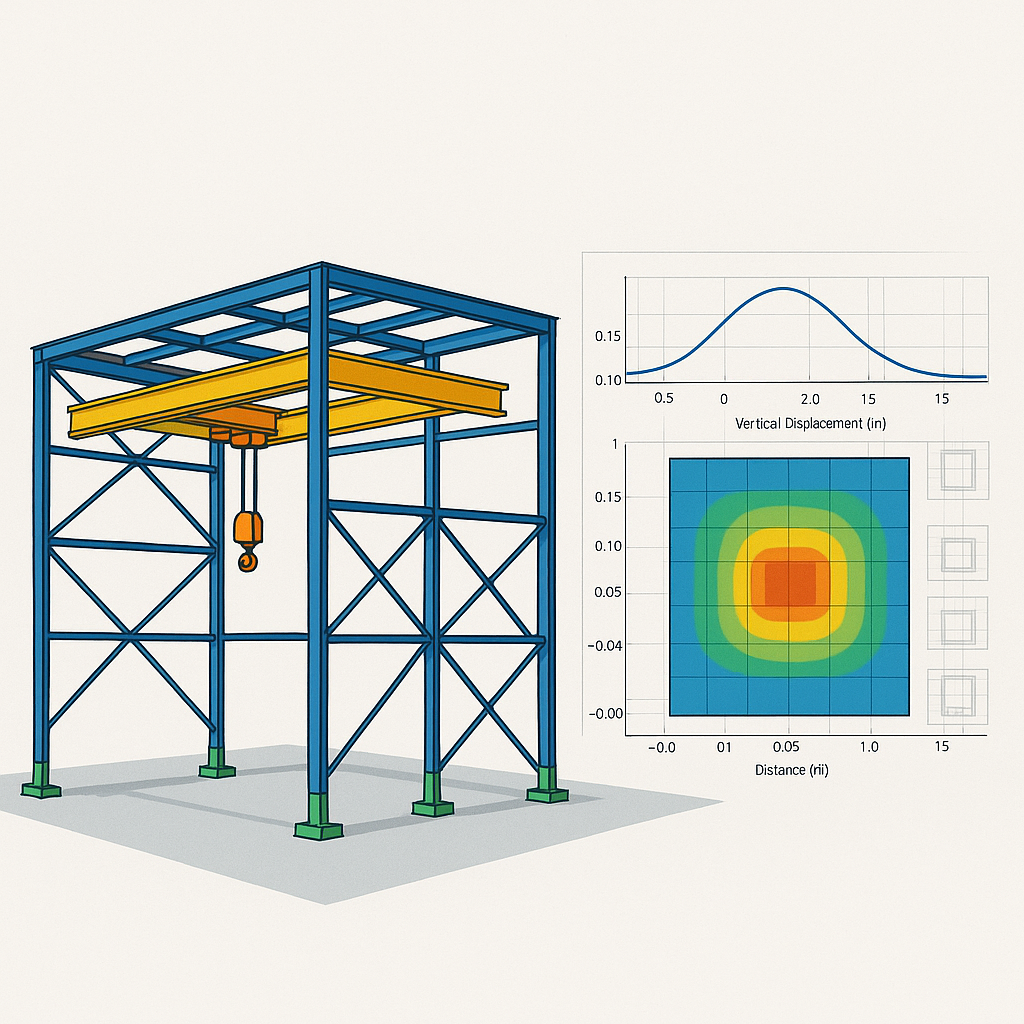
In RISA-3D, moving load results are generated by simulating a load that...
Wall panels in RISA-3D let engineers design and analyze multiple structural systems in a single model. Correctly applying boundary conditions at wall panels is critical to accurately represent the structure’s behavior. This FAQ answers common questions about how to set up wall panel boundary conditions and how RISA-3D handles them in the analysis. How do I apply continuous boundary conditions along a wall panel edge? 1. Open the Wall Panel Editor Double click on the wall panel in the 3D view to open editor Use this editor to customize the wall panel including adding openings, changing materials, and assigning boundary conditions 2. Select Boundary Conditions Click the Boundary Conditions button in the upper left corner under the Walls tab Use one of the preset options as a starting point: Free, Fixed, Pinned, or Roller For custom restraints, set each degree of freedom (DOF) to Reaction or Free 3. Assign Boundary Condition at an edge Click on a snap point along the edge of the wall where you'd like to apply the boundary condition The boundary condition will be applied to the entire length of the edge selected Once assigned, the wall boundary condition will show in orange in the model…
Read More
In RISA-3D, moving load results are generated by simulating a load that...
Ready to see how a small firm can scale big with the right tools? Discover...
RISA-3D is one of the most versatile structural modeling software...
Jeff Puerner is a Senior Software Engineer and Architect at RISA, with a...
Designing resilient infrastructure to tackle climate change and natural...
RISA is pleased to announce the release of the latest of RISAConnection...
We're excited to unveil the latest advancements in structural design with...
Black History Month is a month-long celebration in the United States that...
RISAFloor ES allows users to analyze Long Term Deflection for Concrete...
Our monthly "Structural Moment" newsletter is the best way to keep up with RISA’s product updates, new releases, new features, training events, webinars and more...