


 By: RISA
RISA-3D to RISAFoundation: Getting Reliable Foundation Results
When you transfer a model from RISA-3D into RISAFoundation, you expect the...
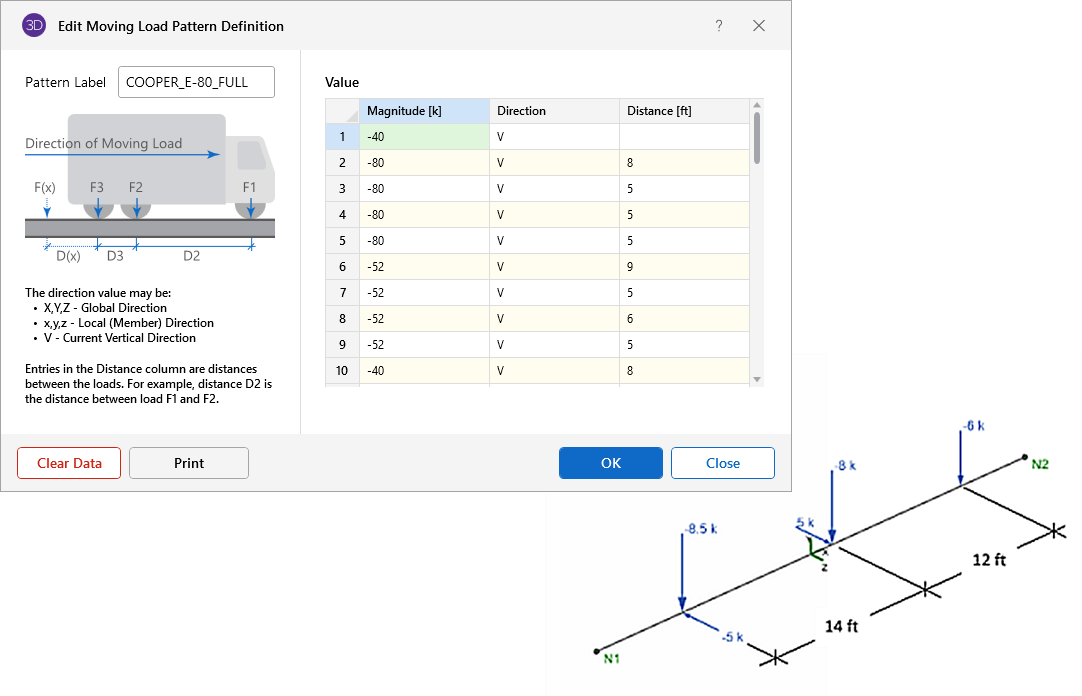
In RISA-3D, moving load results are generated by simulating a load that moves across a structure in defined increments. These loads are often used for designing bridges, cranes, or other structures where dynamic loads shift across the structure over time. Moving loads are complex because they involve numerous load steps, each with its own set of internal forces and deflections.
Due to the large number of iterations, RISA-3D envelopes moving load results, meaning only the maximum and minimum values for each member or section are shown. This helps simplify the output and avoids an overwhelming volume of data. However, to view individual load steps for detailed analysis, a different approach must be used.
Viewing and Creating Moving Load Steps in Load Combinations
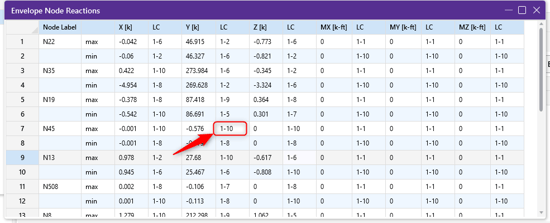
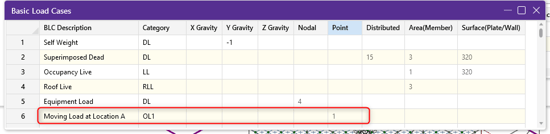
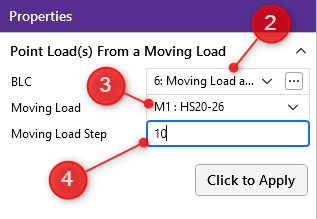
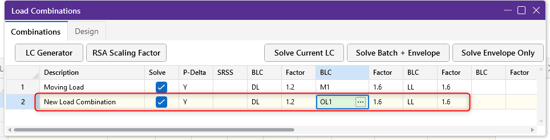
To review moving load results such as deflections and force diagrams step by step in RISA-3D, you need to generate load combinations that reflect individual moving load steps. Here’s how you can view and create these steps:

Other Applications When this is Useful
Moving load step results are not just useful for reviewing forces and deflections—they play a critical role in integrating with other tools and software. Here’s how:
Have more questions about moving loads in RISA-3D? Contact our support team or explore our Help File for further assistance.

When you transfer a model from RISA-3D into RISAFoundation, you expect the...

RISAConnection is designed to work directly with your RISAFloor and...
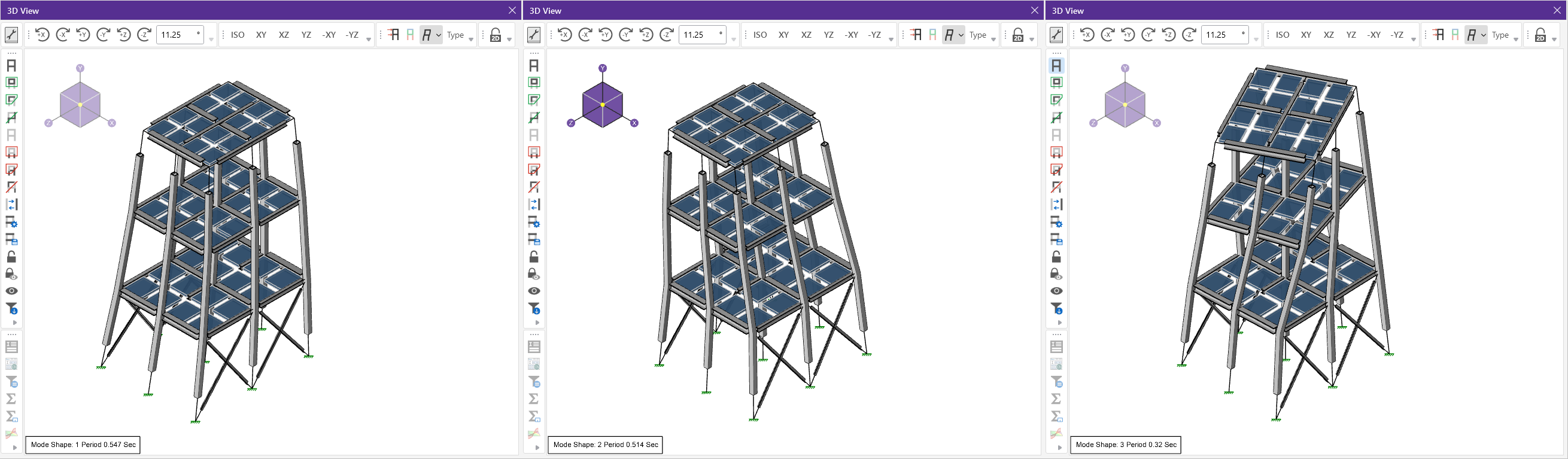
Welcome to a high-level walkthrough of dynamic analysis in RISA-3D! This...