Defining Connections: Column to Beam Connections
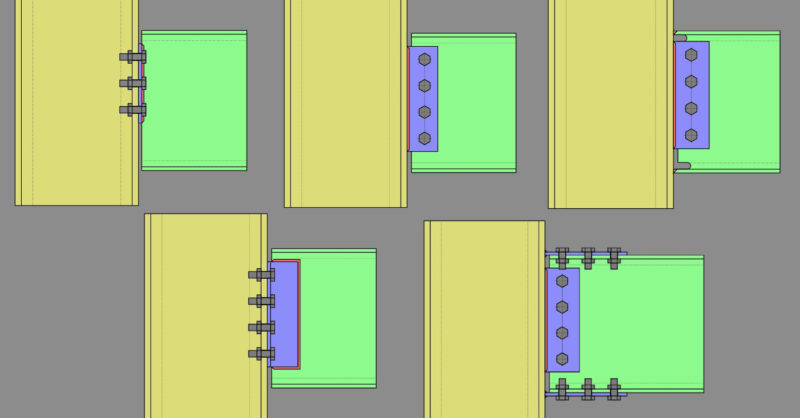
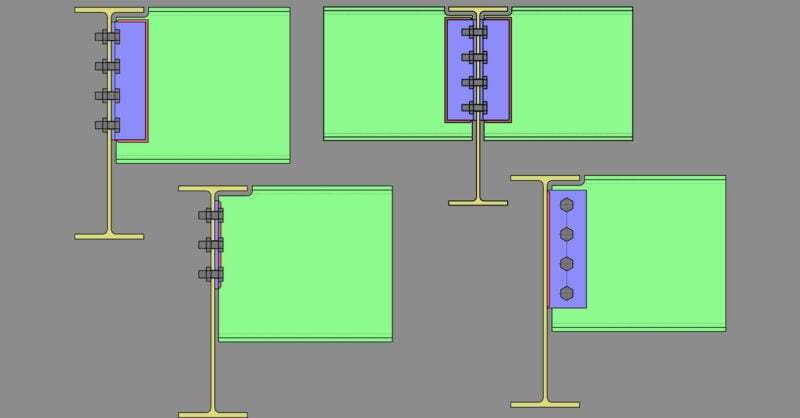
Member Configuration The connection rule must be applied at the end of the...
Rigid diaphragms in RISA-3D distribute lateral loads across a floor without requiring the engineer to apply loads individually at each lateral member. Lateral loads can be generated automatically using RISA’s built-in load generator or applied manually when the engineer requires greater control over the load location, load category, or loading condition. When the built-in load generator is used, RISA-3D calculates the total lateral load, wind or seismic, and applies it as a point load. The program also creates additional nodes representing the structure’s center of gravity and offset locations relative to that center of gravity. These nodes allow the program to apply the primary lateral load as well as accidental torsion load cases associated with the specified eccentricities. When manually applying a lateral load to a rigid diaphragm, several modeling steps and stability considerations are required. This example demonstrates how to manually create comparable loading conditions to the built-in load generator for a rigid diaphragm in RISA-3D. This workflow applies specifically to models that use rigid diaphragms. It is not intended as general guidance for selecting a diaphragm type or for manually applying wind and seismic loads in all RISA-3D modeling situations. Engineers should first confirm that a rigid diaphragm…
Read More
Member Configuration The connection rule must be applied at the end of the...
Our monthly "Structural Moment" newsletter is the best way to keep up with RISA’s product updates, new releases, new features, training events, webinars and more...