




 By: RISA
What is a Semi-Rigid Diaphragm?
RISAFloor Concrete Floor Slabs can design be transferred into RISA-3D...
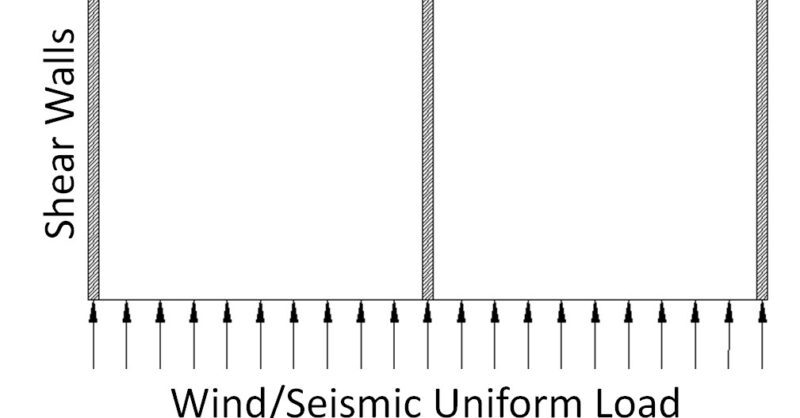
RISAFloor now has the ability to model a Semi-Rigid, Rigid or Flexible diaphragms to distribute lateral loads. For more information about the different diaphragm types, click on the link below.
Link: RISA Help: Diaphragms
Link: What is a Semi-Rigid Diaphragm?
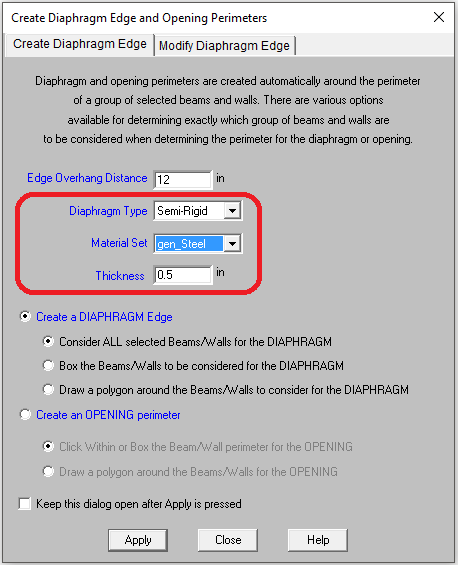
On a beam supported floor, you create a diaphragm edge by clicking this icon: and then choose the Semi-Rigid option. The semi-rigid diaphragm is modeled using plates from the General- Material spreadsheet. The thickness in combination with the material stiffness should be based on the lateral stiffness you expect from your diaphragm.
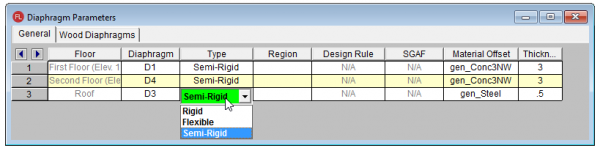
Existing models can be modified by changing the diaphragm type in the Diaphragms spreadsheet.
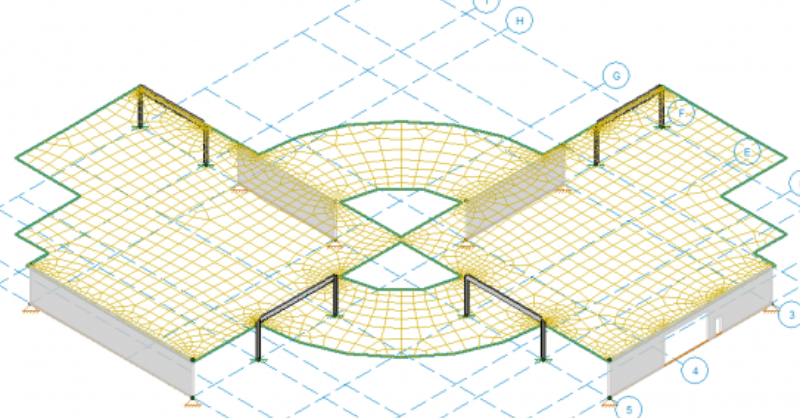
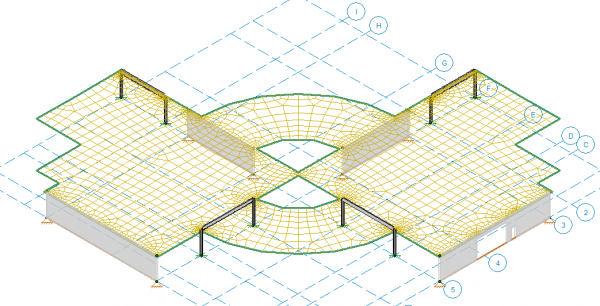
The Semi-Rigid diaphragm will be automatically submeshed in RISA-3D. After a solution is present, you can view the submesh for reference (Model Display Options- Diaphragms tab).
RISAFloor Concrete Floor Slabs can design be transferred into RISA-3D...
When modeling building structures using steel or composite steel...
The ability to detach a wall panel from a diaphragm was a feature added...