


 By: Admin

Canadian Wood Design now Available
Timber design per the Canadian CSA 086-2009 design code is now...
RISAFloor has the capability to design wood I-Joists based on tables provided by the manufacturer, or provided by you. When modeling beams in RISAFloor, choose the Wood Product material, and choose a joist manufacturer from the shape group.

If you would like to add a manufacturer’s database to the program which is not listed, or if you would like to modify the capacities of the existing databases, you can do so through Microsoft Excel. The databases are stored in the following folder:
C:\RISA\Wood Schedules\I-Joists

When you solve the model the program will determine the maximum moment and shear for each joist and choose the lightest adequate size from the database.

Timber design per the Canadian CSA 086-2009 design code is now...

The latest versions of RISA-3D and RISAFloor now incorporate the AWC...
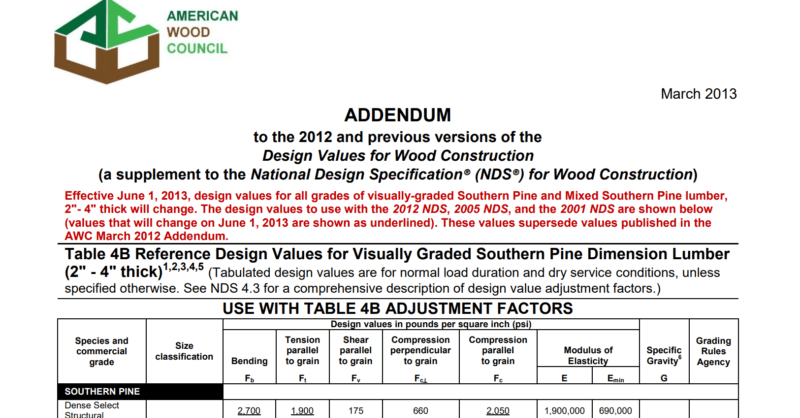
You may notice discrepancies in the wood design values when...