


 By: RISA
How to Apply a Tapered Load to Plates in RISA-3D
It’s easy to apply tapered surface loads to plates in RISA-3D by...
Nodes may be small, but they have an outsized impact on your RISA-3D model. They control how loads are transferred through your model. Missing or misplaced nodes can change analysis results if you don’t understand how they influence element behavior. Here are some of the most common ways nodes can affect your design behind the scenes.

Plates only transfer load and stiffness through their corner nodes.
Use the Auto Submesh Plates tool to mesh the plate into smaller sections and make sure there is a corner node at crossing members. This tool can be used after the plate is already drawn or automatically while drawing in the plate.
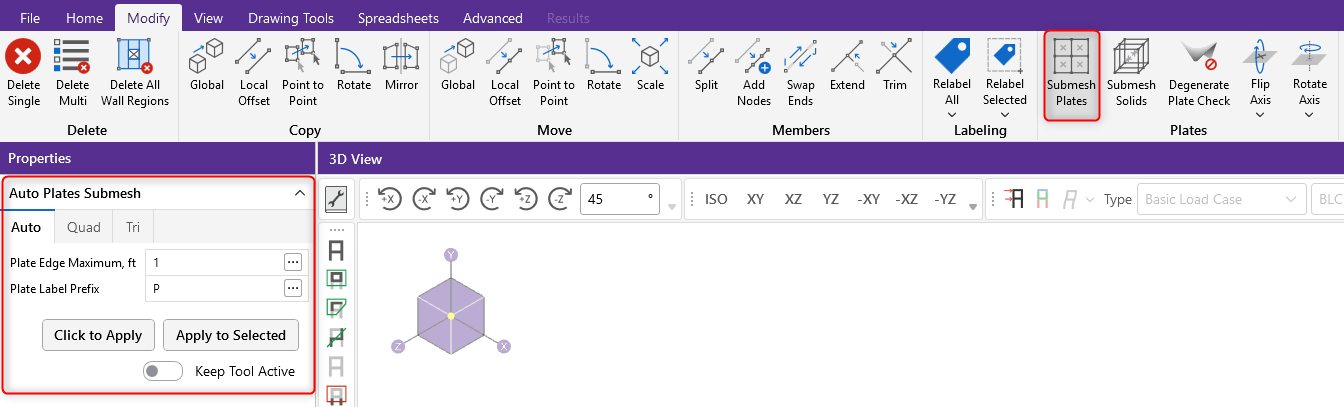
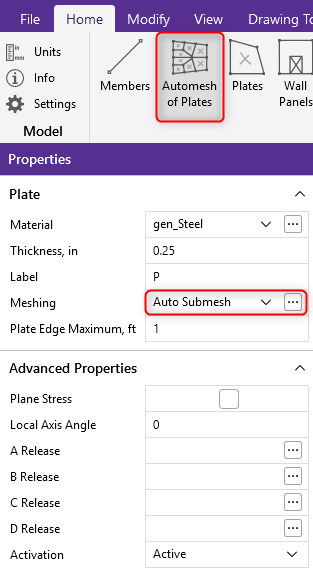 Use “Automesh of Plates” tool under the “Home” tab to automatically submesh plates as they are drawn.
Members can only transfer load at node locations. Members will behave independently if a node is not located at an intersection.
Add a node at the intersection if crossing members should be transferring load based on your design
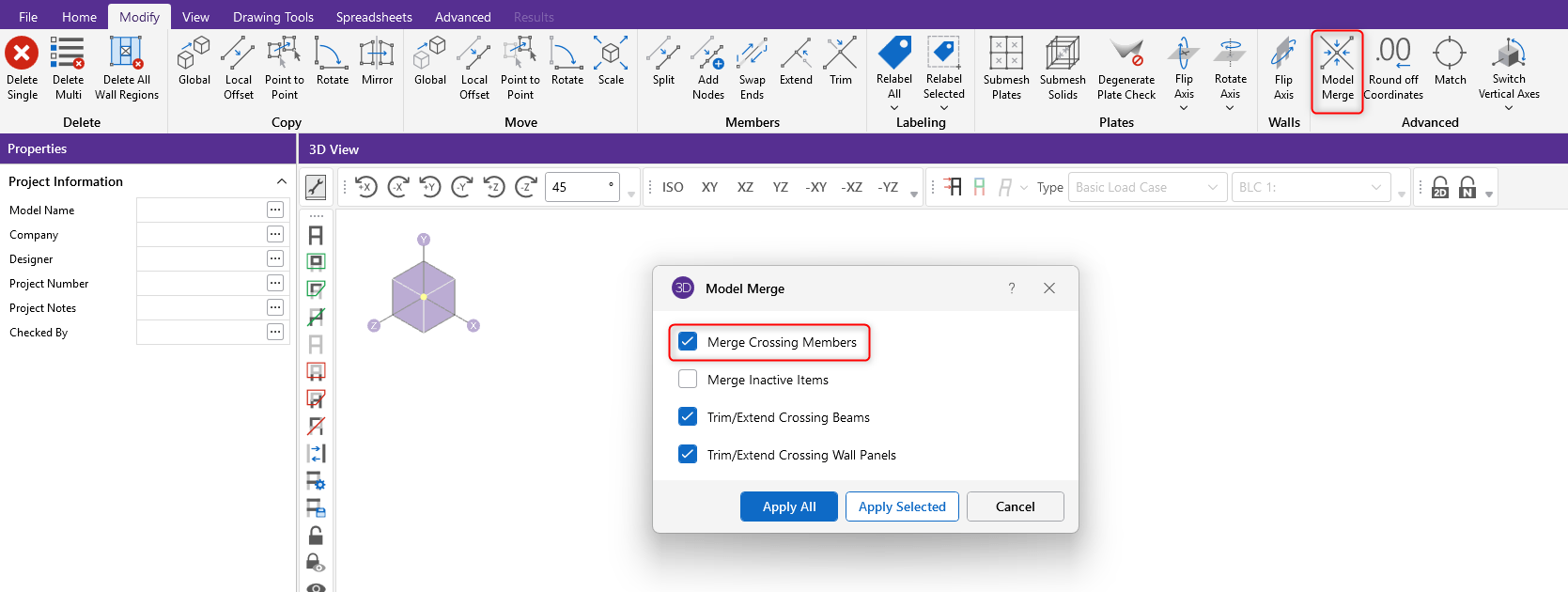
Use the Model Merge tool to automatically add nodes at member intersections.
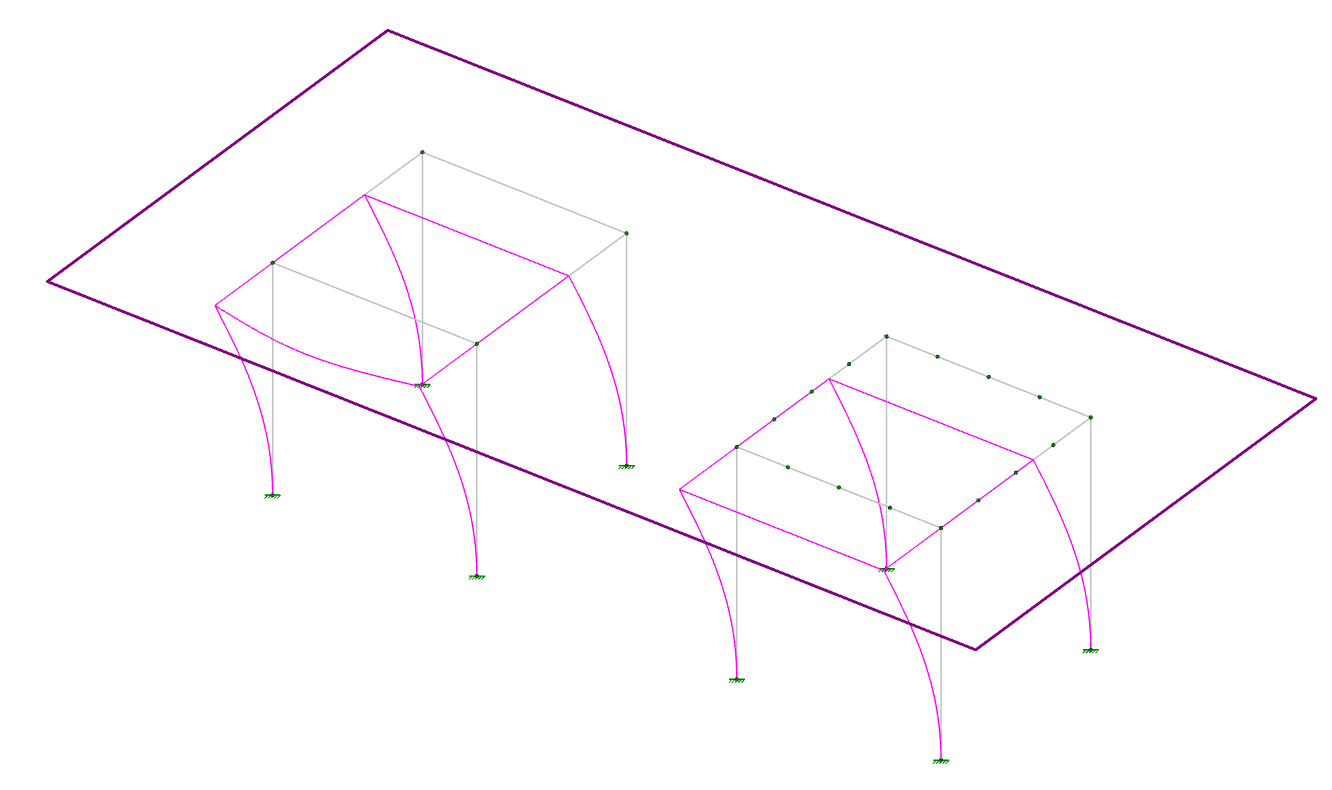
RISA-3D connects all the nodes at the diaphragm plane together using a hidden set of rigid links.
Determine what diaphragm behavior aligns with your design intent
If the beams are tied into the diaphragm, add nodes along the member to provide additional points of rigid connection
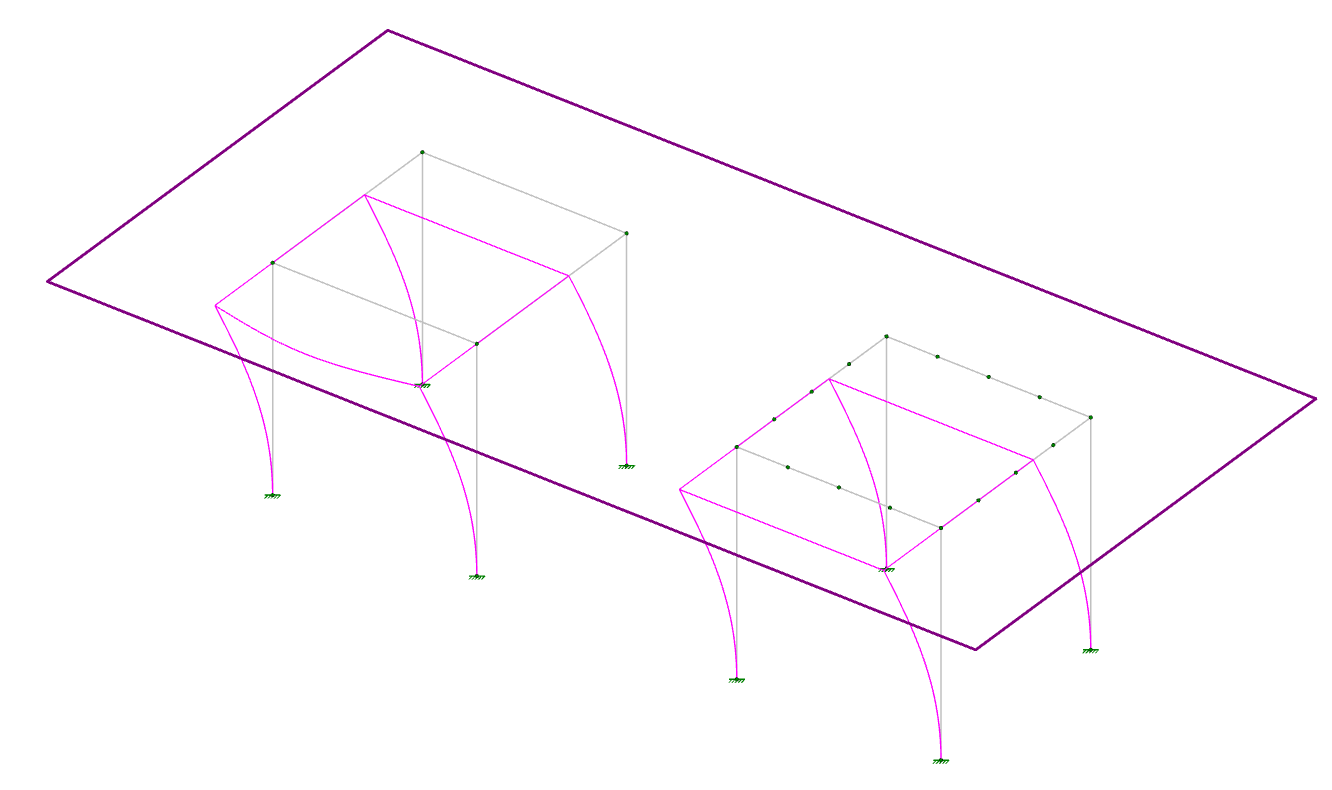
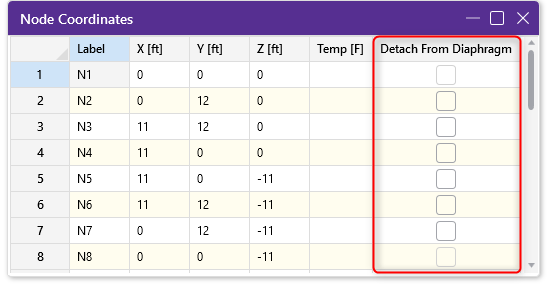
Use the Add Nodes tool to add nodes along a member without needing to draw multiple members.

RISA-3D assumes members are fully unbraced unless specified otherwise. The Segment command is a quick way to limit the unbraced length by assigning brace points at node locations.
Review members using the Segment command for stray nodes that might be inaccurately bracing your member.
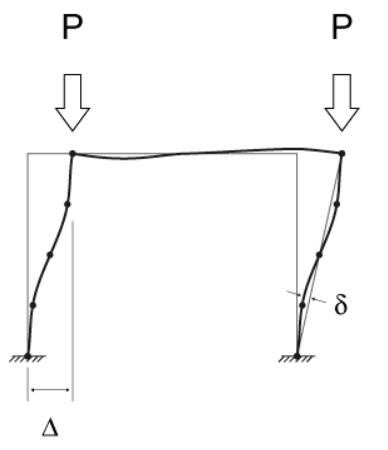
RISA-3D uses the Standard Nodal Shear Method to approximate the effects of P-Delta on the member analysis. This method relies on the end-joint displacements which can be referred to as P-Big Delta analysis. P-Little Delta forces are based on the rotation of the member along its length.
To better account for P-Little Delta, strategically add nodes where displacement is greatest along the column.
Node temperatures assigned in the Node Coordinates Spreadsheet serve as the ambient temperature of the structure.
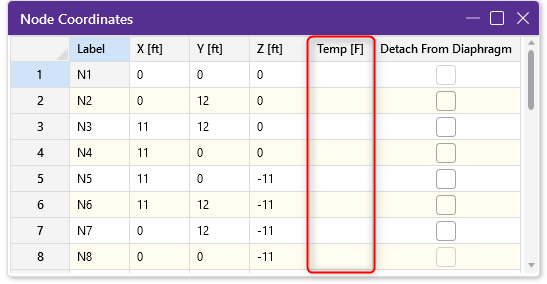
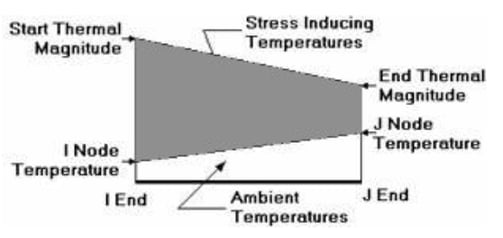
Use thermal loads to simulate prestress loading in your members by defining intentional temperature differentials. Learn more about this application in the Help File below.
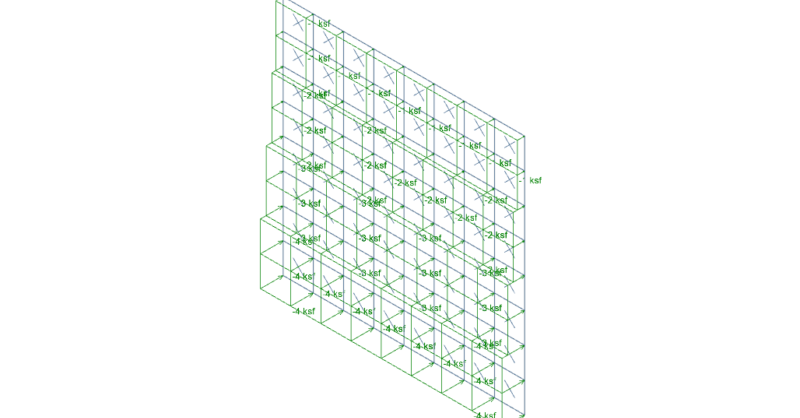
It’s easy to apply tapered surface loads to plates in RISA-3D by...
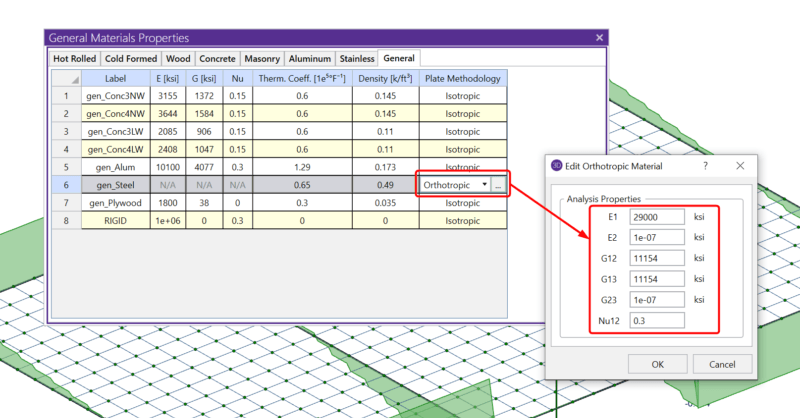
RISA-3D includes the ability to define the plate methodology of a...
Read the Understanding Plate and Member Interaction in RISA article...