


 By: Admin
Partial Fixity End Releases in RISA-3D
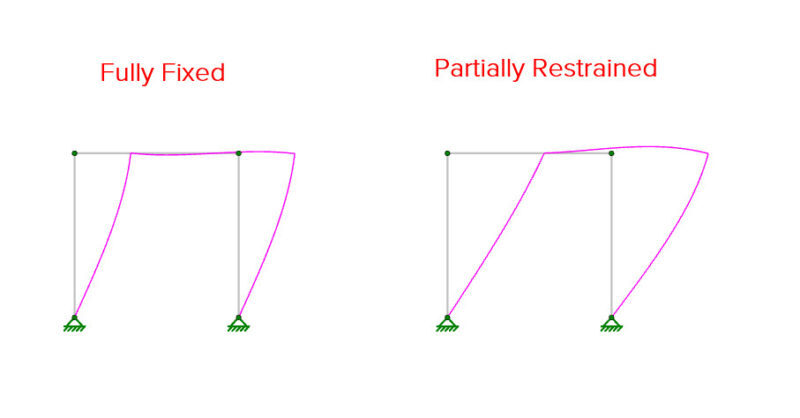
RISA-3D v17.0 now has the ability to model partial fixity member end...
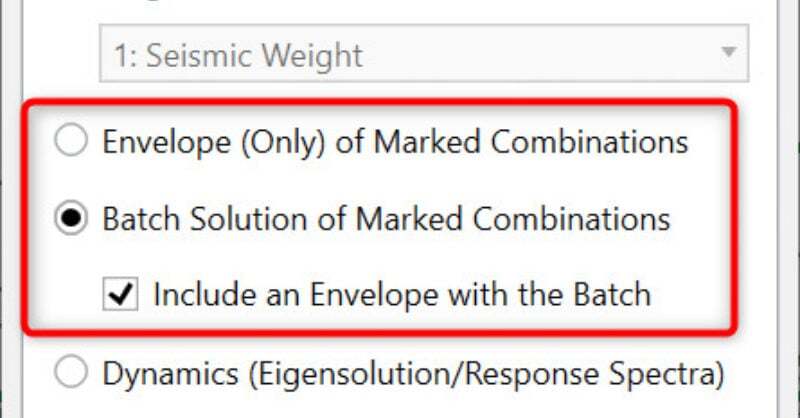
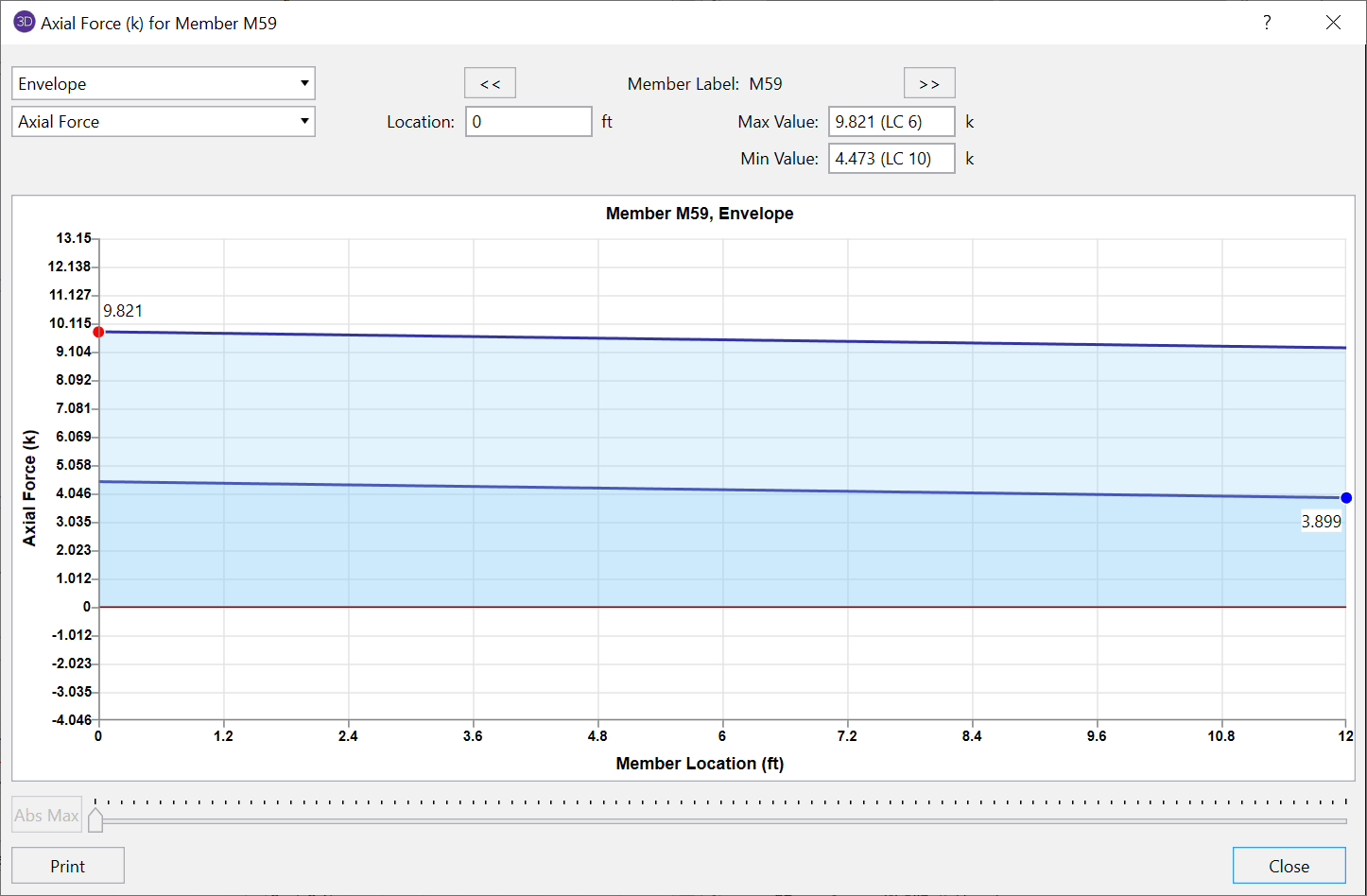
RISA-3D v14 introduced envelope detail reports for all material members. This means that you can see the enveloped solution (force diagrams and governing code check values) in the detail report for each member when you solve either an Envelope or Batch + Envelope solution type.
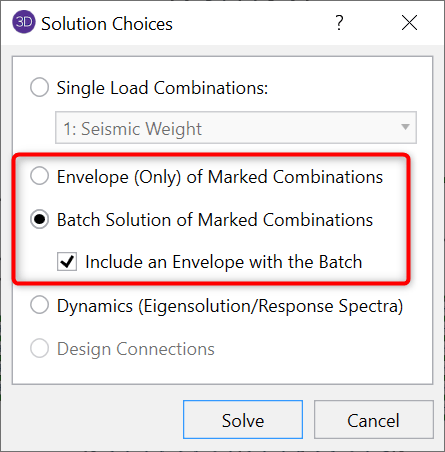
This is available for the following material types:
Hot Rolled Steel
Cold Formed Steel
Concrete
Aluminum
Wood
General
If you have solved a Batch + Envelope solution, you can scroll through the individual load combination results and the Envelope results using the drop down menu on the upper left of the detail report.
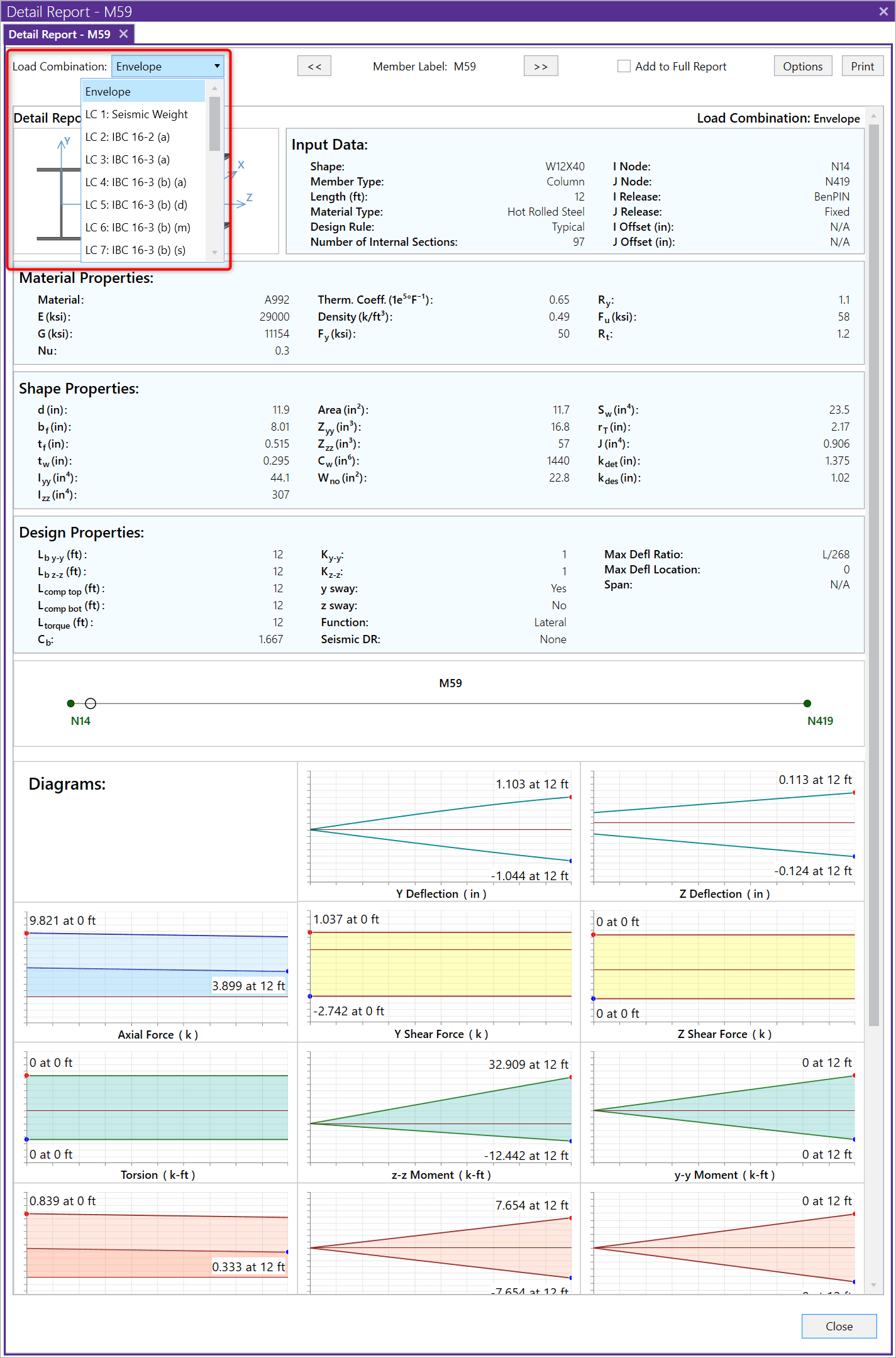
When you open an enveloped detail report, you will see enveloped force diagrams and the governing load combination reported for each code check.
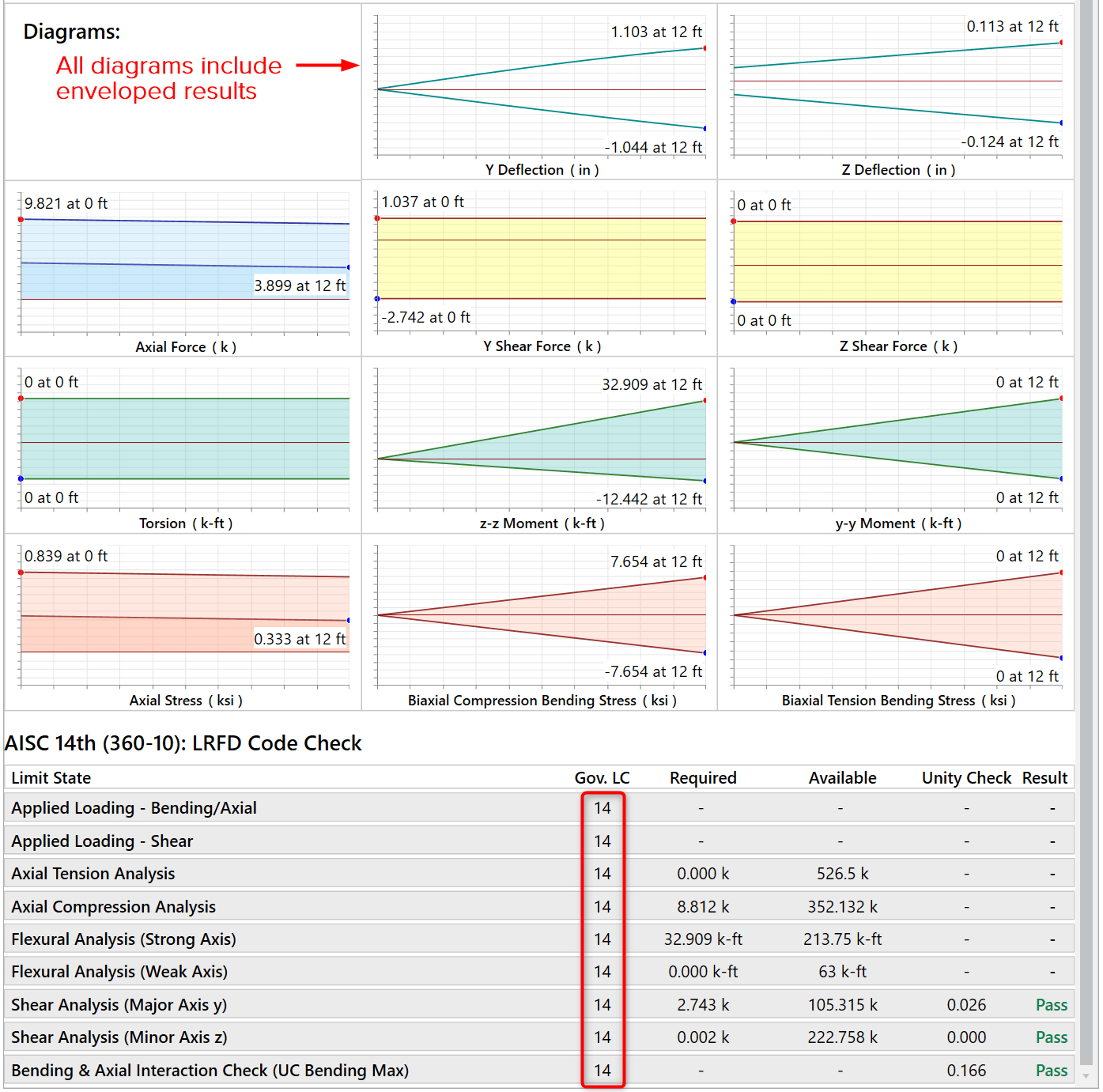
You can click on any force diagram to open the interactive force diagram which also shows the enveloped values.
RISA-3D v17.0 now has the ability to model partial fixity member end...
A question that we are asked from time to time in technical support...
New in RISA-3D v14 is the introduction of a Time History analysis...