


 By: RISA
Do You Ever Get the “LOCKED” Message on a Simple Beam Model?
Do you get an instabilities warning when you’re trying to do a simple...
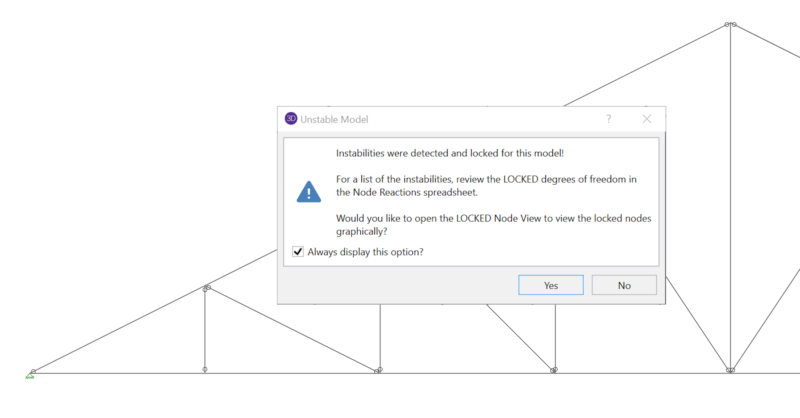
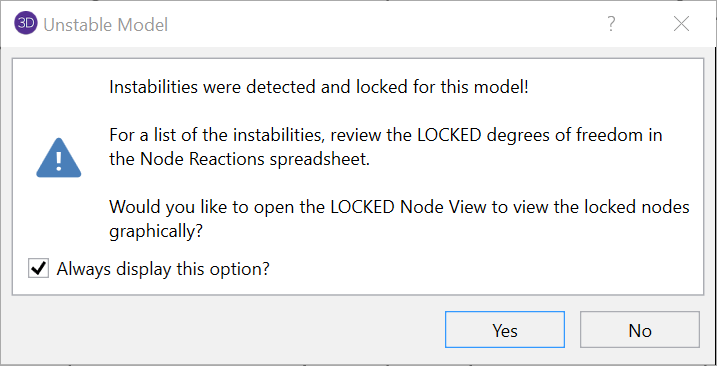
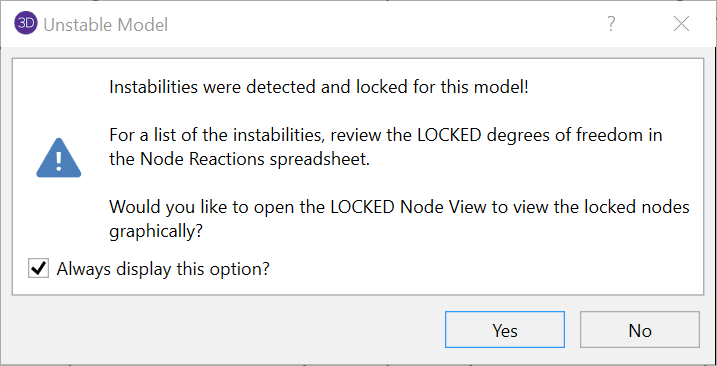
When running a truss model in RISA-3D or RISA-2D, it’s quite common to receive an instability warning, but these can be easily resolved by following a few simple rules.
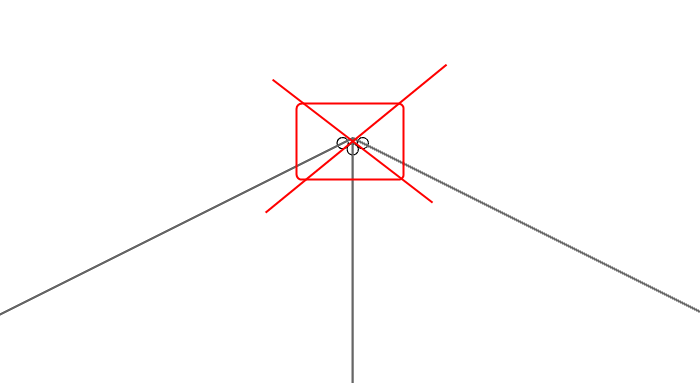
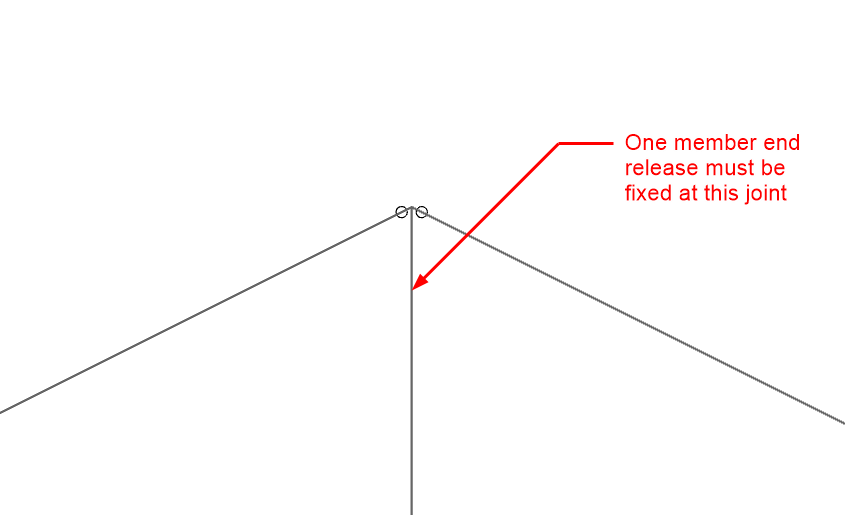
Every joint in your model needs to have at least one member with a fixed end release. In trusses, it’s typical to have all members with pinned end releases so be sure to change the end releases to comply with this rule.
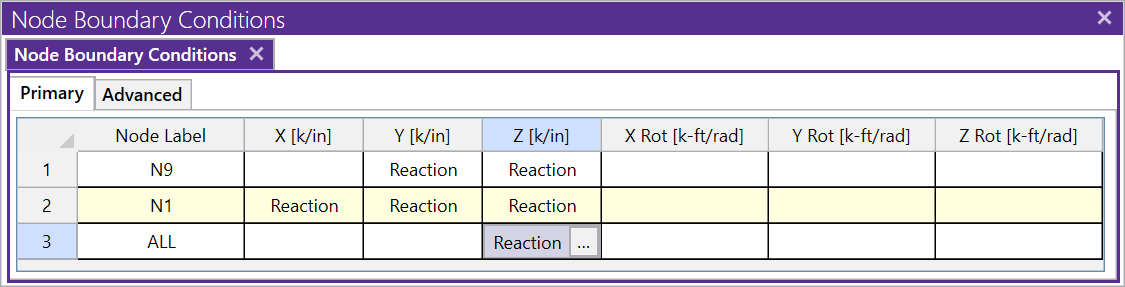
Brace the truss so it doesn’t “flop” out of plane. You can do this by creating an additional boundary condition to brace all of the joints for any out of plane motion. Assuming the truss is in the XY plane, below is the boundary condition you can add:
Do you get an instabilities warning when you’re trying to do a simple...
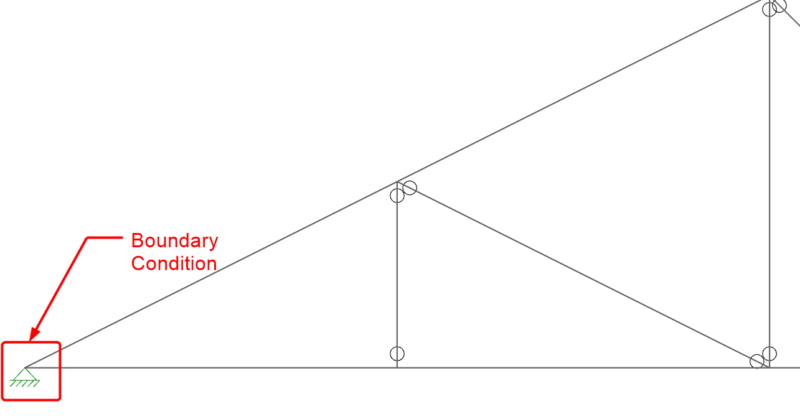
When it comes to trusses in RISA-3D, boundary condition definitions...
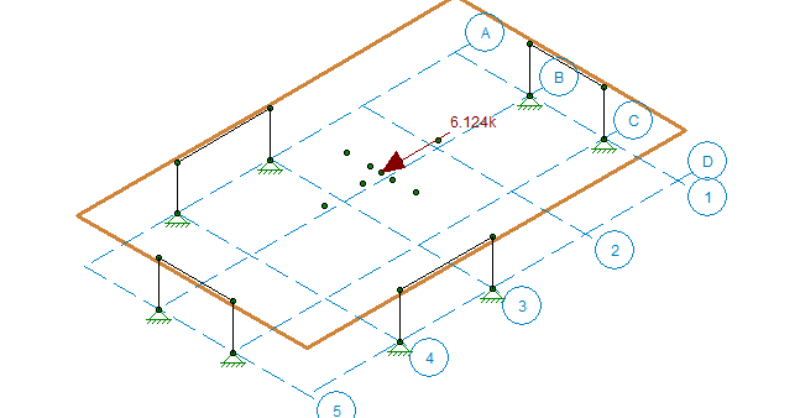
In a model that contains both RISAFloor and RISA-3D data it is possible...