




 By: Admin
Viewing the Deflected Shape in RISAFloor
The deflected shape is really helpful to understanding your model’s...
In order to model built-up or composite sections, RISASection includes the Property Multiplier, an input value which specifies the relative weight of the shape’s modulus of elasticity to that of the overall section. This value can also be used to model a void or a hole in the shape.
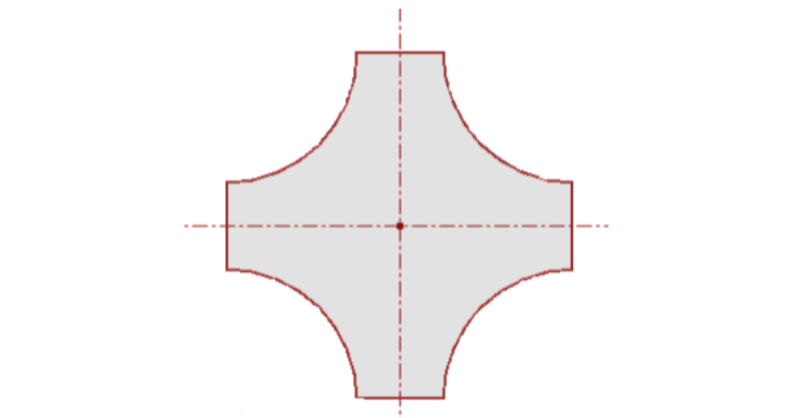
For instance, the section below can be difficult to model using only built up shapes. But if you utilize the void option, it becomes easy to model.
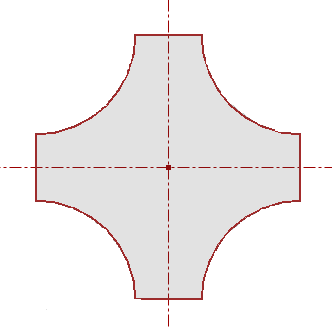
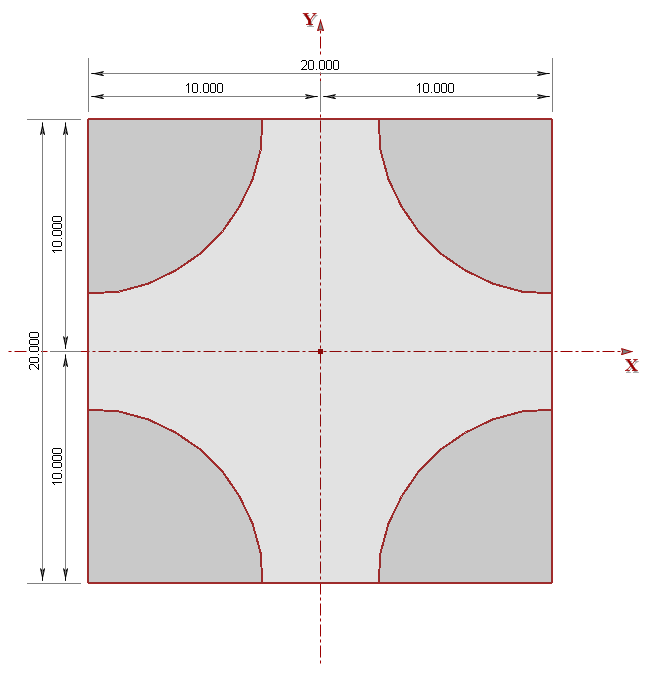
Using concrete quarter circle shapes to model the voided areas, place these shapes at the corner locations of the original concrete square shape.
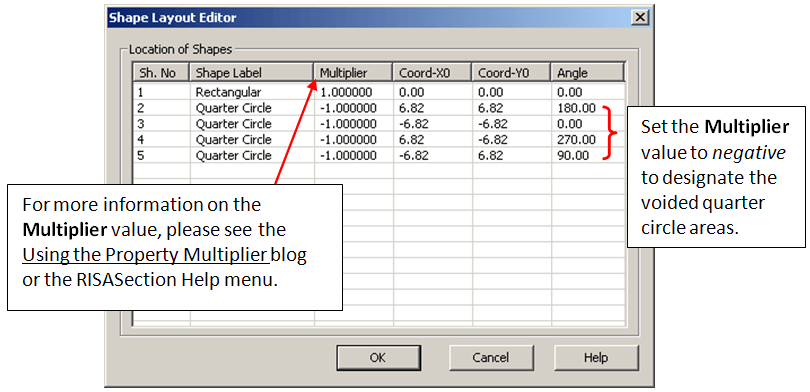
Access the Shape Layout Editor by selecting Shape Layout from the Section menu. In this menu, you can manually change the Multiplier value to 1 for the rectangle and to -1 for all four of the quarter circle shapes.
Making these shapes negative will void out the corners of the original concrete square and thereby update the Properties results to reflect the reduced section.
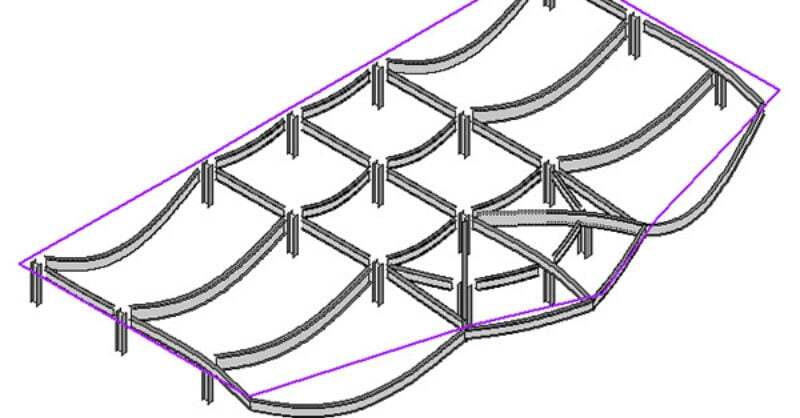
The deflected shape is really helpful to understanding your model’s...
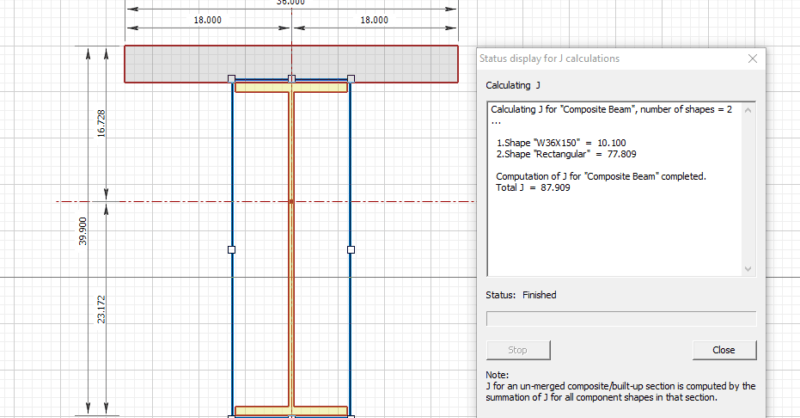
RISASection v2 includes updated torsional shape properties for a more...
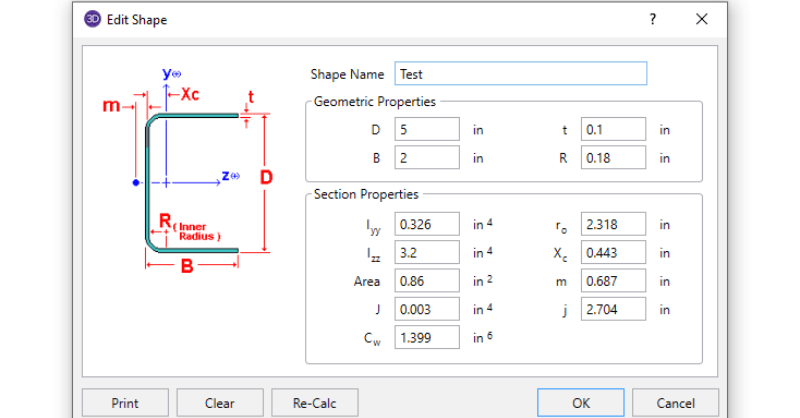
In order to get code calculations, RISA-3D and RISA-2D need to know...